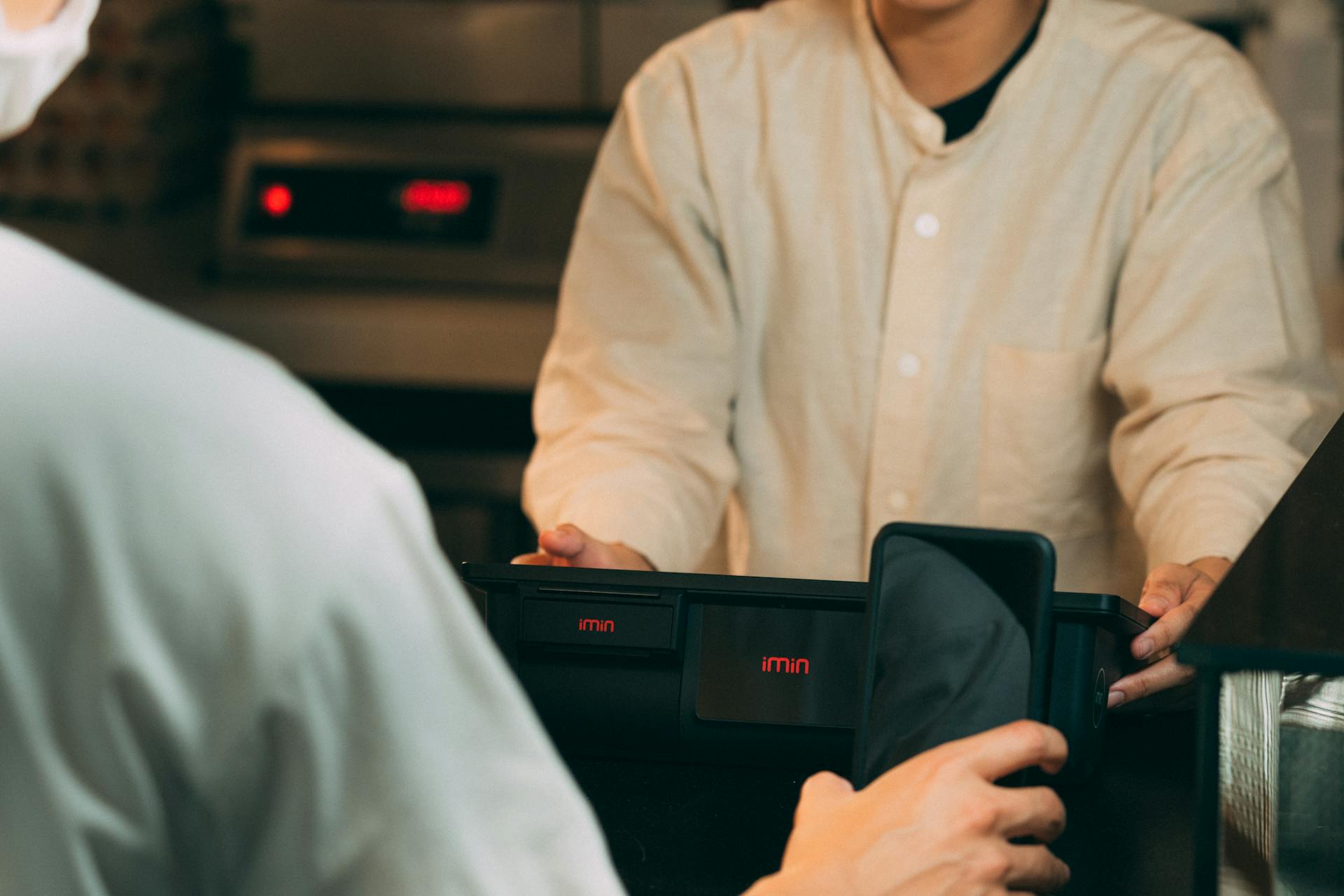
Practicing with a POS system is essential to ensure a smooth operation in your restaurant. A well-practiced staff can handle even the busiest of shifts with ease.
To start, familiarize your staff with the POS system's layout and features. This includes understanding how to navigate the menu, process orders, and manage inventory.
A good practice is to set up a mock service scenario, where staff can practice taking orders, handling payments, and resolving any issues that may arise. This will help identify areas where additional training is needed.
Mock service scenarios can be tailored to specific situations, such as a busy Friday night or a special event.
What is POS Software?
A POS System is the cornerstone of transactions in the modern retail and hospitality industries, designed to process sales and manage operations efficiently.
It's a combination of hardware and software, essentially a sophisticated version of a traditional cash register, combined with tools that offer much more.
For small business owners, a retail POS system is like a digital assistant that streamlines daily tasks, handling sales transactions, tracking inventory, managing employee shifts, and analyzing sales data to offer insights into your business performance.
A POS system moves beyond mere transaction handling, it's an ecosystem that helps you understand your business better and make informed decisions.
In an age where customer experience and efficient service are paramount, a POS system becomes not just a tool for managing sales but an integral part of your business strategy.
It's about making your business operations smoother, your data more accessible, and your customer interactions more meaningful.
By streamlining daily tasks and providing valuable insights, a POS system can help you run your business more efficiently and effectively, making it an essential tool for any small business owner.
Recommended read: Best Banks for Small Business Startup Loans in Nigeria
Planning and Preparation
Planning and Preparation is key to a successful POS system implementation. Start with a clear plan that defines your objectives, sets a timeline, and allocates resources. This ensures a smoother transition and helps avoid potential disruptions to your business.
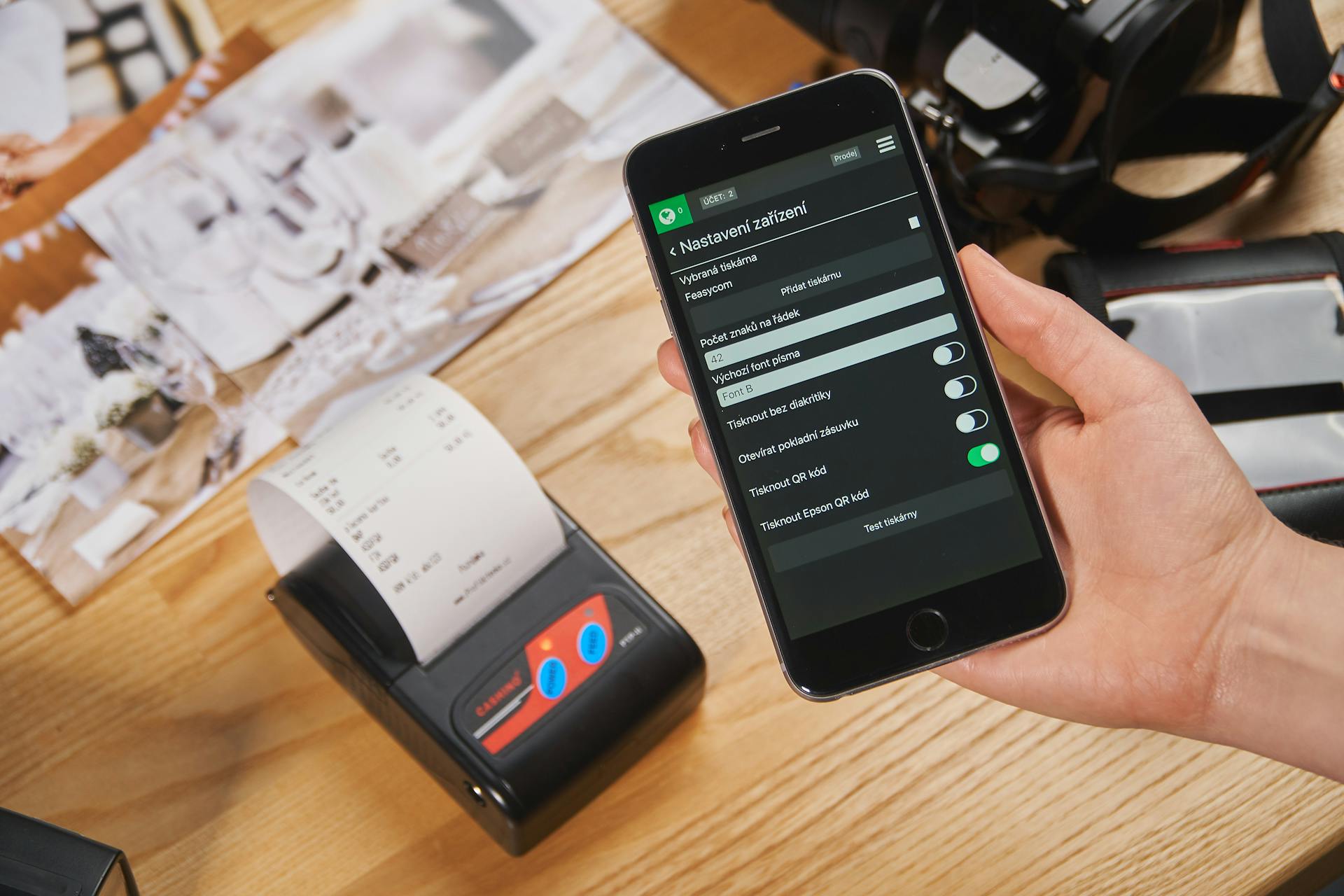
Involve your staff early on in the decision-making process to get their input and feedback. This will help you identify what you, as a manager, are looking for in a POS, and how the system can meet your staff's needs. Plan a brainstorming session to discuss POS features and gather a concrete list of staff input.
A well-thought-out plan also involves setting a dry-run to test the POS system software before going live. This allows your staff to practice tasks such as processing sales, splitting a bill, or inputting customer information without any repercussions.
Broaden your view: Hmo vs Pos Plan
System Management
Standardized training is key to ensuring consistency across multiple locations. By centralizing and automating training documents and SOPs, businesses can ensure every employee, regardless of location, learns the same POS procedures.
Real-time progress tracking allows managers to identify struggling employees or stores that need extra training support. This helps prevent inconsistent training and ensures that all locations are up-to-date with policy and software changes.
Instant training updates let managers push new POS features, promotions, or system changes to employees without disrupting operations. This streamlines the training process and reduces the risk of confusion or errors.
- Consistent training materials ensure every employee learns the same POS procedures.
- Real-time progress tracking identifies struggling employees or stores that need extra training support.
- Instant training updates allow managers to push new POS features, promotions, or system changes without disrupting operations.
Login Procedures
Logging in to the system is a crucial step in managing your workflow. Employees must first familiarize themselves with the system's interface before handling transactions.
To log in, employees need to set up and manage their personal user profiles. This includes understanding role-based access and security settings.
Logging in allows employees to access different system menus and options. Employees must be fluent in navigating the system to adjust settings to fit operational needs.
Here are the key steps to setting up and managing your user profile:
- Setting up and managing personal user profiles
- Understanding role-based access and security settings
3. Live Demonstrations
Live Demonstrations are a game-changer for training employees on POS systems. They allow trainees to see real customer interactions and learn from experienced employees.
Conducting live demonstrations with real customer interactions can be a powerful way to show employees how to handle transactions correctly. This approach can help reduce mistakes and improve overall service performance.
Having trainees shadow experienced employees before handling transactions independently is also a great idea. This hands-on approach can help employees learn by doing, rather than just reading manuals.
By shadowing experienced employees, trainees can see firsthand how to navigate complex POS procedures and handle customer interactions with ease. This can be especially helpful for employees who struggle with long, text-heavy manuals.
Here are some ways live demonstrations can be effective:
- Conduct live demonstrations with real customer interactions.
- Have trainees shadow experienced employees before handling transactions independently.
Adapting to Updates
Adapting to updates in your POS system is crucial to ensure smooth operations and prevent errors. Inadequate training related to system updates can lead staff to perform tasks using previous methods, resulting in errors.
To avoid this, use digital training tools like Xenia to push real-time training updates across all locations. This way, staff will always have access to the latest information and procedures.
To keep your staff up-to-date, keep a library of short training videos explaining new POS functions. This will help them quickly understand new features and changes.

Conducting quick refresher courses before rolling out system updates is also a great idea. This will help prevent confusion and ensure that staff are ready to use the new features and procedures.
Here are some key things to keep in mind when adapting to updates:
- Use digital training tools to push real-time training updates.
- Keep a library of short training videos explaining new POS functions.
- Conduct quick refresher courses before rolling out system updates.
By following these tips, you'll be able to ensure that your staff is always up-to-date and ready to handle any changes in your POS system.
Best Practices
To ensure your POS system is running smoothly, you need to invest time in effective training. This means going beyond just demos and focusing on repetition, real-world practice, and easy access to support. Effective training is key to having a confident team.
A successful POS training program should be interactive, hands-on, and adaptable to different learning styles. This includes considering various methods such as visual learning, which can simplify complex POS procedures.
Employees should be proficient in handling different types of payments while minimizing errors. This includes accepting various payment methods like credit, debit, cash, and mobile payments. Knowledge of handling contactless payment options and digital wallet processing adds value to the position.
If this caught your attention, see: Construction Payment Terms
To prevent common mistakes, analyze past errors and track common POS mistakes. This can help pinpoint problem areas and tailor training accordingly. Some common mistakes to watch for include incorrect item selection, forgetting modifiers or special requests, and misapplied discounts or promotions.
Here are some common POS mistakes to watch for:
- Incorrect item selection: Employees accidentally ring up the wrong product or menu item.
- Forgetting modifiers or special requests: Customizations (like extra toppings or dietary restrictions) are missed, leading to customer complaints.
- Misapplied discounts or promotions: Employees apply discounts incorrectly, leading to revenue loss.
- Double-charging customers: Accidental double entries result in refund requests and negative customer experiences.
- Incorrect voids and refunds: Staff void transactions incorrectly, affecting accounting accuracy.
By implementing these best practices, you can ensure your staff stays sharp, even during peak hours. This includes continuously monitoring the system's performance and gathering feedback from staff and customers.
Components and Features
Effective POS system training is a must for any business, and it starts with understanding the key components and features of the system. To begin with, you need to familiarise staff with the features and interface of the POS software.
The POS system features should be introduced in a group huddle with a live demo, showing the main screens and demo hardware. This will give employees an immediate idea of what they'll do each shift.
You might enjoy: Pos System Features
To ensure smooth and accurate transactions, it's essential to provide hands-on training for processing transactions, handling payments, and managing receipts. This includes training on how to customise the POS system to suit the unique requirements of the business.
Here are the key components of effective POS system training:
- Understanding POS Software: Familiarise staff with the features and interface of the POS software, including navigation, menu management, and transaction processing.
- Customisation and Configuration: Train employees on how to customise the POS system to suit the unique requirements of the business, such as configuring menu items, pricing, and discounts.
- Transaction Handling: Provide hands-on training for processing transactions, handling payments, and managing receipts to ensure smooth and accurate transactions at the point of sale.
Introduce the Features
Start with a group huddle and a live demo to show the main screens and demo hardware. This will give your staff an immediate idea of what they'll do each shift. Use a real example, like ringing in a cheeseburger and fresh lemonade, to make the demo more engaging.
When introducing new features, start with the basics and gradually move on to more advanced functionalities. This will help prevent overwhelming your staff. For example, if you're switching from another POS, start by introducing your staff to any features they're already familiar with and how they work on the new POS.
To make the introduction more engaging, consider using QR codes to provide instant access to step-by-step training at the POS station. This will help employees learn at their own pace and reduce the need for manager interruptions.
Here are some key features to focus on during the introduction:
- Order Confirmation Prompts: staff members need to review and confirm the order before kitchen processing and payment generation.
- Discount and Promotion Checks: the system should verify discount codes for proper implementation and block unauthorized price discounts.
- Payment Review Screens: display payment breakdowns before customers finalize their transactions to catch split payment or overcharge errors.
- Manager Authorization for High-Risk Transactions: require approval for refunds, voids, and high-discount transactions to prevent revenue loss.
By focusing on these key features and introducing them in a gradual and engaging way, you can help your staff feel more confident and empowered to use the new POS system.
Loyalty Program Integration
Loyalty Program Integration is a crucial component for any business looking to retain customers. Enrolling customers in loyalty programs is a key part of this process.
To make this experience seamless, businesses need to consider the various aspects of loyalty program integration. This includes allowing customers to enroll in loyalty programs, which can be a simple process if done correctly.
Applying reward points and redeeming discounts is another essential aspect of loyalty program integration. This can be done through a variety of methods, including online platforms and in-store transactions.
A different take: Pos System with Loyalty Program
Processing and reloading gift cards is also an important part of the loyalty program integration process. This can help to encourage customers to continue shopping with the business and can also provide an additional revenue stream.
Here are some key considerations for loyalty program integration:
- Enrolling customers in loyalty programs
- Applying reward points and redeeming discounts
- Processing and reloading gift cards
Advanced Functions
To effectively use advanced POS functions, focus on teaching employees higher-level operational features that improve service quality and workflow performance. This will make a significant difference in how your team operates.
Continuous training is essential as your POS system evolves. Stay informed about new features and updates, and provide ongoing training to your team to ensure they can leverage these new capabilities effectively.
Introduce the POS system features with a group huddle and a live demo to show the main screens and demo hardware. This will give your team an immediate idea of what they'll do each shift.
Teaching employees advanced POS functions during the training phase is crucial. It should focus on improving service quality and workflow performance simultaneously.
Inventory and Reporting
Managing inventory and reporting is a crucial aspect of using a POS system. Staff should learn to update menu items and pricing in real-time to prevent stock shortages.
To effectively manage inventory, staff should be able to update stock levels and identify low inventory alerts. This will help prevent stockouts and ensure that customers can always find what they're looking for.
Here's a breakdown of key inventory management tasks:
- Updating menu items and pricing in real-time.
- Managing stock levels and identifying low inventory alerts.
- Adjusting item availability based on supply constraints.
By staying on top of inventory and reporting, businesses can make informed decisions and optimize their operations for success.
Financial Accuracy
Financial accuracy is crucial for any business, and in the context of inventory and reporting, it's especially important. A small entry mistake can lead to incorrect orders, wasted food, and customer complaints.
In fact, a 2% error rate per shift can translate to significant annual losses, with a restaurant processing 500 orders daily potentially losing $10,000+ in annual losses due to mistakes like inputting the wrong item or modifying the wrong dish.
Proper order entry is essential to avoid revenue leakage, which can be prevented by accurately inputting orders to avoid mistakes. This is especially true when it comes to processing correct quantities, as incorrect quantities can result in inventory mismatches and food waste.
Inventory tracking is also critical to prevent shortages and waste, and secure handling of cash and credit transactions is essential to maintain financial accuracy.
Here are some common mistakes that can lead to financial inaccuracies:
- Inputting the wrong item or modifying the wrong dish.
- Forgetting to add extras or special requests, leading to customer dissatisfaction.
- Processing incorrect quantities, resulting in inventory mismatches and food waste.
Promotions Discounts
Promotions & Discounts are a crucial part of any business, and managing them efficiently is key to a smooth operation. Employees should be trained to apply discounts and promotional codes correctly to avoid errors in billing.
Applying discounts and promotional codes requires attention to detail, as small mistakes can add up quickly. To prevent this, it's essential to have a clear understanding of how to apply these discounts.
Managing seasonal offers, BOGO deals, and happy hour pricing can be a challenge, but with the right training, employees can master it. This includes knowing how to set up and track these promotions, as well as preventing unauthorized discounts.
Preventing unauthorized discounts is crucial to maintaining accurate billing and preventing financial losses. This can be achieved by tracking promotional usage and having clear policies in place.
Here are some key areas to focus on when it comes to promotions and discounts:
- Applying discounts and promotional codes.
- Managing seasonal offers, BOGO deals, and happy hour pricing.
- Preventing unauthorized discounts and tracking promotional usage.
Inventory Management
Inventory management is a crucial aspect of running a successful business, especially when it comes to tracking inventory levels, managing stock, and preventing shortages. Staff should learn to update menu items and pricing in real-time.
Managing stock levels is a key part of inventory management. Staff should be able to identify low inventory alerts and adjust item availability based on supply constraints. This helps prevent stockouts and waste.
Proper order entry is essential to avoid revenue leakage. Inventory tracking is also crucial to prevent shortages and waste. Secure handling of cash and credit transactions is also important.
Here are some key tasks staff should perform to manage inventory effectively:
- Updating menu items and pricing in real-time.
- Managing stock levels and identifying low inventory alerts.
- Adjusting item availability based on supply constraints.
By utilizing analytics capabilities in your POS system, you can gain insights into sales trends, inventory management, and customer behavior. This information can guide your business decisions and strategies.
Training and Support
Training your staff on a new POS system is crucial for efficiency and customer satisfaction. Proper training ensures that employees understand the system's functionalities and can leverage its full potential.
Hands-on training is the best way to learn. Use real-life scenarios and simulated transactions to train staff on a test version of the POS system. This approach helps build confidence and reduces frustration.
A structured onboarding process is essential for integrating new staff members into the POS system effectively. This includes both theoretical learning and hands-on training sessions.
Continuous support is vital during the onboarding process. Offer ongoing support and resources to assist employees, including access to training materials, user guides, and help desk support.
Ongoing support and refresher training can be provided through regular educational sessions and a POS help desk alongside an FAQ resource. This ensures that staff members stay informed about new procedures and can resolve problems quickly.
Explore further: Cybersecurity Risk Assessment Process
A well-trained staff will be more confident and efficient in using the system. They will be able to handle complex transactions and troubleshoot common issues with ease.
Here are some strategies for seamless onboarding:
- Structured Onboarding Process: Establish a structured onboarding process that includes both theoretical learning and hands-on training sessions.
- Continuous Support: Offer ongoing support and resources to assist employees during the onboarding process.
Remember, proper training is the foundation for successful adoption and usage of the POS software. Don't skip this step, or you'll end up with frustrated staff and a stressful work environment.
Error Prevention and Resolution
Error prevention starts with analyzing past mistakes and tracking common POS errors to pinpoint problem areas and tailor training accordingly. This proactive approach helps businesses identify areas where employees are struggling and provides a foundation for effective training.
Implementing built-in verification steps is also crucial in preventing errors. Automated prompts can encourage employees to double-check their work before finalizing a transaction, reducing the likelihood of mistakes. Common POS mistakes to watch for include incorrect item selection, forgotten modifiers or special requests, misapplied discounts or promotions, double-charging customers, and incorrect voids and refunds.
To resolve errors, it's essential to train staff on troubleshooting and support. Walk them through your basic plan for dealing with POS glitches, and make sure they know who to ask for help. Provide quick-fix guides and make your best fixers known, so staff always know who to turn to when they need assistance.
Step 8: Secure Systems
To secure your systems, it's essential to implement robust security measures. Regularly review and update your security measures to safeguard against potential threats.
Employees must be familiar with the system's interface before handling transactions. This includes setting up and managing personal user profiles and understanding role-based access and security settings.
Proper logging out and shutting down the system is crucial to maintain financial accuracy and system security. This involves securing the POS system, including locking and storing cash drawers securely.
Key verification features are necessary to prevent errors and ensure accuracy. These features include order confirmation prompts, discount and promotion checks, payment review screens, and manager authorization for high-risk transactions.

To maintain financial accuracy, staff must follow specific end-of-shift protocols. This includes cash and card reconciliation, where employees check the cash drawer balance and examine receipts precisely to detect and settle any differences that occur.
The following key verification features should be enabled:
- Order Confirmation Prompts: Require staff to review and confirm the order before kitchen processing and payment generation.
- Discount and Promotion Checks: Verify discount codes for proper implementation and block unauthorized price discounts.
- Payment Review Screens: Display payment breakdowns before customers finalize their transactions to catch split payment or overcharge errors.
- Manager Authorization for High-Risk Transactions: Require approval for refunds, voids, and high-discount transactions to prevent revenue loss.
By following these steps, you can significantly reduce the risk of errors and ensure the accuracy of your financial and inventory records.
Error Prevention Strategies
Error prevention strategies are crucial in minimizing the financial impact of mistakes. A 2% error rate per shift can translate to significant annual losses, amounting to $10,000+ in annual losses for a restaurant processing 500 orders daily.
Proactive error prevention starts with analyzing past mistakes, tracking and reviewing common POS errors to pinpoint problem areas and tailor training accordingly. This helps businesses identify common mistakes before they happen.
Implementing built-in verification steps can prevent many POS mistakes. Automated prompts can encourage employees to double-check their work before finalizing a transaction, reducing errors and improving customer satisfaction.
Simplifying complex POS procedures with visual learning can also help prevent errors. Learning POS systems from long, text-heavy manuals can be a challenge, leading to trial and error, mistakes, and customer frustration. Visual learning, on the other hand, can make it easier for employees to understand and navigate the system.
Some common POS mistakes to watch out for include incorrect item selection, forgetting modifiers or special requests, misapplied discounts or promotions, double-charging customers, and incorrect voids and refunds.
To prevent these mistakes, it's essential to provide adequate training for staff. This includes not just the basics of processing transactions but also understanding advanced features and troubleshooting common issues. Well-trained staff will be more confident and efficient in using the system.
Here are some key verification features to enable:
- Order Confirmation Prompts: Review and confirm the order before kitchen processing and payment generation.
- Discount and Promotion Checks: Verify discount codes for proper implementation and block unauthorized price discounts.
- Payment Review Screens: Display payment breakdowns before customers finalize their transactions to catch split payment or overcharge errors.
- Manager Authorization for High-Risk Transactions: Require approval for refunds, voids, and high-discount transactions to prevent revenue loss.
Role-Specific Training
Role-Specific Training is key to getting your staff up to speed on your new POS system. By training employees only in the POS functionality necessary for their roles, you can prevent the learning of irrelevant features.
Each staff member's training should be tailored to their specific job functions. This means focusing on the tasks they'll be performing on a daily basis.
For example, servers and bartenders need to know how to handle order entry, modifications, and payment processing. They should also learn how to handle split checks, upselling, and special requests.
Here's a breakdown of what different staff members should learn:
By training staff on the specific features they need to know, you can save time and reduce frustration. Your staff will be more confident and efficient in their roles, and your customers will benefit from a smoother and more personalized experience.
Restaurant Staff Training
Restaurant staff training is crucial for a smooth transition to a new POS system. Good training can make all the difference in how quickly staff adapt and become proficient in using the system.
Training should start by checking each staff member's comfort with technology to tailor the training to their skills and background. Hands-on practice in demo mode is essential, allowing staff to enter orders, process payments, and solve simple POS issues with confidence before working a real shift. Most teams reach comfort in 1–3 days.
A well-planned training process can save you from staff frustration and turnover costs. Higher employee turnover, mistakes, and accountability issues can be minimized with effective training. Schedule refreshers every 3–6 months or right after a big update to keep staff up-to-date and confident in using the system.
Here are some key takeaways to consider when training your staff:
- Start with hands-on practice in demo mode.
- Set up simulated scenarios to practice real-life interruptions.
- Schedule refreshers every 3–6 months or after a big update.
Restaurant Staff Training
Restaurant staff training is a crucial aspect of a successful restaurant operation. Training your team on a new POS system can be stressful, but with a clear plan and hands-on practice, staff can get confident quickly. This includes not just the basics of processing transactions but also understanding advanced features and troubleshooting common issues.
Well-trained staff will be more confident and efficient in using the system. Poor training leads to higher employee turnover, increasing rehiring and retraining costs, more mistakes and accountability issues, and a stressful work environment.
It's essential to start by checking each staff member's comfort with tech so your training matches their skills and background. Set up hands-on practice in demo mode—staff should be able to enter orders, process payments, and solve simple POS issues with confidence before working a real shift.
You might like: How Does a Restaurant Pos System Work
Most teams reach comfort in 1–3 days; schedule refreshers every 3–6 months or right after a big update. Good POS training equals fewer mistakes, faster turns, and better guest reviews—it pays off at every table!
Here are some key takeaways to consider:
- Start by checking each staff member's comfort with tech.
- Set up hands-on practice in demo mode.
- Schedule refreshers every 3–6 months or right after a big update.
Involve your staff early on in the decision-making process to ensure they welcome the new POS system with open arms. This includes identifying what you, as a manager, are looking for in a POS, evaluating how the system can help meet your staff's needs, and planning a brainstorming session with your employees on POS features.
Technology Adoption Resistance
Resistance to new technology is a common challenge in restaurants. It can lead to frustration and disengagement among staff, ultimately affecting customer satisfaction and the bottom line.
Staff frustration and turnover costs are a significant concern. Higher employee turnover, increasing rehiring and retraining costs, more mistakes and accountability issues, and a stressful work environment are all consequences of poor POS system adoption.
To mitigate these obstacles, clear communication, ongoing support, and a positive organisational culture that embraces innovation are crucial. This includes investing in continuous education to keep staff up-to-date with technological advancements and industry trends.
Here are some ways to reduce buy-in hesitation and encourage staff to adopt new technology:
- Explain the benefits of the new POS system, such as quicker orders, less stress, and fewer guest comps for mistakes.
- Celebrate "success stories" in team meetings to motivate staff.
- Offer extra practice and support to help staff overcome nerves and build confidence.
Technology Adoption
Resistance to change is a common challenge when adopting a new POS system. Clear communication can help mitigate this obstacle.
Ongoing support is crucial for businesses to keep pace with technological advancements and industry trends. This can be achieved through refresher courses, updates on new features, or readily accessible support channels.
To reduce buy-in hesitation, explain to staff that the new POS system means quicker orders, less stress, and fewer guest comps for mistakes. Celebrate "success stories" in team meetings to encourage a positive organisational culture.
A positive organisational culture that embraces innovation is essential for overcoming resistance and fostering a culture of continuous learning. This can be achieved by prioritising ongoing learning and support initiatives.
Investing in continuous education ensures that staff remain adept at harnessing the full potential of the POS system. This includes offering extra practice for staff who may be nervous about using the new system.
Benefits and Support
Regular educational sessions should be organized to keep staff members informed about new procedures. This ensures they're up-to-date on any changes to the POS system.
A POS help desk alongside an FAQ resource should be available to staff for immediate problem resolution. This can be a huge time-saver and reduce frustration.
Here are some benefits of a good POS system support team:
- Round-the-clock support, through phone or email, for any issues that may arise.
- A team that understands the unique challenges of the restaurant industry.
- A system that's shaped by customer feedback and feature requests.
Letting your employees know how the POS system directly benefits them can be a game-changer. For example, servers might be excited about the ability to turn tables faster and make higher tips.
Customer Service Excellence
Customer Service Excellence is crucial for building a loyal customer base. Studies show that 69% of customers are less likely to return if they experience slow service or incorrect orders.
A seamless checkout process is essential for a positive customer experience. Poor training can lead to longer order processing times, while increased errors result in more order remakes and longer wait times.
A fresh viewpoint: Order Management System
Customers expect special requests and modifications to be handled efficiently. In fact, discounts, promotions, and loyalty programs can make or break a customer's loyalty to a business.
Payment concerns, split checks, and managed refunds are also critical areas where customer service excellence can shine. A POS system that can handle these tasks accurately and efficiently can greatly improve the customer experience.
Here are some key areas where a POS system can make a difference:
- Special requests and modifications
- Discounts, promotions, and loyalty programs
- Payment concerns, split checks, and managed refunds
By mastering these areas, businesses can provide a seamless experience for their customers, leading to increased customer satisfaction and retention.
Restaurant Key Takeaways
69% of customers are less likely to return if they experience slow service or incorrect orders. This highlights the importance of effective training for staff to ensure a seamless experience.
A POS system that is slow, confusing, or frequently misused frustrates both staff and customers. Poor training can lead to longer order processing times and increased errors.

To overcome these challenges, it's essential to provide ongoing support and refresher training. Regular educational sessions should be organized to keep staff members informed about new procedures.
Here are some key takeaways to keep in mind:
- Check each staff member's comfort with tech before training to ensure the training matches their skills and background.
- Set up hands-on practice in demo mode to help staff enter orders, process payments, and solve simple POS issues with confidence.
- Schedule refreshers every 3-6 months or right after a big update to maintain staff confidence and accuracy.
By following these best practices, you can ensure that your staff is well-trained and equipped to provide an excellent customer experience.
Direct Benefits
Letting your employees know how they directly benefit from a new system is crucial for adoption and satisfaction. It's not just about the manager's perspective, but also about how it can make their job easier and more efficient.
For servers, being able to turn tables faster and make higher tips is a direct benefit of adopting an iPad POS. This is a game-changer for their daily work, allowing them to focus on providing excellent customer service without the hassle of manual transactions.
Managers can also benefit from features like accounting management and cloud reporting, but it's essential to highlight how these features can help them make informed decisions and streamline operations.
Effective POS system training should cover various components, including understanding POS software, customisation and configuration, and transaction handling. This ensures that employees are equipped to use the system efficiently and effectively.
Here are some key components of effective POS system training:
- Understanding POS Software: Familiarise staff with the features and interface of the POS software, including navigation, menu management, and transaction processing.
- Customisation and Configuration: Train employees on how to customise the POS system to suit the unique requirements of the business, such as configuring menu items, pricing, and discounts.
- Transaction Handling: Provide hands-on training for processing transactions, handling payments, and managing receipts to ensure smooth and accurate transactions at the point of sale.
Demonstrating how to process payments and receipts is also crucial for employees to understand. This includes processing cash, cards, mobile pay, or gift cards, and practicing scenarios like adding tips, running a comp or refund, and reprinting or emailing a receipt.
Stay Ahead of Coffee Shop Challenges
As a coffee shop owner, you know that staying ahead of challenges is crucial to success. Regular educational sessions can keep staff members informed about new procedures, and a POS help desk alongside an FAQ resource can be available for immediate problem resolution.
Resistance to change and technical challenges often pose significant hurdles during the transition to a new POS system. However, proactive measures can mitigate these obstacles. Clear communication, ongoing support, and a positive organisational culture that embraces innovation are crucial in overcoming resistance and fostering a culture of continuous learning.

To keep pace with technological advancements and industry trends, businesses must prioritise ongoing learning and support initiatives. Whether through refresher courses, updates on new features, or readily accessible support channels, investing in continuous education ensures that staff remain adept at harnessing the full potential of the POS system.
Here are some key areas to cover in POS system training:
- Understanding POS Software: Familiarise staff with the features and interface of the POS software.
- Customisation and Configuration: Train employees on how to customise the POS system to suit the unique requirements of the business.
- Transaction Handling: Provide hands-on training for processing transactions, handling payments, and managing receipts.
Most teams reach comfort with a new POS system in 1–3 days, so schedule refreshers every 3–6 months or right after a big update. This will help ensure that staff remain confident and proficient in using the system.
Benefits
Proper POS training can have a significant impact on your restaurant's success. Training restaurant staff on a POS system isn't as simple as handing them a manual or walking them through a few transactions.
A well-trained staff can lead to increased efficiency, reduced mistakes, and improved customer satisfaction. For instance, with proper training, staff can process transactions faster, reducing the time loss per transaction from 15 seconds to almost nothing.

A server struggling with the POS system takes longer per transaction, delaying table turnover and reducing daily revenue potential. If the restaurant processes 300 transactions per day, that’s 75 wasted minutes daily, which translates to over 450 hours of lost service time over a year.
Proper training can also lead to reduced employee turnover, increasing rehiring and retraining costs. Studies show that 69% of customers are less likely to return if they experience slow service or incorrect orders.
Here are some key takeaways for effective POS training:
- Start by checking each staff member’s comfort with tech so your training matches their skills and background.
- Set up hands-on practice in demo mode—staff should be able to enter orders, process payments, and solve simple POS issues with confidence before working a real shift.
- Most teams reach comfort in 1–3 days; schedule refreshers every 3–6 months or right after a big update.
- Good POS training = fewer mistakes, faster turns and better guest reviews—it pays off at every table!
Conclusion and Next Steps
Implementing and optimizing a POS system is an ongoing journey that requires careful planning and regular updates.
By following best practices, your POS system will not only be a tool for transactions but a pivotal part of your business growth and customer satisfaction strategy.
It's essential to be willing to adapt and learn as you navigate the process, as a POS system is not a one-time setup but rather an evolving part of your business.
A fresh viewpoint: Best Credit Union for Business Account
Frequently Asked Questions
How to use a POS system for beginners?
To start using a POS system, simply log in to your account, add items to the cart, and process the customer's payment. A receipt will be generated to complete the transaction, making it a seamless process for beginners.
What are the four types of POS systems?
There are four main types of POS systems: legacy, tablet-based, mobile, and cloud-based. These four types vary in efficiency and affordability, with modern systems like tablet-based, mobile, and cloud-based being more efficient and cost-effective.
Featured Images: pexels.com