A restaurant POS system is like the brain of a restaurant, streamlining operations and making it easier to manage day-to-day tasks. It's a powerful tool that helps restaurants run smoothly and efficiently.
One of the key ways a restaurant POS system works is by integrating with other systems, such as inventory management and online ordering. This allows restaurants to manage their stock levels, track orders, and receive payments all in one place.
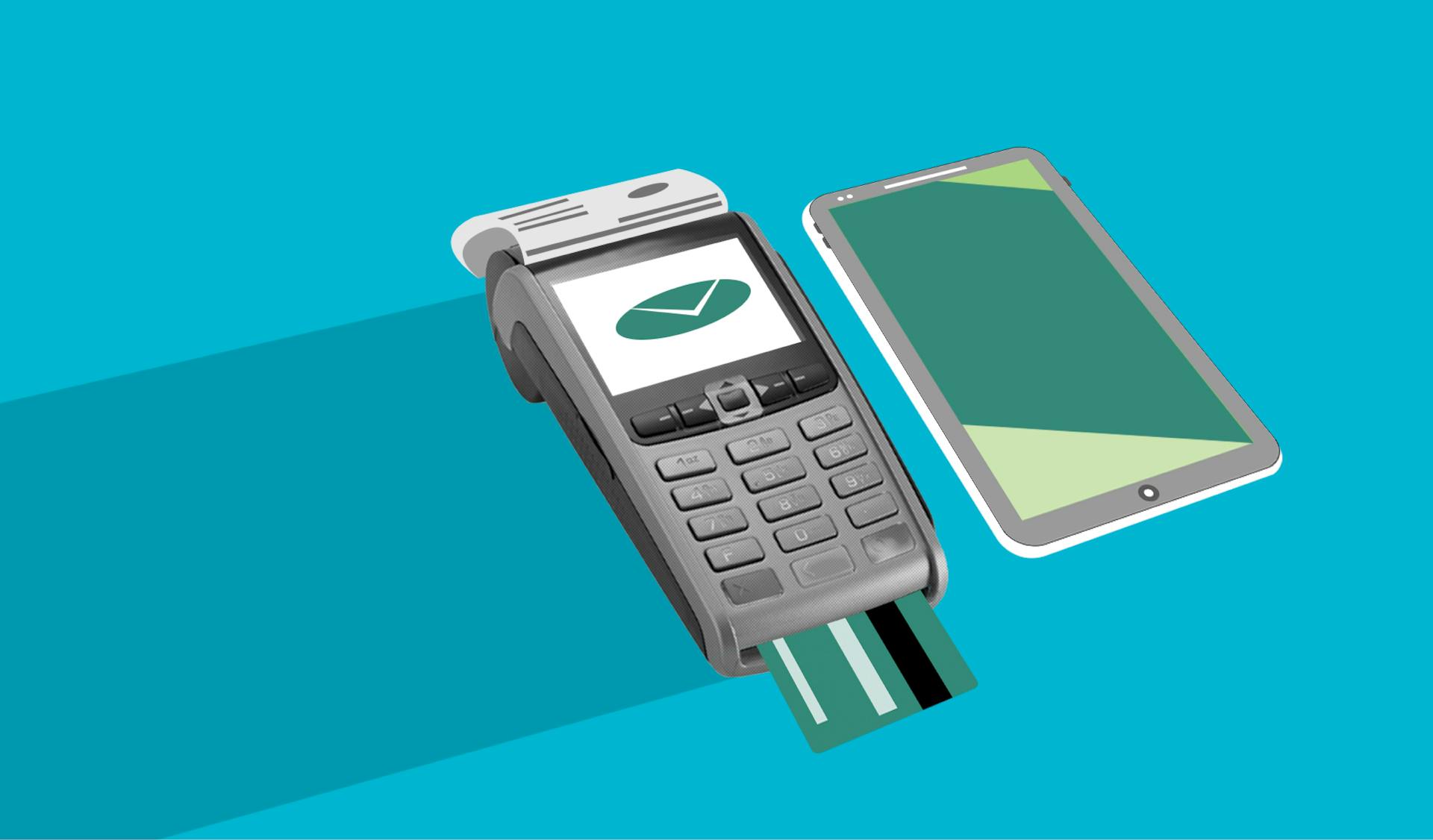
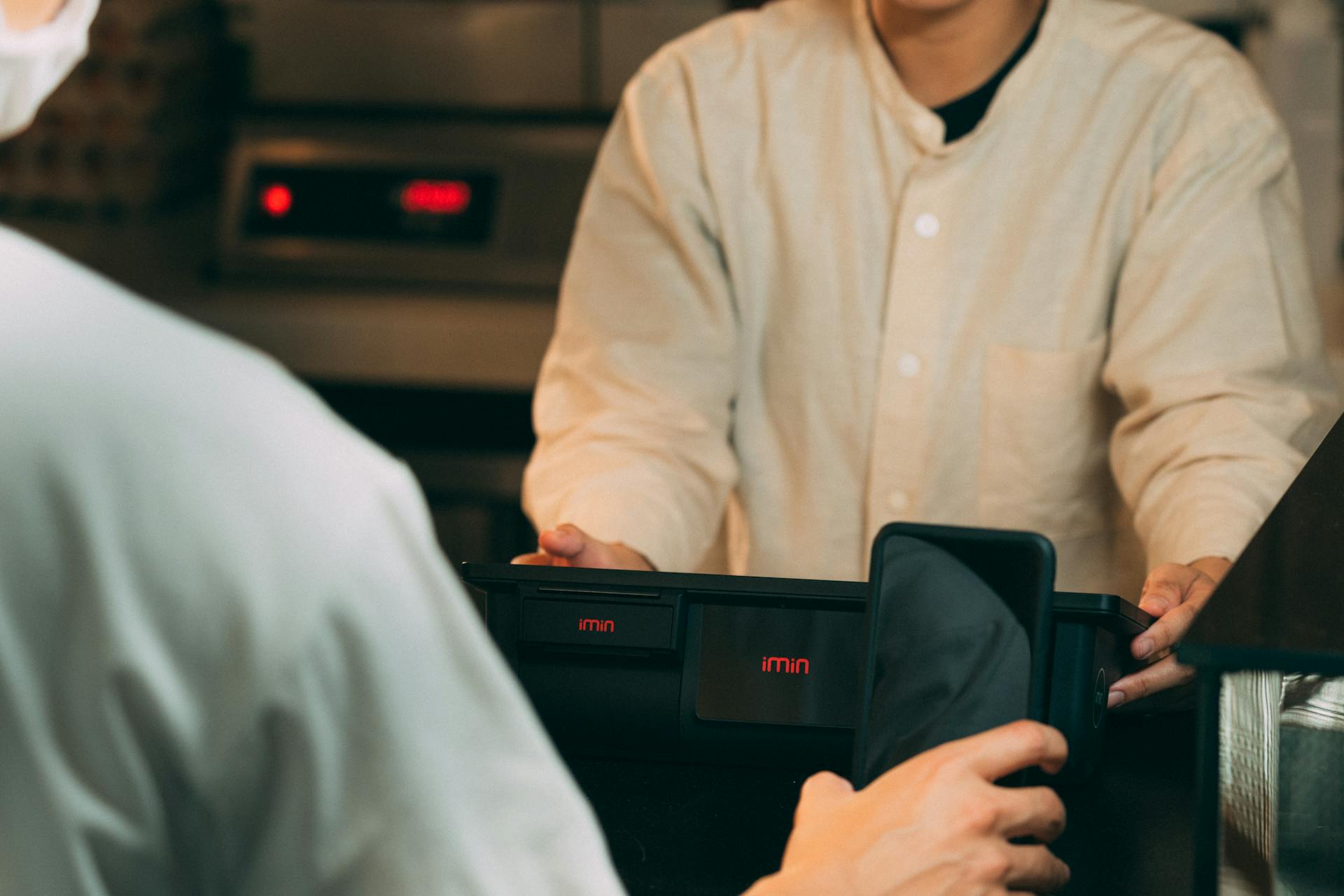
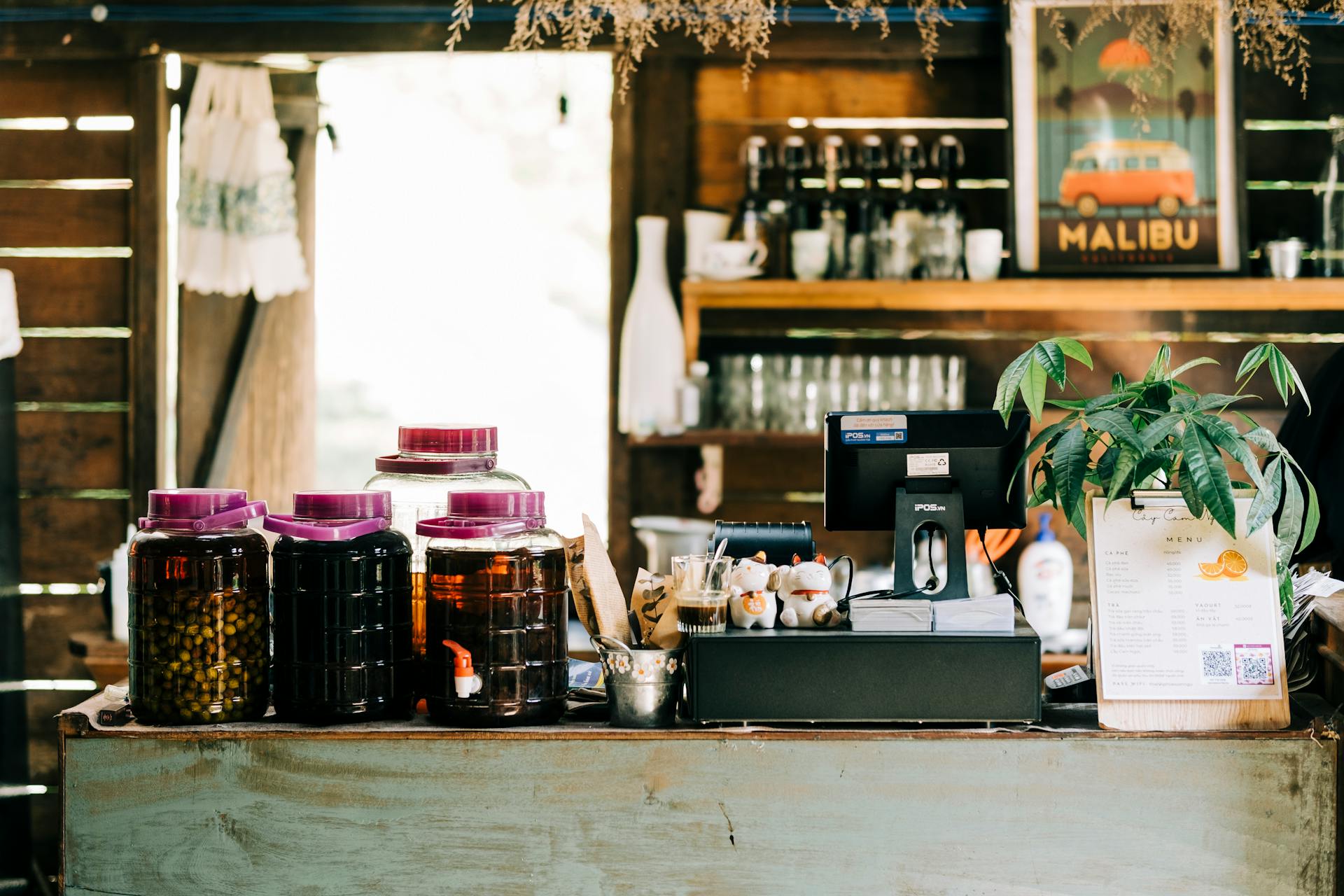
A restaurant POS system typically consists of a touchscreen interface, a printer, and a credit card reader. This setup enables waitstaff to take orders, process payments, and print receipts quickly and efficiently.
By automating tasks and providing real-time data, a restaurant POS system helps restaurants reduce errors, improve customer satisfaction, and increase sales.
For your interest: White House Demo Day
What Is a POS System
A POS system is essentially the entire system where transactions occur in a restaurant.
It stands for Point of Sale, which is a term that encapsulates more than just the act of selling.
In the restaurant industry, a POS system is used to process orders, manage inventory, and handle customer payments.
It's the central hub where all these functions come together to make a restaurant run smoothly.
Key Features and Functions
A restaurant POS system is designed to streamline the entire process of order taking, payment processing, and operational reporting. This is achieved through its software functionality, which includes order management, payment processing, and inventory tracking.
Key features of a restaurant POS system include order management, which ensures orders are sent to the right stations immediately, cutting down on errors and speeding up the process. This is achieved through instant order recording and dispatch to the relevant station.
Payment processing is another crucial feature, handling various payment methods such as cash, credit, debit, and mobile payments, automatically calculating totals, taxes, and tips. This ensures secure and efficient payment processing.
Inventory tracking is also a vital feature, providing real-time updates on stock levels and sales analytics. This helps restaurant managers track performance, manage stock levels, and plan future strategies.
Some POS systems, like Lavu, offer additional features such as cloud connectivity, which ensures data backup and accessibility from anywhere. This facilitates remote troubleshooting and updates, making it easier to manage the system.
For another approach, see: Systemically Important Payment System
Here are some of the key features and functions of a restaurant POS system:
These features and functions work together to make a restaurant POS system an essential tool for any restaurant looking to streamline its operations and improve efficiency.
How a POS System Works
A POS system is essentially a network of hardware and software components that work together seamlessly to manage your restaurant's operations. It's like a well-oiled machine that ensures smooth communication between different parts of your business.
The heart of a POS system is its integration of hardware and software. This means that all physical devices, such as touchscreens, printers, cash drawers, and card readers, are connected to form a cohesive network. This integration ensures that data flows smoothly between devices without any lag.
The software component of a POS system is designed to handle multiple tasks simultaneously, processing orders, calculating totals, updating inventory, and generating sales reports in real-time. This synchronization ensures that every transaction is recorded accurately and efficiently.
Broaden your view: Does Insurance Cover Aac Devices
Here's a breakdown of the key stages of the transaction cycle:
- Order Input: The process begins when an order is entered into the system via a touchscreen or keyboard.
- Order Processing: The system processes the order by calculating the total cost, including taxes and any additional charges.
- Payment Processing: The system handles the transaction by processing the chosen payment method.
- Data Update and Reporting: After the payment is processed, the system updates the inventory and sales data.
How They Work
A POS system is essentially a network of connected devices that work together to process transactions and manage your business.
At the heart of a POS system is the integration of hardware and software components, which ensures seamless communication between devices and accurate data recording. This integration is crucial for a smooth transaction cycle.
The transaction cycle of a POS system can be broken down into four key stages: order input, order processing, payment processing, and data update and reporting.
Here's a brief overview of each stage:
- Order Input: The process begins when an order is entered into the system via a touchscreen or keyboard.
- Order Processing: The system processes the order by calculating the total cost, including taxes and any additional charges.
- Payment Processing: The system handles the transaction by processing the chosen payment method.
- Data Update and Reporting: The system updates the inventory and sales data, and compiles it into daily, weekly, or monthly reports.
In a restaurant setting, a POS system can send order details directly to the kitchen display or printer, speeding up service and reducing errors.
How Lavu Helps
Lavu offers practical tools that enhance operations and boost revenue. The Village Cafe's experience highlights these benefits: "Our cooks are able to deliver correct items in record time. We have also seen revenue increase from nothing more than being able to charge for add ons (modifiers)." - Village Cafe, General Manager.
Curious to learn more? Check out: Googl Revenue
Cloud reliability is a key feature of Lavu, ensuring 99.99% uptime and uninterrupted operations. This means that your business can run smoothly without any downtime.
Payment processing with Lavu saves money on credit card fees. This is a significant benefit for any business, as it can add up quickly.
Menu management with Lavu is quick and easy, perfect for seasonal changes. This feature allows you to update your menu in no time, without any hassle.
Staff training with Lavu is a breeze, thanks to its user-friendly interface. This cuts down on training time and errors, making it a great feature for any business.
Here are some key performance highlights of Lavu:
Daily Operations and Management
Using a POS system can significantly reduce waiting times and enhance the customer experience by streamlining order entry with an intuitive interface.
Servers can quickly input orders without manual calculations, reducing waiting times and allowing customers to receive their food faster. This speed also enables servers to focus on providing excellent customer service.
Regularly reviewing system-generated reports can reveal trends in peak hours, popular menu items, and overall sales performance, helping to refine operational strategies. These insights can also identify areas for improvement and optimize menu offerings.
To ensure the system runs smoothly, schedule regular maintenance checks to ensure all hardware components function optimally and keep the software updated to benefit from the latest features and security enhancements.
Here are some key benefits of using a POS system in your restaurant:
Daily Operations
Daily operations are the backbone of any successful restaurant. With a robust point of sale (POS) system in place, you can streamline order entry, payment processing, and data-driven insights to refine your operational strategies.
Servers can quickly input orders without manual calculations, reducing waiting times and enhancing the customer experience. This speed is crucial during peak hours.
Data-driven insights are key to refining operational strategies. Regularly review system-generated reports to reveal trends in peak hours, popular menu items, and overall sales performance.
Discover more: Data Custodian
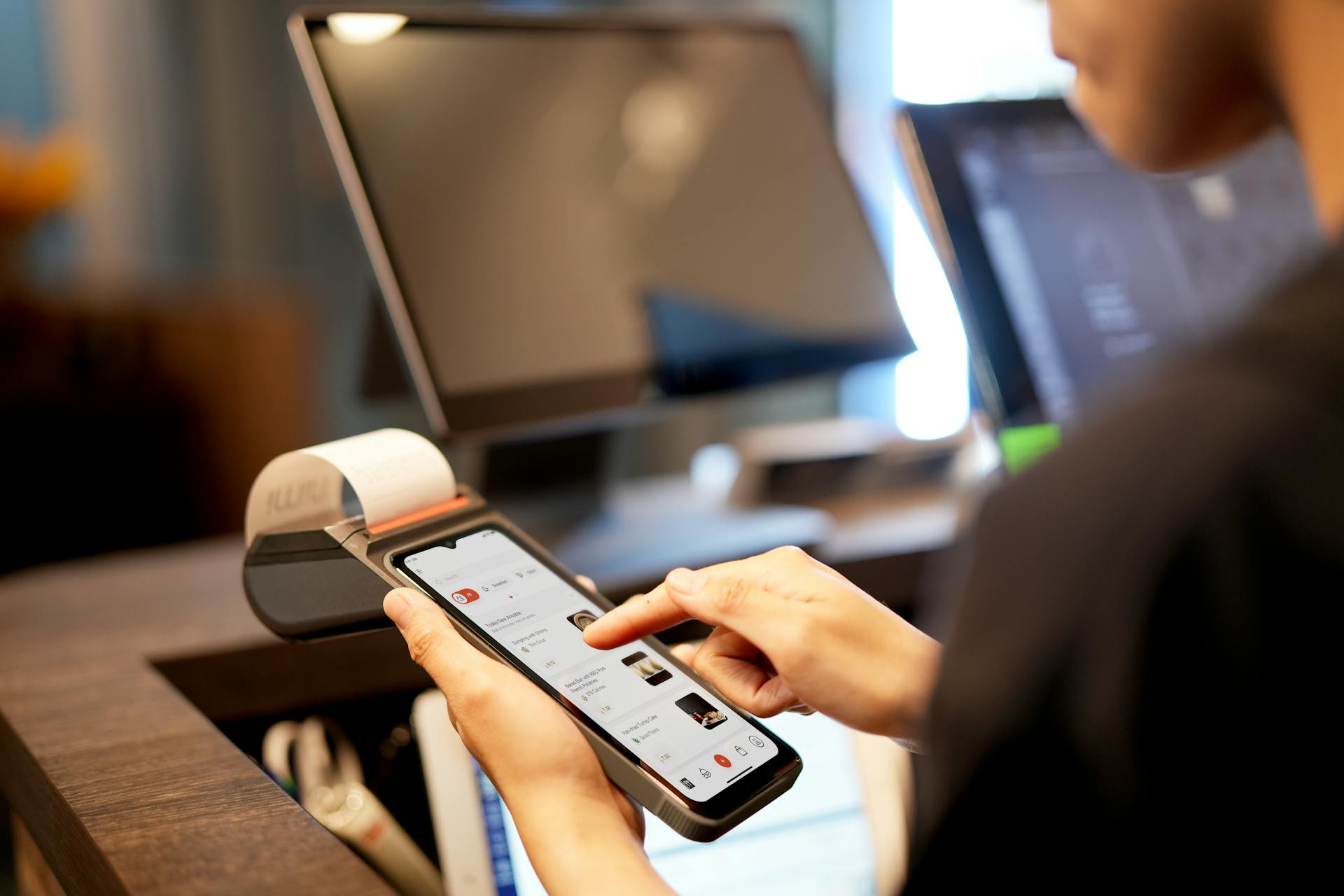
Streamlined order entry and payment processing are just the beginning. A POS system's ability to handle split bills and discounts adds to its efficiency.
Here are some benefits of a well-integrated POS system:
- Streamlined Order Entry: Quick input of orders without manual calculations
- Efficient Payment Processing: Rapid processing of multiple payment options
- Data-Driven Insights: Regular review of system-generated reports
- Maintenance and Updates: Regular checks and updates to ensure optimal performance
By focusing on these key areas, you can transform the operational dynamics of your restaurant and directly impact the bottom line.
$0 Starter Kit from Toast
The $0 Starter Kit from Toast is a game-changer for new restaurants and food service businesses. This modern POS system comes with no monthly up-front hardware or software costs.
You can get started with a countertop or handheld terminal and flat payment processing, perfect for single-location establishments.
Toast's starter software includes 24/7/365 support, which is a huge plus for busy businesses.
Table and order management, digital menus, and an offline mode make it easy to run your business even when the internet is down.
Mobile payments and timekeeping for payroll are also included, making it a comprehensive solution for daily operations.
A different take: How Much Does a Toast Pos System Cost
Better Customer Service
A POS system can do more than just process orders, it can actually improve the customer experience. POS systems help servers remember customer preferences, such as favorite dishes or allergy information, allowing for personalized recommendations and better service.
With mobile features, customers can even make payments directly at the table, which can really cut down on wait times. This is especially convenient for customers who are in a hurry. Mobile features also enable immediate order entry for faster processing.
Here are some specific benefits of mobile features in a POS system:
- Payments made directly at the table
- Shorter wait times for customers
- Improved payment security
- Immediate order entry for faster processing
These features can really make a difference in how customers perceive their dining experience. By streamlining operations and providing a more personalized experience, a POS system can help restaurants build customer loyalty and increase revenue.
Business and Financial Management
A restaurant POS system is a powerful tool for business and financial management. It provides real-time data on sales, customer habits, and operational performance.
With a POS system, you can identify popular items and track revenue trends through sales analytics. This helps you make informed decisions about pricing strategies and inventory management.
Here are some key reporting features that enable effective business and financial management:
These reports help you make data-driven decisions, improve operational efficiency, and drive growth in your restaurant business.
Processing Customer Payments
Processing customer payments is a crucial aspect of any business. The POS system simplifies this process by calculating totals, taxes, and any discounts automatically.
The system supports a variety of payment methods, including cash, contactless payments, and card payments. Customers can swipe, dip, or tap their cards using the integrated terminal.
The system processes the payment while logging the sale details, making it easier to track transactions. This ensures that payments are handled as efficiently as orders, keeping the service flow uninterrupted.
The system generates a receipt once the payment is approved, and customers can opt for a digital receipt via email. This helps reduce paper usage and makes it easier to keep track of transactions.
Here's a breakdown of the payment process:
Business Reports
Business Reports are a crucial tool for any restaurant owner, providing valuable insights that help make informed decisions. They offer real-time data on sales, customer habits, and operational performance.
With POS systems, you can identify popular items and track revenue trends with Sales Analytics. This helps you adjust pricing strategies and plan inventory based on historical trends.
Inventory Reports keep track of stock levels, minimizing waste and ensuring you never run out of best-selling items. You can even assess employee efficiency and training needs with Staff Performance reports.
Financial Summaries give you a clear overview of cash flow and profitability, helping you make data-driven decisions. By analyzing these reports, you can pinpoint best-sellers and create focused marketing campaigns to drive growth.
Here are some key reporting features to look out for:
Types of POS Systems
A restaurant POS system can be installed in various ways, but primarily, it's distinguished by its installation method and data storage approach.
Locally installed POS systems, often referred to as legacy systems, are a type of restaurant POS system. They require a physical installation and are typically more expensive.
Cloud-based POS systems, on the other hand, are a more modern approach and offer flexibility for tableside ordering and line busting. They often run on tablets or smartphones, making them a popular choice for restaurants.
Hybrid POS systems are a combination of locally installed and cloud-based systems, offering the best of both worlds.
Here's a breakdown of the different types of POS systems:
Locally installed POS systems have their pros, including being able to integrate with existing systems and having more control over data. However, they also have some cons, such as being more expensive and requiring physical installation.
Cloud-based POS systems, on the other hand, offer flexibility and scalability, but may have some cons, such as internet connectivity issues and limited customization options.
Hybrid POS systems aim to balance the pros and cons of both locally installed and cloud-based systems, offering a more flexible and cost-effective solution.
Here's an interesting read: Pos System Web Based
Popular POS System Features
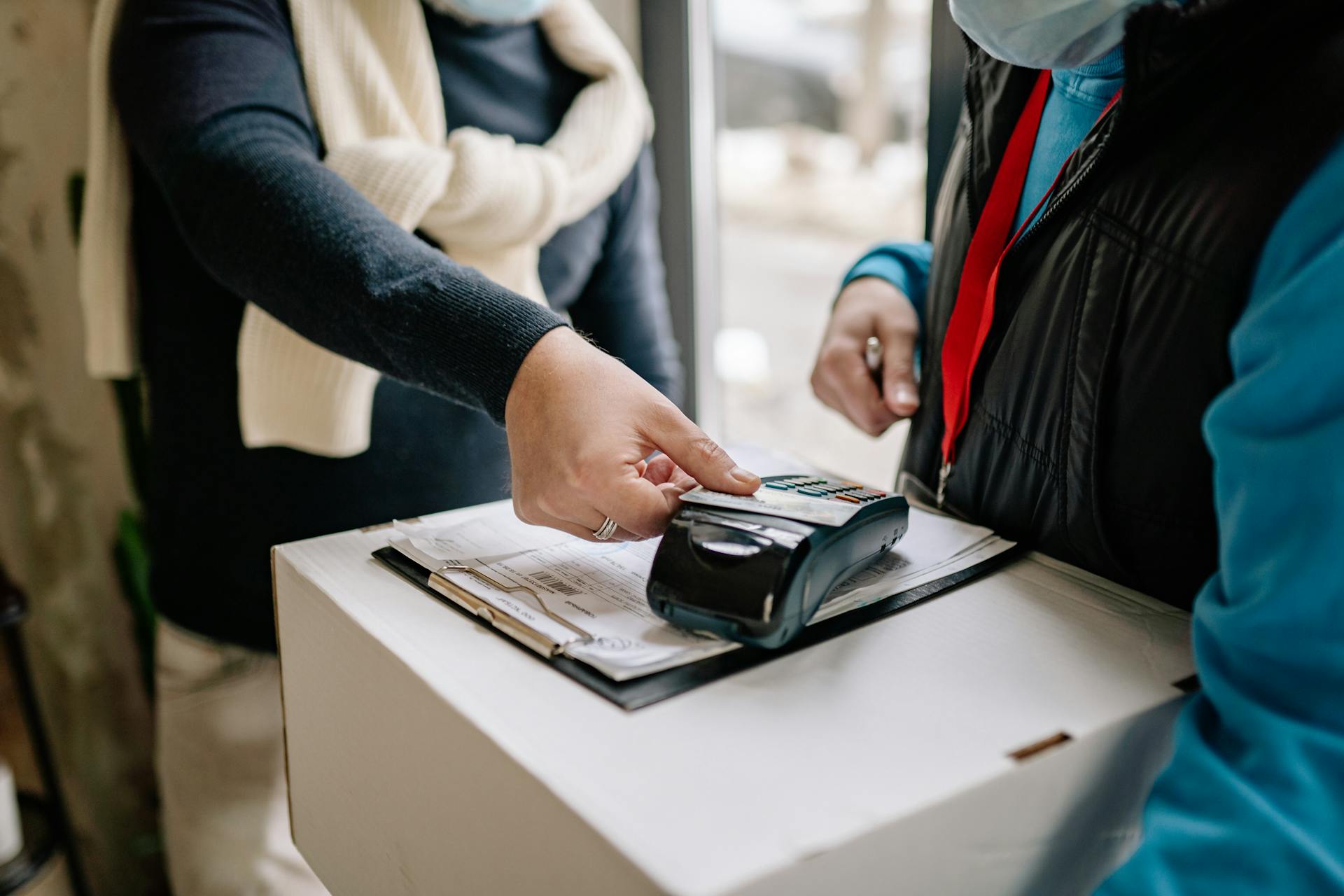
A restaurant POS system is a crucial tool for any eatery, and its features can make all the difference in efficiency and performance. Lavu is a popular POS system that has impressed even seasoned servers like Samantha from Kitchen Nightmares.
Its iPad-based interface makes it easy to use, even for those who aren't tech-savvy. Detailed reporting and analytics help restaurants track sales and inventory in real-time.
Built-in payment processing streamlines transactions and reduces errors. Real-time inventory management ensures that restaurants never run out of essential items.
A customer loyalty program can be integrated into Lavu, helping restaurants reward repeat customers and boost sales. Online ordering support also allows customers to place orders from the comfort of their own homes.
Here are some key features of popular POS systems like Lavu:
- iPad-based interface for easy use
- Detailed reporting and analytics
- Built-in payment processing
- Real-time inventory management
- Customer loyalty program integration
- Online ordering support
Benefits and Importance
A modern POS system is the backbone of restaurant operations, combining key functions to improve efficiency and profitability. It streamlines operations by reducing mistakes and speeding up service with features like kitchen display systems and tableside ordering.
Having a cloud-based system allows owners to monitor their business in real time from anywhere, as shown by Sarah Billenstein's success with remote management. This means you can keep an eye on your business from the comfort of your own home or while on the go.
A POS system is also highly scalable, making it easy to set up additional locations without a long onboarding process. Philip Vurchio, owner of Strada Grill, found this to be true when he easily set up his second and third locations.
These features directly contribute to better business performance, making a POS system a crucial investment for any restaurant owner.
Consider reading: What Does Outsourcing Mean in Business
Real-World Applications
In a busy dinner service, a restaurant POS system can make a huge difference. A server enters an order on a touchscreen terminal, and the order details appear on the kitchen display system almost instantly.
This seamless flow reduces wait times and minimizes human error. Restaurants that have integrated such systems, especially those utilizing hbapos hardware, report a significant improvement in operational efficiency and customer satisfaction.
You might enjoy: Online Work Order System
Orders are processed quickly through a card reader, and receipts are printed automatically. This streamlines the payment process and saves time for both the staff and the customers.
The POS system updates inventory levels and monitors sales trends in real-time, providing valuable insights for the restaurant owners. This helps them make informed decisions to optimize their business.
In my observations, restaurants that have implemented a restaurant POS system see a notable improvement in customer satisfaction.
Featured Images: pexels.com