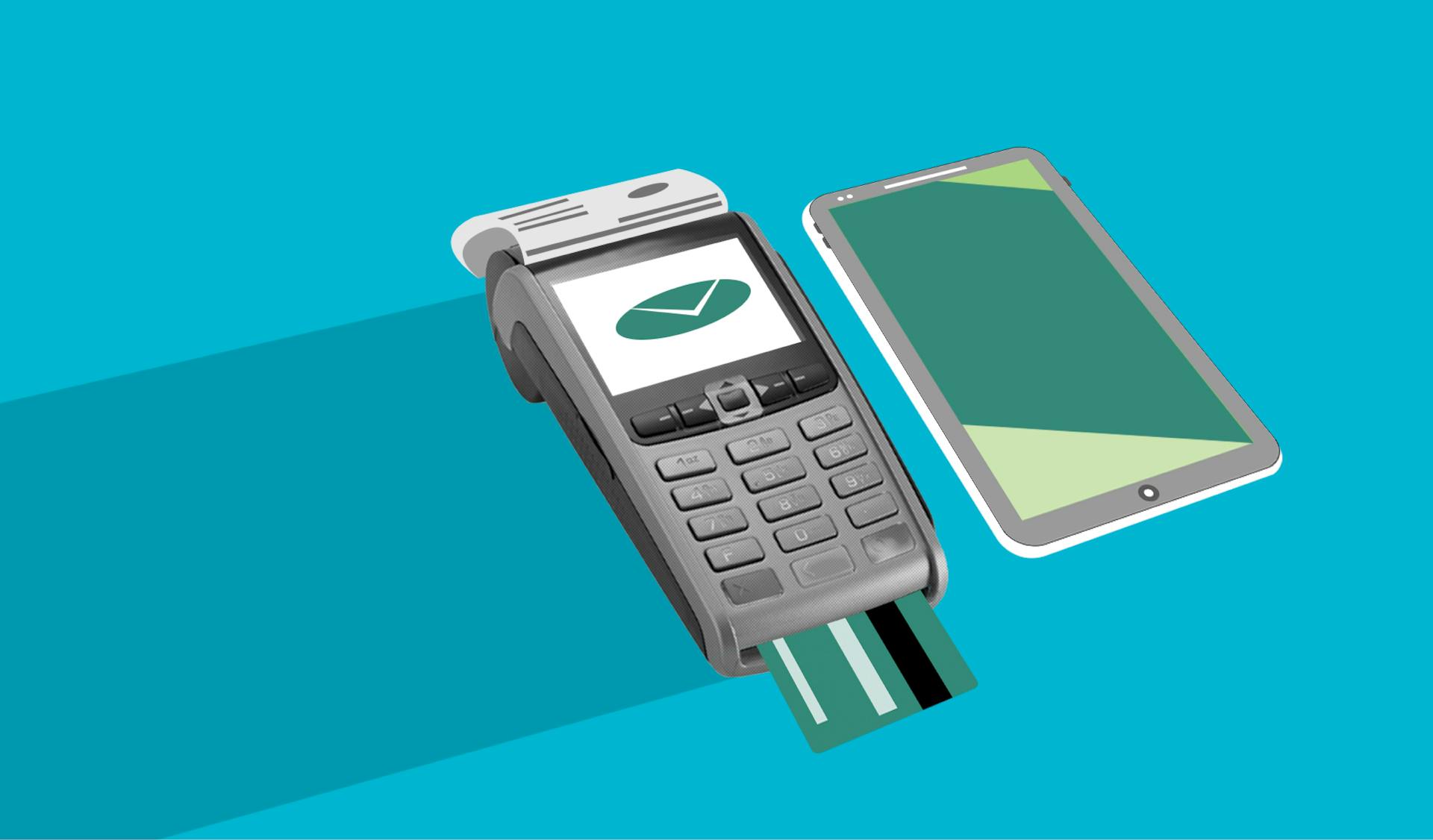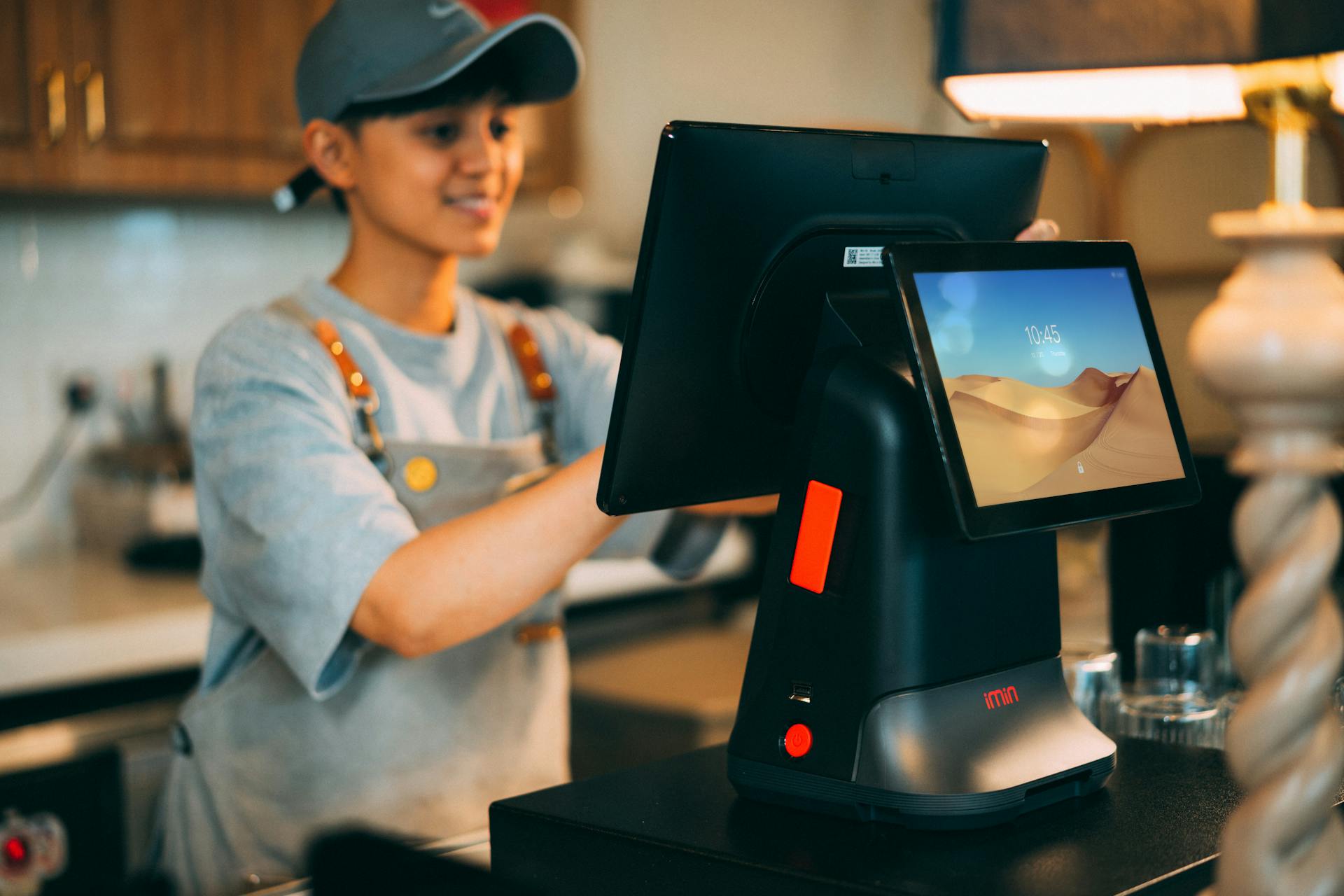
A point of sale (POS) retail system is a must-have for small businesses, and for good reason. It streamlines sales, inventory, and customer management, making it easier to run your store.
With a POS system, you can process transactions quickly and securely, reducing the risk of human error and theft. This can be especially important for small businesses, where every sale counts.
A good POS system can also help you manage your inventory levels, ensuring you never run out of stock or overstock. This can be achieved through features such as automatic inventory tracking and low-stock alerts.
By implementing a POS retail system, you can gain valuable insights into your business, including sales trends and customer behavior.
What is POS Software?
Retail point of sale software is essentially a technology tool that empowers retail associates to manage various aspects of a physical store.
It equips them with the necessary technology to manage retail operations, complete sales, and handle return and exchange transactions.
Retail point of sale software also enables associates to provide physical or digital receipts to customers.
Associates can use this software to accept various payment methods, making it easier for customers to make purchases.
The software also helps track order history, which can be a valuable resource for both customers and retailers.
Choosing a System
Choosing a POS system for your retail business is a crucial decision, and it starts with evaluating your business needs. You need to consider your business size and industry, as a small boutique will require a POS system with basic features like checkout, inventory tracking, and reporting.
Your sales volume and customer flow will also determine the kind of POS software you need. A high-volume store requires a robust system that can handle multiple transactions simultaneously.
If you have both brick-and-mortar and online stores, you'll need a system that seamlessly integrates with your eCommerce platform and syncs data for both stores. Seasonal businesses might benefit from systems with flexible subscription plans or per-transaction pricing.
For your interest: Shop Business Insurance
Key Features
A good POS retail system should have several key features to make it effective. One of the main features is unified commerce technology, which enables retailers to merge physical and digital retail experiences.
This technology allows for enterprise-wide inventory visibility, enabling store associates to initiate or complete any order from any channel. Product catalogs and omnicart provide staff with this visibility, making it easier to complete orders and fulfill customer needs.
Clienteling and customer management is another important feature, which customizes the customer experience with data from all channels and history of every customer interaction with a retailer's brand. This allows associates to carry out informed customer communications and extensive customer profile management.
Endless aisle is a feature that provides a holistic view of inventory regardless of store or fulfillment location, enabling dynamic fulfillment options. Flexible payment processing is also crucial, allowing transactions to be completed via mobile checkout with support for contactless payments and shared payment terminals.
Here are some of the key features to look for in a POS retail system:
- One experience: enables a single associate experience across all selling channels
- Product Catalogs and Omnicart: provides enterprise-wide inventory visibility
- Clienteling and Customer Management: customizes the customer experience
- Endless Aisle: provides a holistic view of inventory
- Flexible Payment Processing: allows for mobile checkout and contactless payments
- Flexible Fulfillment options: enables dynamic fulfillment options
- Reporting and Analytics: provides holistic, real-time analytics
- Offline Resilience: enables the ability to work offline
These features can help retailers provide a seamless customer experience and improve their overall business operations.
Inventory Management
Inventory management is crucial for any retail business, and a POS system can help you achieve it. To qualify for a rebate, you need to have $10,000 USD of sales in Shopify Payments transactions within 90 days of subscribing to POS Pro Yearly at a single location.
A POS system provides real-time inventory management, helping you avoid stockouts and overstocking. This means your inventory should be updated automatically, giving you accurate stock counts.
Automated updates should be sent to the store manager every time the stocks are low, allowing for timely reorders. This helps prevent lost sales due to stockouts.
A POS system is also important for providing accurate financial information. You can track how much cash you have in your cash drawer as well as your profit and cost at the end of each day and month.
If your POS is integrated with your accounting software, your finance department can access the information for accounting activities with ease.
Curious to learn more? Check out: Insurance Information and Enforcement System
Sales and Checkout
A POS retail system is all about making sales and checkout as smooth as possible. Payment processing is the heart of a POS system, and it should be able to process payments with speed and efficiency.
To reduce waiting times at checkout, look for POS software that supports quick product scanning and instant price calculations. This will help minimize the steps needed for payment completion.
A good POS system should accept multiple payment options, including credit/debit cards, mobile payments like Apple Pay and Google Pay, contactless payments, and Buy Now, Pay Later (BNPL) options like Afterpay and Klarna.
Having a mobile POS (mPOS) is also a great feature, as it allows cashiers and sales reps to process sales transactions from anywhere using smartphones or tablets. This reduces checkout lines and improves the customer experience.
A POS system can also optimize the checkout process by having a centralized database of your products, pricing, and customers. This makes it easy to quickly find products, assign orders to customers, and apply discounts with little effort.
Using a barcode scanner can make the process even faster, as it allows for quick and accurate scanning of products.
On a similar theme: Mobile Operating System
Benefits and Features
Having a modern retail POS system is crucial for retailers to provide a seamless customer experience. It enables flexibility for how, when, or where an order can be fulfilled.
Cloud retail POS systems give associates visibility of every customer interaction with the retailer's brand and provide enterprise-wide inventory visibility of the entire retail network. This allows for dynamic fulfillment options and enables associates to retrieve an item for a customer from anywhere in the retail network in the fastest and easiest way possible.
With cloud-native architecture, automatic upgrades with zero downtime, and the ability to scale to match demand, retailers can ensure their POS system is always up-to-date and running smoothly. This reduces the risk of downtime and ensures that customers can continue to shop without interruption.
Some key features to look for in a retail POS system include:
- Unified enterprise data
- Automatic updates with zero downtime
- Enhanced security
- Scalability
- Integration flexibility
- One experience for better in-store selling, engagement, fulfillment, and easier employee training
- Product Catalogs and Omnicart for enterprise-wide inventory visibility
- Clienteling and Customer Management for customized customer experiences
- Endless Aisle for dynamic fulfillment options
- Flexible Payment Processing
- Flexible Fulfillment options
- Reporting and Analytics for holistic, real-time analytics
These features enable retailers to provide a unified commerce experience, unify physical and digital retail experiences, and provide a seamless customer experience across all selling channels.
Implementation and Support
To ensure a smooth POS system implementation, it's essential to plan ahead and apply best practices.
Reliable customer support is crucial, especially during peak sales periods, and look for a provider that offers 24/7 support on multiple channels like phone, live chat, and email.
The vendor's reliability, uptime, and operational efficiency can be gauged by reading user online reviews.
Steps to Setup
To set up a POS system, involve your employees and key stakeholders to understand their needs beforehand, ensuring everyone is aligned with the implementation goals for a smooth transition.
Involve your team to understand their needs before implementing the POS system. This will help you identify any potential issues or concerns they may have.
Establish a clear timeline for implementation, detailing every step from testing to deployment, and assign responsibilities for each phase. This will keep everyone on track and ensure a successful rollout.
Set up the POS hardware, including terminals, credit card readers, barcode scanners, cash drawers, and receipt printers. This is a crucial step in getting your system up and running.
Configure the software settings to match your business workflow, such as tax rates and discounts. This will help you take advantage of the system's features and functionality.
Import product details, stock-keeping units (SKUs), and prices into the system, and set up product categories, variants, and bundles for better inventory management. This will give you a solid foundation for managing your inventory and sales.
Run test transactions to ensure seamless checkout, receipt printing, payment processing, and inventory updates. This will help you catch any issues before going live.
Support & Vendor Reliability
Reliable customer support is crucial for smooth operations, especially during peak sales periods. This is where a 24/7 support system on multiple channels like phone, live chat, and email can make a big difference.
You should evaluate the system provider's support options to ensure they meet your needs. Check for user online reviews to gauge customer satisfaction with the vendor's reliability, uptime, and overall operational efficiency.
Regular security patches and software updates are essential for security and performance. Ensure the provider releases these updates on a regular basis to keep your system running smoothly.
Employee and Store Management
A pos retail system is a game-changer for employee and store management. By automating tasks and providing real-time data, you can free up more time to focus on what matters most - running your business.
With a pos retail system, you can easily manage employee hours and schedules, ensuring that you're always adequately staffed. This helps prevent over- or under-staffing, which can lead to decreased customer satisfaction and increased labor costs.
Employee profiles can be created and stored in the system, making it easy to track performance, provide feedback, and assign tasks. This helps you get to know your employees better and make informed decisions about their roles and responsibilities.
Employee Adoption Training
Employee Adoption Training is crucial for a smooth transition to a new POS system. Organize hands-on training sessions with the provider to help employees get familiar with the system.
Effective training involves teaching employees how to handle various payment methods, returns, and discounts. This is especially important for a seamless customer experience.
Urge the provider to offer video tutorials and training manuals for easy reference and troubleshooting in case of issues. This will help employees quickly resolve any problems that may arise.
Designate "POS champions" or in-house experts with comprehensive experience to help bring other employees up to speed. These champions can provide guidance and support as needed.
Schedule refresher training sessions whenever the system gets new updates. This will ensure that employees stay current with the latest features and functionality.
How Stores Work
In retail stores, a typical point of sale (POS) transaction involves scanning or selecting items, calculating the total cost, and processing customer payment. This process is essential for any retail business.
The POS system adds up the total cost of items, including tax, shipping, or extra charges, and applies promotions, discounts, or loyalty rewards. This step is crucial for providing accurate sales data and customer service.
Customer payment options include cash, credit/debit cards, and mobile payments. The POS system connects with the payment processor to complete transactions securely.
Expand your knowledge: Retail Business Insurance Cost
If a customer uses a payment method that draws from an external account, the POS system sends the transaction details to the business's bank and communicates with the customer's bank for approval. This process ensures that transactions are processed correctly and securely.
The POS system generates a receipt once the payment is approved and processed. This receipt can be printed or sent digitally to the customer.
The POS system updates inventory levels in real-time, reflecting the sale and alerting staff if stock levels are low. This helps with ordering new stock and preventing chargebacks.
Here's a breakdown of the POS transaction process:
- Product scanning or selection
- Calculating total cost
- Customer payment
- Communication with acquiring and issuing banks
- Receipt generation
- Inventory updating
Payment and Loyalty
With a flexible POS system, you can offer more payment options for your customers, such as eWallet, installments, or combining different methods to pay for one order.
Retailers are under pressure to adapt to changing payment technology, and a good POS system can make all the difference in ensuring a smooth and seamless payment experience.
Providing more payment options can leave a good impression of your brand, making customers more likely to return and make repeat purchases.
Running loyalty programs is another guaranteed way to attract new customers and increase repeat purchases. Integrating programs like membership or gift vouchers into your POS makes it easy to reward customers for every purchase without extra work for your staff.
Enhance Payment Options
To enhance payment options, retailers can adapt to changing payment technology by offering more payment methods beyond cash and credit cards.
In the past 5 years, payment technology has evolved significantly, and retailers are under pressure to keep up.
Customers can now request to pay with eWallet, in installments, or combine different methods to pay for one order.
A flexible POS system allows retailers to offer multiple payment options, ensuring customers complete their purchase with a positive impression of the brand.
For another approach, see: Singapore Online Retailers
Run Loyalty Programs
Running a loyalty program can be a game-changer for your business. It's a guaranteed method to attract new customers and increase repeat purchases.
You can integrate programs such as membership or gift vouchers into your POS, making it easy for customers to be rewarded for every purchase without extra work for your staff. This is especially important for Magento merchants, who often need a centralized customer database.
An advanced POS system can display loyalty program information to encourage customers to purchase more. For example, your customer can see how many points they have or how much they need to purchase to qualify for free gifts.
By running a loyalty program, you can create an omnichannel experience that shares customer data across the entire system, making it easier to manage and analyze customer behavior. This is a key benefit that many other solutions don't offer.
Error Prevention and Analytics
A POS system can help prevent human errors by ensuring correct product SKUs, consistent prices, and accurate order amounts at all times.
This is especially important when handling a high volume of transactions, as manual entry can lead to mistakes and wasted time.
By automating sales data, you can easily review and correct any errors that may have occurred, making it easier to maintain accurate records.
Leveraging analytics from your POS system can also help you identify areas where errors are more likely to happen, such as during peak hours or with certain employees.
This information can be used to implement corrective measures, like providing additional training or adjusting staffing schedules, to minimize errors and improve overall efficiency.
Eliminate Human Errors
Manual data entry can be a recipe for disaster, leading to a high risk of error. If your staff has to handle a high number of transactions every hour, the chances of mistakes skyrocketing are very real.
A POS system ensures you'll always have the correct product SKU. This is especially important for businesses with a wide range of products, where even a small mistake can add up.
Consistent prices across your system are also guaranteed with a POS. No more worrying about prices being entered incorrectly or inconsistently.
All sales order data is recorded into your POS system, making it easier to review information if necessary. This helps you stay on top of your sales and make informed decisions about your business.
Reporting and Analytics
A good POS system can give you real-time insights into sales performance, top-selling products, and peak sales hours through its reporting and analytics features.
You should be able to access inventory trends reports to identify fast-moving and slow-selling products so you can adjust stock levels accordingly. This helps prevent overstocking and understocking.
The sales reporting should be customizable, allowing you to filter data based on preference, such as data range. This gives you the flexibility to focus on specific periods or events.
You should also be able to customize how the data is presented and schedule automated report creation. This saves you time and ensures you get the information you need when you need it.
Monitoring top-selling products and peak sales hours helps you make wise business decisions, such as stocking accordingly and adjusting staffing schedules. This can lead to increased efficiency and productivity.
Leveraging purchase history data can also help you offer personalized discounts and loyalty rewards to repeat customers. This can lead to customer loyalty and retention.
Worth a look: Pos System with Loyalty Program
Integration and Maintenance
Your point-of-sale (POS) system should seamlessly integrate with other business tools to streamline your operations. This can be achieved by syncing your POS system with ecommerce platforms, accounting software, inventory management software, CRM software, and payment processors.
An integrated POS system can sync online and offline sales, automate financial reporting and tax calculations, prevent stock discrepancies and overselling, track customer data for personalized targeting, and ensure secure and diverse payment options. For example, integrating with ecommerce platforms allows for seamless online and offline sales, while integrating with accounting software automates financial reporting and tax calculations.
To ensure the smooth operation of your POS system, schedule routine system checks to test your POS hardware and software. This will help you spot any issues early, preventing glitches, downtimes, or slow processing speeds that could affect checkout efficiency.
Here are some key tools to integrate with your POS system:
- Ecommerce platforms
- Accounting software
- Inventory management software
- CRM software
- Payment processors (like Stax)
If you're using a cloud-based POS system, enable automatic security and software updates and data backups to ensure your system stays secure and up-to-date.
Existing Business Tool Integrations
When choosing a POS system, it's essential to consider its compatibility with your existing business tools. An integrated POS system can help streamline your operations by syncing with other tools you use.
Ecommerce platforms, accounting software, inventory management software, CRM software, and payment processors are all tools that can integrate with your POS system. This integration can help automate tasks, prevent errors, and improve customer data management.
Having a POS system that integrates with your ecommerce platform can sync online and offline sales, ensuring that you have a complete view of your business's sales activity. This can help you make informed decisions about inventory, pricing, and marketing strategies.
Accounting software integration can automate financial reporting and tax calculations, reducing the risk of errors and saving you time. This can also help you stay on top of your finances, ensuring that your business is running smoothly and profitably.
Inventory management software integration can prevent stock discrepancies and overselling, helping you avoid costly mistakes and maintain a healthy inventory level. This can also help you optimize your inventory management, reducing waste and improving customer satisfaction.
Here are some examples of tools that can integrate with your POS system:
- Ecommerce platforms
- Accounting software
- Inventory management software
- CRM software
- Payment processors (like Stax)
Regular Maintenance & Updates
Regular maintenance is key to a smooth-running POS system. Schedule routine system checks to test your hardware and software, spotting any issues early.
Glitches, downtimes, and slow processing speeds can affect checkout efficiency, so stay alert for these signs. Implementing a cloud-based POS system can help with automatic security and software updates, as well as data backups.
Reliable customer support is crucial, especially during peak sales periods. Evaluate whether the system provider offers 24/7 support on multiple channels like phone, live chat, and email.
Regular security patches and software updates are essential for enhancing security and performance. Check user online reviews to gauge customer satisfaction with the vendor's reliability, uptime, and operational efficiency.
Frequently Asked Questions
What are the four types of POS systems?
There are four main types of POS systems: legacy, tablet-based, mobile, and cloud-based. These four types vary in efficiency, affordability, and technology, with modern systems like tablet-based, mobile, and cloud-based being more efficient and affordable.
Featured Images: pexels.com