Backtesting on TradingView is a powerful tool that allows you to test your trading strategies in a simulated environment before risking real capital. This process helps you refine your approach and increase your chances of success.
To start backtesting on TradingView, you'll need to create a PineScript script, which is the programming language used by the platform. You can find pre-built scripts on the TradingView PineScript repository, or write your own from scratch.
A key benefit of backtesting on TradingView is that you can test your strategies on a vast array of historical data, including thousands of stocks, forex pairs, and cryptocurrencies. This allows you to get a comprehensive view of how your strategy would have performed in different market conditions.
By using TradingView's backtesting features, you can also analyze the performance of your strategy over different time periods, from short-term to long-term, and identify potential areas for improvement.
You might enjoy: Chatgpt Trading Strategy Tradingview
Understanding Backtesting
Backtesting is essentially replaying history, testing your trading strategies on past market data to determine their viability. This process can save you from pitfalls or validate your trading intuition.
A thorough backtest can help you identify the strengths and weaknesses of your strategy, fine-tune your parameters, and optimize your risk management. It's a crucial step in ensuring that your strategy is robust and reliable.
To backtest on TradingView, you can use the Strategy Tester, which allows you to automatically backtest your strategy on historical data and generate performance reports. You can code your strategy in Pine Script or use a pre-existing code from the TradingView library.
The Strategy Tester has a user-friendly interface, making it easy to load, run, and analyze your strategy. You can also adjust the parameters, such as entry and exit conditions, stop loss and take profit levels, and position size.
Here's a step-by-step guide to using the Strategy Tester:
- Open a chart of the instrument and time frame you want to backtest.
- Click on the Strategy Tester tab at the bottom of the chart.
- Load a strategy from the list, either built-in or user-generated.
- Adjust the parameters as needed.
- Click on the Overview tab to view performance reports, including metrics such as the number of trades, win rate, profit factor, drawdown, and return on investment.
By using the Strategy Tester, you can efficiently backtest your strategy and make data-driven decisions.
You might enjoy: Tradingview Create Strategy
Tools and Features
TradingView offers a rich set of tools to facilitate backtesting. You can use the Bar Replay Function to manually backtest your strategies.
The Strategy Tester is a powerful tool that allows you to code your own strategies using Pine Script and then backtest them.
To access the backtesting function, first click the Strategy Tester tab at the bottom of the screen, then click the Load Your Strategy button.
You can search for strategies by name or browse through the available community scripts. The number of people currently using a strategy is indicated by a number on the right of each strategy.
Here are some key features of the Strategy Tester:
- Load Your Strategy button to access your own or community-created strategies
- Search by name or browse community scripts
- View the number of users and performance summary report for each strategy
Upgrading to a Premium plan unlocks advanced backtesting features, including more indicators and strategies, extended historical data, faster chart loading, and custom alerts.
Understanding the Editor
The editor is a powerful tool that helps you refine your content. It's located at the top of the page and is easily accessible.
As you type, the editor provides real-time feedback, suggesting alternative words and phrases to enhance your writing. This feature is especially helpful for non-native English speakers or those who want to improve their writing skills.
The editor also includes a grammar and spell checker, which highlights errors and suggests corrections. This feature is based on the same algorithms used by professional proofreaders.
The editor's suggestions are not always perfect, and it's up to you to decide whether to accept or reject them. This feature is designed to be a helpful guide, not a replacement for human judgment.
As you work on your content, the editor also provides a word count and character count, helping you stay within the desired length. This feature is especially useful for writers who need to meet specific word count requirements.
Overview of Tools
TradingView offers a range of tools to facilitate backtesting, including the Bar Replay Function, which enables manual backtesting, and Pine Script, a scripting language that allows you to code your own strategies and backtest them using the Strategy Tester.
The Strategy Tester is a powerful tool that lets you load, tweak, and analyze strategies without touching a single line of code. It's located at the bottom of your chart and provides a performance summary report that shows various metrics and statistics of your strategy.
Recommended read: Thinkorswim Backtesting

You can access the Strategy Tester by clicking on the tab at the bottom of the screen and selecting a strategy from the list. You can also search for a strategy by typing its name or keyword in the search box.
To use the Strategy Tester, you need to code your strategy in Pine Script, which is the scripting language of TradingView. You can create your own strategy from scratch or use one of the built-in or user-generated strategies from the TradingView library.
The Strategy Tester allows you to automatically backtest your strategy on historical data and generate performance reports. It's fast, accurate, and objective, and you can test your strategy on a large amount of data to get reliable and comprehensive results.
Here are some key features of the Strategy Tester:
- Trades: Visual markers for buy and sell signals.
- Equity Curve: A line showing how your account balance changes over time.
Upgrading to a Premium plan unlocks advanced backtesting features, such as more indicators and strategies, extended historical data, faster chart loading, and custom alerts.
Edit a Simple Plan

To edit a simple plan, start by finding a script to play with, like the built-in "RSI Strategy" on TradingView. Click the curly braces icon to open the Pine Editor and make a copy of the script, as a non-negotiable step to avoid accidentally saving over the original.
You can then make a simple tweak to the code, like changing the line defining the condition for a buy signal from 30 to 25, if you've noticed that on the specific asset you're trading, a drop to 25 is a more reliable oversold signal.
The Pine Editor menu allows you to make a copy of the script, which is essential before making any changes. You can then modify the code to suit your needs.
A simple tweak can make a big difference in the performance of your strategy. For example, changing the RSI threshold from 30 to 25 can improve the accuracy of your buy signals.
Discover more: How to Write Script in Tradingview

To automate backtesting, you can use Pine Script and the Strategy Tester. This process involves writing or importing a strategy, adding it to your chart, and reviewing the results.
Here are the steps to follow:
- Open the Pine Script Editor and code or import a strategy.
- Add the strategy to your chart.
- Access the Strategy Tester, located at the bottom of your chart.
- Review the results, including metrics like Total Net Profit and Max Drawdown.
- Optimize the parameters in your Pine Script code and re-run the Strategy Tester.
By following these steps, you can refine your strategy and improve its performance.
Understanding Basic Commands
Pine Script is designed to be readable, even for those without coding experience. This means you can focus on making adjustments to your trading strategy without getting bogged down in complicated code.
The Pine Editor is a powerful tool that lets you ask specific questions and get answers backed by data. For example, you can test how a slower RSI performs by changing the period from 14 to 21.
To get comfortable making adjustments, it helps to know a few core commands. These include built-in functions, variables, and strategy commands.
Here are some key things to know about built-in functions:
- ta.rsi(close, 14): This calculates the Relative Strength Index over 14 periods.
- ta.crossover(rsiValue, rsiOverSold): This checks if the RSI value has crossed over the oversold level.
Variables are used to define entry thresholds and other rules. For example, rsiOverSold = 25 sets the oversold level to 25.
Strategy commands tell the backtester what to do when a condition is met. For example, strategy.entry("RSI_Long", strategy.long) opens a long trade when the condition is met.
Broaden your view: How to Test Your Strategy on Tradingview
Write the Code
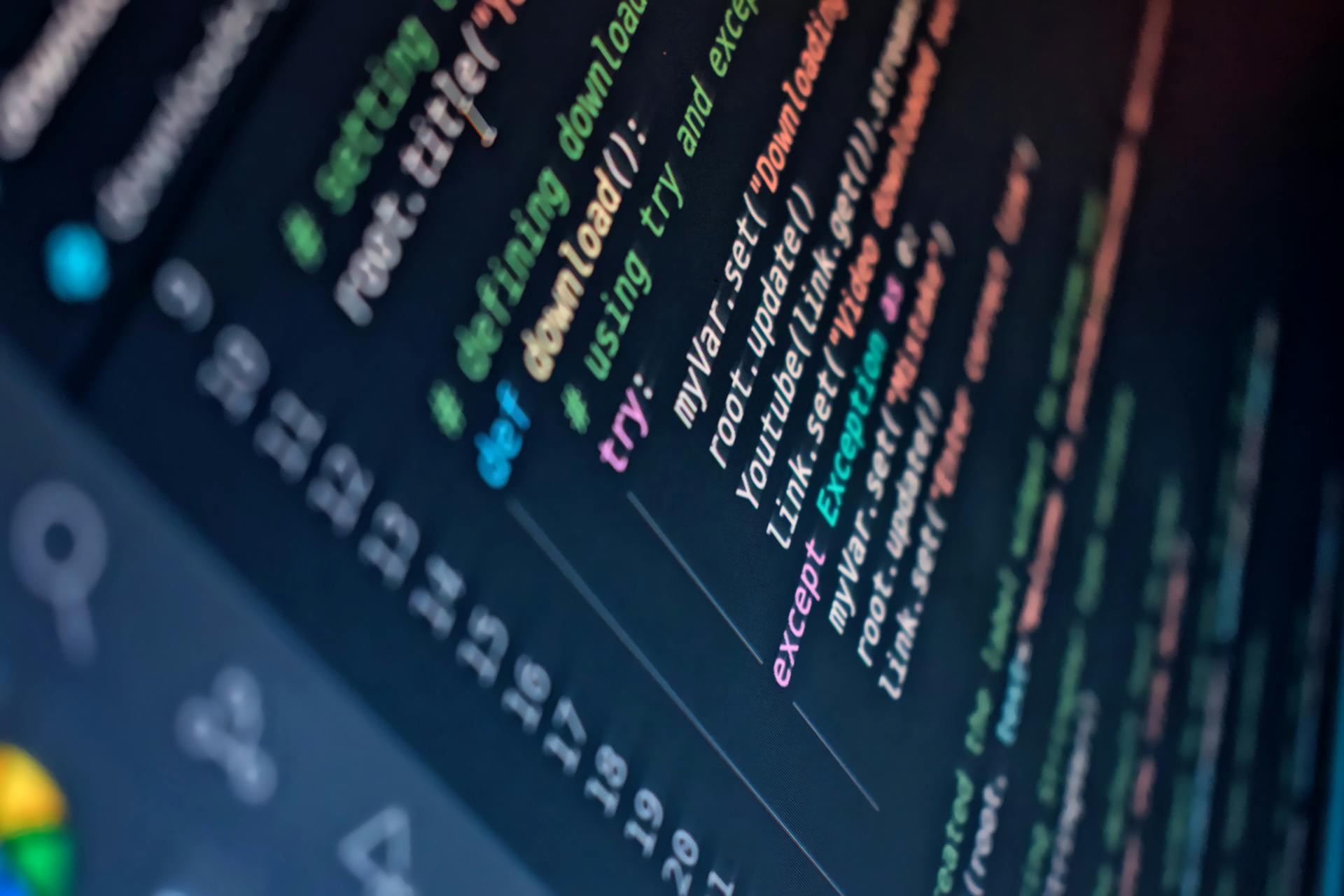
Writing the code for your TradingView strategy is where the magic happens. You can use TradingView's Pine Script language to create your own custom strategies from scratch.
Pine Script was designed to be readable, even for those without prior coding experience. It's a simplified language that uses a syntax similar to other programming languages, making it easy to learn and use.
To get started, you can use one of TradingView's built-in strategies as a template. Let's take the RSI Strategy, for example. You can add it to your chart and click the curly braces icon to open the Pine Editor. From there, you can make a copy of the script to modify it to your liking.
Here are some basic Pine Script commands to get you started:
By making small changes to the code, you can test specific ideas and see how they affect performance. For example, you can change the RSI period from 14 to 21 to see how it performs. This is the core of building a trading system you can trust.
Expand your knowledge: How to See My Paper Trading Account on Tradingview
Best Practices
Backtesting on TradingView requires a solid understanding of the best practices to ensure reliable results. Use adequate data, ensuring you're backtesting over a significant period to get more reliable results. Testing on just a few weeks of data won't give a comprehensive picture.
Account for slippage and commissions, as real-life trading includes these costs. Ensure that your strategy is still profitable when these are taken into account. Regularly review and update your strategy to ensure it remains effective, as financial markets evolve.
Here are some key best practices to keep in mind:
- Be specific and measurable - define your trading idea clearly and use quantifiable metrics to evaluate its performance.
- Be realistic and include fees - account for slippage, commissions, spreads, and other costs that can affect your profitability.
- Tes on different market conditions - test your strategy on various time frames, market cycles, and asset classes to see how robust it is.
- Avoid overfitting and curve-fitting - use a simple and logical strategy that can adapt to different scenarios.
Automated Testing
Automated testing is a game-changer for traders. It allows you to test your trading strategies on historical market data, giving you a clear idea of how they would have performed in the past.
You can use the Strategy Tester on TradingView to automate this process. This tool lets you load, tweak, and analyze strategies without touching a single line of code.

To get started, simply open the "Indicators & Strategies" window and click on the "Strategies" tab. You'll find a library of ready-to-go scripts from TradingView and its community.
One of the best things about automated testing is that it's fast and accurate. You can test your strategy on a large amount of data and get reliable results.
Here are some key metrics to pay attention to when running a backtest:
These metrics will give you a good idea of how your strategy performed in the past. You can also use them to compare different strategies and optimize your approach.
Automated testing is a crucial part of any trading strategy. It helps you validate your ideas and avoid costly mistakes.
By using the Strategy Tester on TradingView, you can automate this process and save time and effort.
Tips for Effective
To make your backtests more realistic, it's essential to account for trading costs. This includes commissions and slippage, which can eat away at profits and turn a winner into a loser. A strategy might look great on paper, but those small costs can be a major issue.

Properly configuring commissions and slippage in your strategy's settings is a must. Don't skip this step, as it can make a huge difference in your backtest results. If you have a premium TradingView plan, use the Bar Magnifier feature to make your backtest more precise.
Here are a few rules of thumb to keep in mind:
- Use adequate data: Ensure you're backtesting over a significant period to get more reliable results.
- Account for slippage and commissions: Real-life trading includes these costs, so ensure your strategy is still profitable when they're taken into account.
- Beware of overfitting: Overfitting happens when a strategy is too closely tailored to past data, making it less likely to be successful with new, unseen data.
- Regularly review and update: Financial markets evolve, so regularly review and update your strategy to ensure it remains effective.
To avoid common backtesting mistakes, be specific and measurable, and define your trading idea clearly. Use quantifiable metrics to evaluate its performance. Don't assume you can execute trades at the exact price you want – account for slippage, commissions, spreads, and other costs that can affect your profitability.
Rule-Based Matters
A clear, rule-based strategy is essential for effective backtesting. Without rules, you can't accurately assess your trading strategy's performance.
Defining entry and exit conditions is crucial for a rule-based strategy. This helps you identify when to enter and exit trades, ensuring your strategy is transparent and reproducible.

Specifying risk management rules, such as stop-loss and take-profit levels, is also vital. This helps you manage potential losses and maximize gains.
Avoid vague criteria like "I'll buy when it feels right." This approach can lead to inconsistent decision-making and make backtesting unreliable.
Here are the key elements of a rule-based strategy:
- Define entry and exit conditions.
- Specify risk management rules (e.g., stop-loss and take-profit levels).
- Avoid vague criteria.
By following these guidelines, you can create a clear, rule-based strategy that's easy to backtest and evaluate. This will help you make informed trading decisions and improve your overall trading performance.
Can I Test Uncoded Things?
You can backtest a strategy that isn't coded. TradingView's Bar Replay tool lets you go back in time and "replay" the market candle by candle, just as if it were happening live.
This feature is a game-changer for discretionary traders. It's the perfect way to practice your decision-making and test your non-coded strategy under realistic, simulated pressure.
You can use the Bar Replay tool to see if you would have pulled the trigger, hesitated, or managed the trade correctly.
Suggestion: Tradingview Replay

To make the most of this feature, it's essential to have a clear idea of your strategy, including entry and exit conditions, risk management rules, and other key factors.
Here are the key elements to consider:
- Define entry and exit conditions.
- Specify risk management rules (e.g., stop-loss and take-profit levels).
- Avoid vague criteria like "I'll buy when it feels right."
By following these best practices, you can effectively backtest your uncoded strategy and refine your approach.
Running a Backtest
Running a backtest on TradingView is a straightforward process. Once you've applied your script, the platform will automatically run the backtest and display the results on the chart.
You'll see visual markers for buy and sell signals, which are represented by trades. These markers can give you a clear idea of the script's performance.
The equity curve is another important aspect of the backtest results. This line shows how your account balance changes over time, providing a visual representation of the script's profitability.
Here are the key elements you'll see during a backtest:
- Trades: Visual markers for buy and sell signals.
- Equity Curve: A line showing how your account balance changes over time.
Analyzing Results
To evaluate your backtested strategy, you'll want to focus on four key metrics: Net Profit, Drawdown, Win Rate, and Profit Factor.
Net Profit is the total profit or loss after all trades, giving you a clear picture of your strategy's overall performance. This metric helps you understand whether your strategy is making money or losing it.
Drawdown, on the other hand, is the largest peak-to-trough decline in your account balance. This is a crucial metric to watch, as it shows you the maximum amount of pain your strategy can dish out.
A high Win Rate is meaningless without context, as a high number of small wins can be offset by a few huge losses. To get a better understanding, focus on the Profit Factor, which tells you how much money your strategy made for every dollar it lost. A figure over 1.5 is a good starting point.
Here are the key metrics to keep an eye on:
Key Metrics
Key metrics help you understand how your strategy performed. Net Profit is the total profit or loss after all trades.
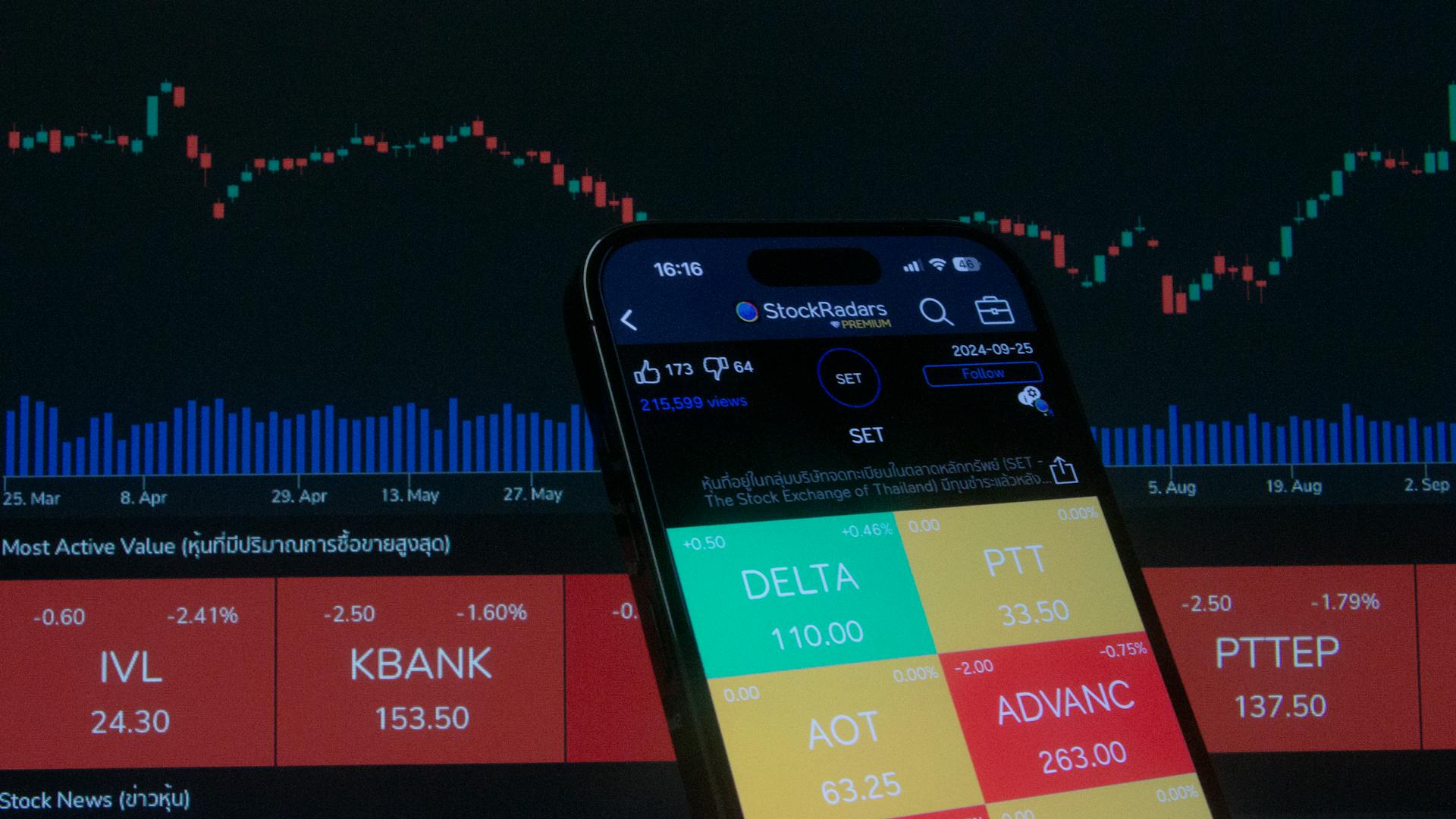
To get a clear picture, you should also look at Drawdown, the largest peak-to-trough decline in your account balance. A high Drawdown can be a red flag.
Win Rate is the percentage of winning trades, but keep in mind that it's meaningless without context. A high Win Rate with small wins and a few huge losses is a losing game.
Profit Factor is the ratio of gross profit to gross loss, and values above 1 indicate profitability. A figure over 1.5 is a good starting point.
Here are the key metrics to evaluate:
How much historical data is required?
To get accurate results from your backtesting, you need a decent amount of historical data. Unfortunately, data availability varies by market and timeframe.
Higher timeframe charts like daily, weekly, and monthly charts usually have enough data for valid tests. Lower timeframes like 4-hour charts and below, however, have very limited historical data.
You might only have access to two or three years of data on lower timeframes, which isn't enough to do a thorough backtest. A strategy that looks great over a few months might just have gotten lucky with the market conditions.

To have confidence in a trading strategy, you should aim for a bare minimum of 100 trades in your test. If you have fewer than 50 trades, you probably don't have a large enough sample size to draw any meaningful conclusions.
Here are some key considerations for your test:
To navigate different market conditions, your test needs to cover a bull run, a bear market, and some choppy, sideways action. A truly robust strategy should be able to handle all of these without falling apart.
Frequently Asked Questions
The TradingView backtesting engine isn't processing every single tick that happened in the market, only candle data - the open, high, low, and close (OHLC).
This can create small differences between what your backtest shows and what would have happened in live trading.
The standard Strategy Tester on TradingView works with candle data, not every single tick.
Featured Images: pexels.com