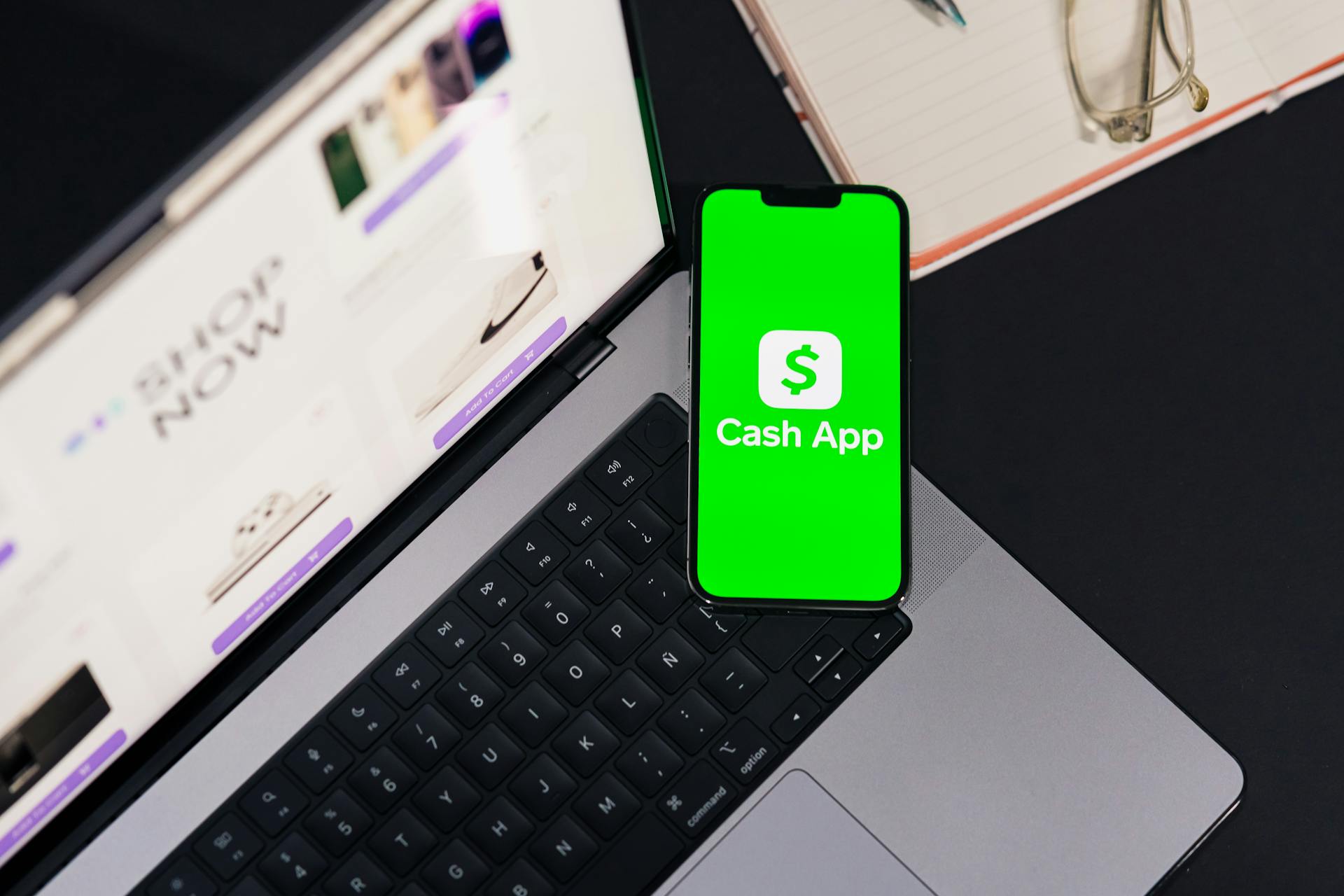
Venmo and Cash App are two of the most popular peer-to-peer payment apps available today.
Both apps allow users to send and receive money using their mobile devices, but they have some key differences when it comes to features, fees, and security.
Venmo offers a social aspect, allowing users to share payment activity with friends and follow their transactions.
Cash App, on the other hand, is more focused on financial services, offering features like a debit card and investing capabilities.
Venmo charges a 3% fee for instant transfers to a debit card, while Cash App charges a 1.5% fee for instant transfers to a debit card.
Intriguing read: Venmo Debit Card Fees
Features and Options
Venmo and Cash App are similar in many ways, especially when it comes to peer-to-peer payments. Both platforms allow you to send and receive money from someone else, and you can use the received balance to pay other users or transfer the money out to another account.
Cash App offers a unique money-saving feature that allows users to put money aside into savings without any fees and round up transactions by putting the change into a savings balance. This feature is not available on Venmo.
Venmo's key selling point is the possibility to easily split bills with friends and family, making it a great option for social payments. You can also add stickers to personalize payments and make your profile public to share your payments and monitor the actions of other network users.
Payment Options
You can receive customer payments through Cash App using debit and credit cards, including Mastercard, Visa, Discover, American Express, and selected prepaid cards. Cash App also allows businesses to accept in-person card payments with Square POS integration.
Customers can pay via a QR code or a shareable URL, making it easy for customers to make payments on the go.
Cash App offers a refund feature, giving you more flexibility when handling customer payments.
Venmo, on the other hand, facilitates eCommerce and online payments with PayPal, Shopify, and Braintree integration. Customers can also make payments using a QR code.
Cash App has a daily cash withdrawal cap of $400, but you can only withdraw as much as is available in your account at the time.
Peer-to-Peer Payments
You can use both Venmo and Cash App to send and receive money from someone else. Both platforms allow users to transfer funds out of their balance to another account.
Venmo's peer-to-peer payment system is designed for quick sending and receiving of money. It's also a social platform where users can easily split bills with friends and family.
Cash App, on the other hand, is a P2P application that offers advanced opportunities for businesses to accept payments, track sales, and issue invoices. This feature is not available on Venmo.
Here's a comparison of the payment options for sending and receiving money on both platforms:
Note: The table is empty because the article sections don't provide detailed information on specific payment methods for sending and receiving money.
Fees and Limits
Venmo and Cash App have different spending limits for unverified accounts. Venmo limits unverified accounts to a weekly outgoing payment amount of $2,499, while Cash App has a person-to-person weekly spending limit of $299.99 with Venmo and $250 with Cash App.
To send more money, you'll need to verify your account. Venmo requires a person's full name, birthday, social security number, and physical address to compare to government data. Once verified, you can send up to $25,000 per week if you have a Venmo business profile.
The fees for Cash App and Venmo vary depending on the payment method. Cash App charges a 2.75% fee when accepting payments, and a 3% fee to send money with a linked credit card. Venmo charges a 1.9% + $0.10 transaction fee on payments received for goods and services.
Instant transfers with Cash App cost between 0.5% to 1.75% of the payment amount, with a $0.25 minimum fee. Venmo's instant transfers cost 1.75% of the payment amount, with a $0.25 minimum fee and a $25 maximum fee.
Recommended read: Venmo Limitations
If you're using a credit card to send money, Venmo charges a 3% fee, while Cash App charges a 3% fee as well. Both apps also charge a fee for ATM transactions: $2 for Cash App and $2.50 for Venmo.
Here's a comparison of the fees for Cash App and Venmo:
Keep in mind that these fees can add up, especially if you're sending or receiving large amounts of money. It's essential to understand the fees associated with each service to avoid any surprises.
Security and Support
Both Venmo and Cash App offer robust security features to protect your financial data, including multi-level encryption, two-factor authentication, and anti-fraud technologies.
Venmo funds are only eligible for FDIC pass-through insurance if you add money to your account using direct deposit or mobile check deposit.
Cash App account balances are insured by the Federal Deposit Insurance Corporation (FDIC) through partner banks, and its investing services are registered with the Securities and Exchange Commission (SEC) as a broker-dealer.
Both platforms secure bank account information by enabling payments linked to your business name, email, or phone number, and they offer protection against unauthorized transactions.
To ensure maximum security, Consumer Reports recommends setting up extra security features, such as PIN or fingerprint confirmation, and keeping your app up-to-date, as older versions are more susceptible to hackers.
Here are some key security features offered by Venmo and Cash App:
- Multi-level encryption;
- Two-factor authentication;
- Security locks;
- Anti-fraud technologies;
- Fingerprint identification (Cash App only).
To get assistance with security issues, you can contact Venmo via the Venmo app chat support service, or Cash App by phone between 9 am and 7 pm EST, Monday through Friday.
Security Protection
Cash App and Venmo both offer robust security features to protect your financial data and prevent unauthorized transactions.
Both platforms secure bank account information by enabling payments linked to your business name, email, or phone number. This way, customers can initiate a payment to you without having access to your bank account details.
Encryption, two-factor authentication, and added security for accessing your account with a PIN are some of the security features offered by both platforms.
Cash App takes it a step further by allowing users to use fingerprint identification in addition to two-factor authentication. This adds an extra layer of security to your account.
If you're concerned about security, Consumer Reports has rated all three major payment apps, including Venmo, Cash App, and Zelle, as safe to use. However, it's essential to follow their tips for ensuring maximum security, such as setting up extra security measures and keeping your app up-to-date.
Here are some key security features to look out for:
- Multi-level encryption;
- Two-factor authentication;
- Security locks;
- Anti-fraud technologies.
Additionally, both Cash App and Venmo offer protection against unauthorized transactions. However, it's essential to note that if you fall victim to a scam, they may not guarantee that they will secure or retrieve your money.
FDIC pass-through insurance is available for Cash App account balances, but only if you add money to your account using direct deposit or mobile check deposit.
Support

Both Venmo and Cash App offer valuable online resources and helpful FAQs, but if you need live help, Venmo has more options available via phone, chat, and email for many hours throughout the day.
Cash App offers a chat service within the app, accessible by tapping the profile icon and selecting “Support.” You can then click “Send a message” or “Start a chat.”
Venmo's chat support service is available daily via chat between 8 am and 10 pm CT, including weekends. If you need to contact Venmo, you can also use their web contact form by selecting “Business Profile.”
To contact Cash App Support, you can call them between 9 am and 7 pm EST, Monday through Friday, using a single contact number. Be wary of scammers who may ask you to call a different number.
For credit and debit card queries, use the contact number on the back of your card. Lost or stolen cards can be reported on the Get Help section of your Venmo app.
Related reading: Does Venmo Have a Card
Comparison and Suitability
Cash App and Venmo are remarkably similar, but they differ in spending limits, extra verification steps, security, and customer support.
Consider your frequent transactions - how often and how much you send and receive on a weekly basis - to decide which app is best for you. You can use both platforms if you truly can't decide.
Ultimately, the choice between Cash App and Venmo comes down to your specific needs and preferences. Cash App is perfect for transactions with strangers due to its $Cashtag anonymity, while Venmo is best for those you know personally as well as for sending frequent, recurring payments.
If this caught your attention, see: Venmo Business Transactions
Zelle Comparison
Zelle ties directly to a bank or credit union account, and funds are transferred directly to and from that account.
One notable difference between Zelle and the other two apps is that it doesn't allow users to carry a balance in the app. This means that users can't keep money in the app for an extended period.
Zelle can be downloaded as a stand-alone app or as part of a participating bank or credit union's mobile app. This flexibility might be a plus for some users.
Zelle is subject to federal reporting requirements, and will be reporting any income payment of more than $600 received through the app to the IRS. This is something to keep in mind, especially for those who receive frequent payments.
Comparing Features and Suitability
Both Venmo and Cash App are incredibly popular mobile payment apps that allow users to transfer funds with just a few taps on their screens. They are available for free on iOS and Android, and fees are only assessed when funds are cashed out.
Venmo's platform features a more social feel, allowing users to share messages detailing what they've spent their money on. This is a unique feature that sets it apart from Cash App. Cash App, on the other hand, offers a physical Cash Card that can be used to withdraw money at an ATM, and users can also buy and sell Bitcoin directly from the app.

If you're looking for a mobile payment solution for your business, consider whether it can scale to support the growth of your business. Ensure the solution can handle increasing transaction volumes, multiple sales locations or channels, and services that fit your long-term plans.
Here are some key differences between Venmo and Cash App for business needs:
Ultimately, understanding your frequent transactions will be one of the biggest factors in deciding which app is best for you. You can use both platforms if you truly can't decide, as Cash App is perfect for transactions with strangers, while Venmo is best for those you know personally.
Key Differences: Accounts
When it comes to accounts, there are some key differences to consider between Cash App and Venmo.
Venmo’s refund feature is a game-changer for returns administration, allowing customers to receive a returns barcode with any QR code payment email receipts.
Cash App doesn't have a similar feature, so you'll need to handle refunds manually.
Venmo gives you the flexibility to determine your own refund policy, while still providing a seamless returns experience for your customers.
With Venmo, you can refund full or partial payments to the customer, making it easier to manage returns and customer satisfaction.
A unique perspective: How to Refund Money on Venmo
Understanding and Overview
Venmo and Cash App are two popular mobile payment services that allow you to send and receive money, but they have some key differences.
Venmo was launched in 2009 as a peer-to-peer payment platform and started offering business accounts in 2021. To use a Venmo business account, you must first create and link a business profile to an existing personal account. Once set up, you can request customer payments, receive payments directly into your business account, and view transactions.
Cash App, on the other hand, was launched in 2013 by Block, Inc. (previously Square, Inc.) and offers a business account that allows you to send and receive funds from your mobile device. You can set up direct deposits, receive payments for goods or services, and make payments to vendors and employees.
Both Venmo and Cash App offer free digital transactions through a linked debit card, bank account, or built-in app balance. However, extra fees may apply for additional services and advanced functionality.
Here's a comparison of the two services:
Venmo focuses on money transfer with a social networking type of experience, while Cash App offers the option to send and receive money, as well as make investments.
Pros and Cons
Venmo and Cash App have their own set of advantages and disadvantages.
One major pro of using Venmo or Cash App is the ability to send and receive money quickly and easily.
Both apps are known for their user-friendly interfaces, making it simple to navigate and use the services.
However, there's also a risk of overspending when using these apps, as it's easy to transfer funds without thinking about the consequences.
Another con is the potential for fees, such as when using a credit card to transfer funds.
On the other hand, both Venmo and Cash App offer rewards and cashback programs, which can be a great incentive to use the services.
But, some users may not like the fact that their transactions are publicly visible on Venmo.
Overall, the pros and cons of using Venmo or Cash App will depend on individual preferences and needs.
Featured Images: pexels.com