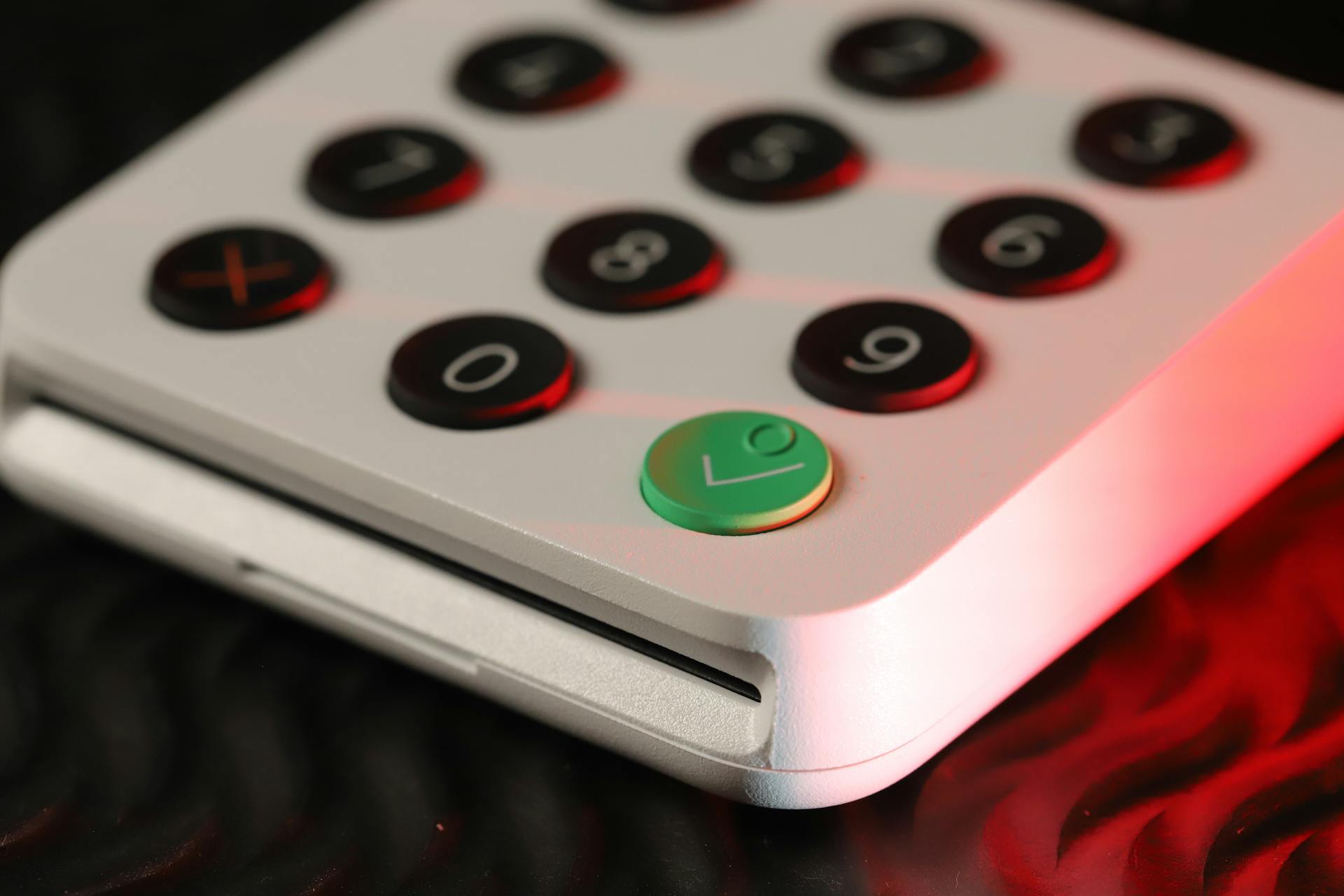
These small devices are also known as card readers or point-of-sale (POS) scanners.
They're designed to quickly and accurately scan credit card numbers, making it easier for businesses to process transactions.
These devices are commonly used in retail stores, restaurants, and other establishments where customers make purchases with credit cards.
They can be connected to a computer or mobile device for processing payments.
What is a Credit Card Reader?
A credit card reader is a small device that helps process transactions by scanning credit card numbers. It's a crucial tool for merchants and businesses to accept payments from customers.
The card reader decodes the card's information and encrypts it for secure transmission. This is a critical step in the payment process to protect sensitive information.
To initiate a transaction, a cardholder simply needs to swipe, insert, tap, or wave their card or mobile device over the card reader. This action triggers the process.
Here are the key steps involved in using a credit card reader:
- The card reader decodes the card’s information.
- The card reader encrypts the information for secure transmission.
- The encrypted data is sent to the payment processor.
- The payment processor routes the data to the cardholder’s bank for verification and authorization.
- The card-issuing bank approves or declines the transaction.
- The response is sent back to the card reader.
- The card reader displays the transaction result.
Preventing Credit Card Scams
Credit card scams can be prevented by being cautious when using your credit card, especially when shopping online or at unfamiliar locations.
Always check the URL of the website you're shopping on to ensure it's secure, as indicated by "https" and a lock icon.
Don't enter your credit card information on public computers or public Wi-Fi networks, as they can be vulnerable to hacking.
Keep your credit card information confidential and avoid sharing it with others, even if they claim to be working for a legitimate company.
Did You Fall for a Scam?
If you've fallen victim to a credit card scam, don't panic. Most credit card companies will remove unauthorized charges from your bill and refund your money if you notify them within 60 days of the issued statement.
You might be wondering how it happened, especially if your card is still safely in your fanny pack. Criminals use various methods to steal your credit card and banking information without physically getting their hands on your card.
The damage can be minimized by acting quickly. If you suspect a scam, contact your credit card company right away to report the issue.
You can take steps to prevent future scams, but it's essential to be aware of the tactics used by scammers. Skimming and scanning are two common methods used to steal credit card information.
For your interest: Someone Stole My Credit Card Number and Used It Online
Preventing Skimming
Be cautious of free-standing POS terminals in badly lit or deserted areas, as these are common targets for skimmers.
Deal directly with a teller or cashier when exchanging money, as ATMs and kiosks can be vulnerable to skimming.
Be on the lookout for damaged card readers, as any evidence of tampering suggests a skimmer may be at work.
Tourist areas are popular targets for skimmers, so be extra vigilant when using ATMs or card readers in these areas.
To avoid falling victim to skimming, follow these tips:
- Don't use free-standing POS terminals in badly lit or deserted areas.
- Deal directly with a teller or cashier when exchanging money.
- Be on the lookout for damaged card readers.
- Be alert for skimming devices in tourist areas.
How Credit Card Readers Work
Credit card readers are an essential part of modern payment processing systems, used in retail stores' point-of-sale terminals and automated teller machines (ATMs). They have become ubiquitous in recent years, greatly increasing the speed of transactions.
The card reader decodes the information stored on the card, including the cardholder's full name, account number, card expiration date, and validation code. This information is then encrypted for secure transmission to the payment processor.
The encrypted data is sent to the payment processor, which routes it to the cardholder's bank for verification and authorization. The card-issuing bank approves or declines the transaction, and the response is sent back to the card reader.
Here are the key steps involved in credit card processing:
- The cardholder initiates the transaction by swiping, inserting, tapping, or waving their card or mobile device over the card reader.
- The card reader decodes the card's information and encrypts it for secure transmission.
- The encrypted data is sent to the payment processor, which routes it to the cardholder's bank for verification and authorization.
- The card-issuing bank approves or declines the transaction, and the response is sent back to the card reader.
- The card reader displays the transaction result and, if approved, the sale is completed.
How Credit Readers Function
Credit card readers are an essential part of the modern payment processing system. They're used in retail stores' point-of-sale (POS) terminals, as well as in automated teller machines (ATMs) offered by banks.
The process of how credit card readers work is quite straightforward. The cardholder initiates the transaction by swiping, inserting, tapping, or waving their card or mobile device over the card reader.
The card reader decodes the card's information and encrypts it for secure transmission. This is done using a magnetic head to decode the card data, which is then sent for authorization.
The encrypted data is sent to the payment processor, which routes it to the cardholder's bank for verification and authorization. The card-issuing bank approves or declines the transaction, and the response is sent back to the card reader.
The card reader displays the transaction result and, if approved, the sale is completed. This entire process happens in a matter of seconds, thanks to modern computer systems.
There are different types of card readers, including magstripe readers and EMV card readers. Magstripe readers use a magnetic head to decode the card data, but are less secure than EMV card readers, which accept cards with embedded microprocessor chips.
Here's a breakdown of the steps involved in credit card processing:
- The cardholder initiates the transaction.
- The card reader decodes the card's information and encrypts it.
- The encrypted data is sent to the payment processor.
- The payment processor routes the data to the cardholder's bank.
- The card-issuing bank approves or declines the transaction.
- The response is sent back to the card reader.
- The card reader displays the transaction result.
Real-World Reader Example
Emma's experience at the café shows how quickly and easily credit card transactions can be completed with modern card readers. The electronic card reader at the café's POS machine extracts Emma's name, account number, expiration date, and validation code from her card's magnetic strip in just a few seconds.
The POS terminal then sends this information to XYZ Bank, Emma's issuing bank, using the café's Internet connection. Confirmation is received that Emma has sufficient funds to complete the transaction.
The whole transaction was completed within just a few seconds, which would not have been possible if the card reader wasn't available.
You might like: Merrick Bank Credit Card Customer Service Number
Understanding Credit Card Readers
EMV card readers are designed to accept cards with embedded microprocessor chips, which are inserted or "dipped" into the card reader.
These chips generate a unique transaction code for each purchase, providing an added layer of security compared to traditional magnetic stripe cards.
The enhanced security of EMV credit card processing only exists for in-person shopping, requiring a PIN or signature to complete the transaction.
See what others are reading: Credit Card Numbers with Security Code
Scanning RFID Chips
RFID chips on your credit/debit card are actually radio transmitters, a technology that's been around since WWII.
These chips are embedded in various items, including shoes for inventory management and humans for healthcare and security reasons.
Banks claim that RFID chips on cards are encrypted, but it's been proven that scanners can swipe the cardholder's name and number.
A cell-phone-sized RFID reader can pick up card information from 10 feet away when powered at 30 dBm.
There hasn't been a recorded case of RFID fraud yet, but experts recognize it would be difficult to track.
Difference Between a Reader and POS
A card reader is not the same as a POS, although they work together. The card reader is a component of the POS, responsible for accepting credit and debit card information.
The card reader sends this information to the business's payment processor, which is where its role ends. The POS takes over from there, using the transaction information to create receipts, document customer information, and update inventory.
The POS is the system that handles the entire transaction process, not just the card reader. The two are not interchangeable terms, and it's essential to understand the difference between them.
Here's a summary of the key differences:
- Card reader: accepts credit and debit card information
- POS: handles the entire transaction process, including creating receipts, documenting customer information, and updating inventory
Featured Images: pexels.com


