If you're a business owner with multiple locations, you know how challenging it can be to manage inventory, track sales, and maintain a unified brand image across different sites. This is where a reliable Point of Sale (POS) software for multiple locations comes in handy.
Some POS systems, like Lightspeed, are designed specifically for multi-location businesses and offer features like centralized inventory management and real-time sales tracking. This can help you make data-driven decisions and stay on top of your business operations.
For example, Lightspeed's inventory management feature allows you to track stock levels across all locations, ensuring that you never run out of a particular product or overstock another. This level of visibility is crucial for maintaining a seamless customer experience across all your locations.
With a good POS system, you can also streamline your operations, reduce errors, and improve overall efficiency.
Worth a look: Good Inventory Management Software
Benefits of POS Software
Using a multi-store POS system can be a game-changer for businesses with multiple locations. With a unified platform, you can coordinate pricing, track inventory chainwide, and run promotions across all stores from one dashboard.
Having a single system to manage all your stores can save you a lot of time and effort. No more logging into separate portals or tracking info store-by-store in spreadsheets.
A multi-store POS system can also handle inter-store inventory transfers, which can be a huge convenience. Running low on an item in one store? Transfer stock from another location to meet demand.
Instantly pushing out promotions to the whole chain with a few clicks is another big perk of running all stores on one system. No more manually creating signage and communicating deals to each store manager.
With a modern multi-store POS, you'll have chainwide visibility to make smarter decisions. This means you can see your whole chain's sales, product levels, and other metrics in one place.
A customized POS system can fit your operations like a glove. With features and utilities designed specifically for the multi-branch environment, you can tailor the system to meet your needs.
Take a look at this: Membership Pos System
Streamlining Business Operations
With multiple locations, it can be overwhelming to manage day-to-day operations. KORONA POS makes it easy by allowing you to oversee all of your store locations from one single platform.
Automatic upgrades ensure you never have to worry about buying and installing new software, keeping your business up-to-date with the latest technology.
You can transfer all product data to any additional physical store or online store with just a few clicks, saving you time and effort.
Streamlining multi-store business operations is crucial, and KORONA POS has it covered with automatic reordering features, low and overstock notifications, and multi-location fast data transfer.
Here are some key features that can help you streamline your business operations:
- Automatic Reordering Features
- Low and Overstock Notifications
- Multi-Location Fast Data Transfer
- Employee Permission Levels
- Multi-Store Inventory Management
- Easy Accounting Integration
- CRM and Loyalty Features
- Scalable Multi-Store Data
- Payment and Processor Integrations
- Multiple-Store Cross Promotions
By using a POS system designed for multiple locations, you can manage your business more efficiently, reduce stress, and focus on what matters most – growing your business.
Tracking and Reporting
Tracking and reporting are essential for any business with multiple locations. You need to be able to monitor performance across all your stores and make informed decisions to drive growth.
With the right POS software, you can get detailed sales reports and metrics on individual stores or consolidate data from all stores on an internet-serviced device. This allows you to track profits and revenue from all your store locations.
You can track business performance using powerful reporting and analytics tools. This includes tracking job completion rates, average job ratings, hours worked, and more.
The 'Reports' section of your POS software can generate data on essential performance indicators such as gross sales, net sales, gross profit, and many more. This allows you to compare the performance of your outlets and set benchmarks of growth for each of your chain stores.
Some of the key metrics you can track include:
- Gross sales
- Net sales
- Gross profit
- Job completion rates
- Average job ratings
- Hours worked
- Best selling products
By tracking and analyzing these metrics, you can make informed decisions to improve productivity, reduce overheads, and enhance customer satisfaction. This is especially important for service businesses with multiple locations, where efficiency and effectiveness are critical to success.
Employee and Location Management
Managing employees and locations across multiple branches can be a daunting task, but with the right POS software, it becomes a breeze. OctopusPro's multi-location POS system allows you to streamline operations, enhance customer satisfaction, and boost productivity.
You can manage your team across multiple locations, reducing manual tasks and automating job assignments. This boosts productivity, reduces overheads, and enhances customer satisfaction. Assign service providers to suitable services and locations in their 'Services & Locations' settings.
Here's a quick rundown of how to set up and manage your locations and employees:
- Go to Settings > Company Settings > Locations.
- Click on ‘Add Location’ to configure your service location(s).
- Fill in the necessary location details, like location name, address, and operating hours.
- Assign suitable staff to each location, considering their skills, expertise, and geographical proximity.
Initial Setup
Setting up a new branch for your business can be a daunting task, but with the right tools, it can be a breeze. Imagine you're setting up a new branch for your business, and with OctopusPro, adding and managing your business locations is a straightforward process.
To get started, head to Settings > Company Settings > Locations. From there, click on 'Add Location' to configure your service location(s). This is where you'll fill in the necessary location details, such as location name, address, and operating hours.
You'll also need to assign suitable staff to each location, considering their skills, expertise, and geographical proximity.
Assigning Service Providers to Locations
You can assign service providers to suitable services and locations in their 'Services & Locations' settings. This is a crucial step in managing your team across multiple locations.
In the 'Fieldworkers' section, you can assign service providers to suitable services and locations. This is a streamlined way to manage your team, reducing manual tasks and automating job assignments.
To assign a service provider to a location and service, go to the 'Fieldworkers' section and select the service provider. Then, choose the location and service they will be assigned to.
Here's a simple way to think about it: if you have a team of service providers, each with their own skills and expertise, you can assign them to different locations and services based on their strengths. This way, you can ensure that the right person is handling the right job at the right location.
For example, if you have a hair salon with multiple branches, you can assign your most experienced stylists to the busiest locations and services, such as cutting and coloring.
See what others are reading: Jammy Job Located
Performance and Analytics
You can track business performance and gather valuable insights with OctopusPro's powerful reporting and analytics tools. With access to this data, you can make informed decisions for business growth.
OctopusPro's 'Reports' section generates data on job completion rates, average job ratings, hours worked, and more. This helps you monitor performance and identify areas for improvement.
By automating job assignments, you can reduce manual tasks and significantly improve productivity. This, in turn, reduces overheads and enhances customer satisfaction.
You can get in-depth reports on individual stores or consolidate data from all stores on an internet-serviced device. This helps you compare the performance of your outlets and set benchmarks for growth.
Key performance indicators (KPIs) to track include gross sales, net sales, gross profit, and more. You can also see the best-selling products and expand your product line with the most selling items.
Here are some essential performance indicators to check across all your outlets:
By tracking profits and revenue, you can measure the value of each product across all store locations. This helps you make data-driven decisions and optimize your product offerings.
Inventory and Sales Management
Inventory and sales management is a breeze with the right point of sale (POS) software for multiple locations. C-StorePOS unites inventory, speedy checkouts, and employee management in one complete POS solution.
Automated overnight communications feature provides crucial sales information at your fingertips, making it easy to review item sales and inventory totals for each location. This feature is a game-changer for businesses with multiple stores.
You can access and utilize excess stock from other locations, reducing the need to reorder stock and increase your inventory. The multi-store software features help you pinpoint overstocked operations and adjust stock levels based on sales.
With Windward's dealer management software, you can make informed buying decisions by putting the complete sales and inventory information from all stores right at your fingertips. This feature is particularly useful for businesses with multiple locations.
Here are some key features of C-Store POS's inventory management:
- Add your items to all your outlets with importing functionality
- Track your inventory for all the outlets and order them with Purchase orders
- Transfer items between stores
- Set different prices to different stores to find the best pricing strategy
System Features and Options
OctopusPro offers a comprehensive service management solution that simplifies processes and improves customer service, making it perfect for businesses of all sizes.
A unified point of sale solution like OctopusPro provides benefits such as alignment, chainwide visibility, and inter-store inventory transfers. This keeps customers happy, reduces waste, and reduces ordering costs over time.
Revel Systems offers a retail POS system with hybrid data storage, multi-location visibility, and various hardware configurations. Its centralized management tools provide convenience store chains visibility into sales, inventory, and operations across all locations.
Here are some top features of multi-store POS systems:
- Hybrid POS that stores data locally and in the cloud
- Centralized management for visibility across locations
- Wide range of hardware options
- Automated inventory alerts
- Integrated online ordering
System Five's multi-store module has extensive features and utilities for the multi-branch environment, designed to deliver seamless functionality for companies of any size.
Main Features
A multi-store POS system can be a game-changer for convenience store chains, offering a unified point of sale solution that keeps everything aligned and efficient.
With a centralized system, you can coordinate pricing, track inventory chainwide, run promotions across all stores, and manage operations for your entire chain from one dashboard. This provides chainwide visibility to make smarter decisions.
A unique perspective: Medical Pos System
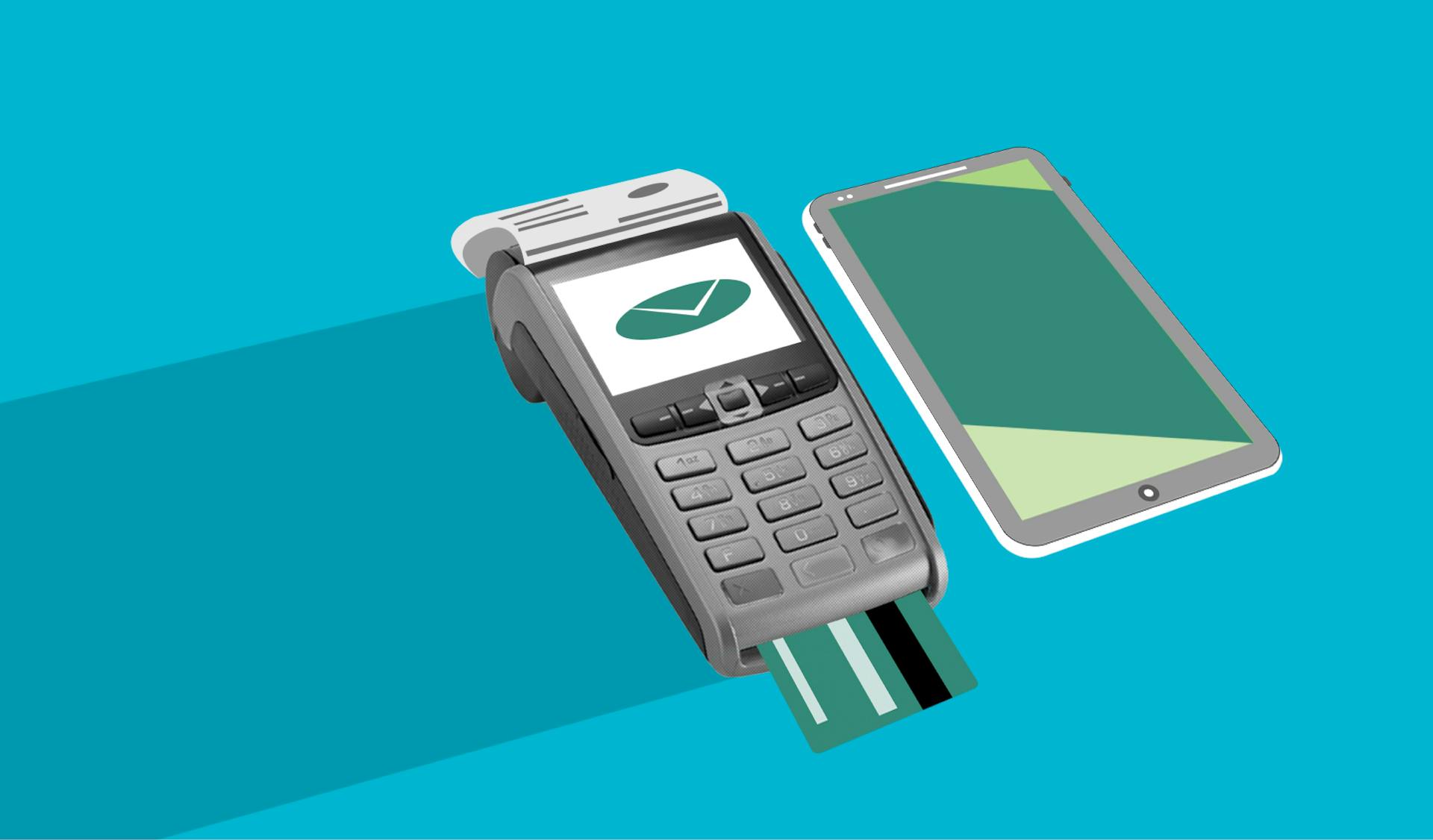
A unified POS platform lets you see your whole chain's sales, product levels, and other metrics in one place, eliminating the need to log into separate portals or track info store-by-store in spreadsheets.
Here are the top features of a multi-store POS system:
- Centralized management for visibility across locations
- Hybrid data storage, storing data locally and in the cloud
- Wide range of hardware options
- Automated inventory alerts
- Integrated online ordering
Revel Systems, for example, offers a retail POS system with these features, including hybrid data storage and centralized management tools.
Free Trial, No Contracts
One of the best things about KORONA POS is that you can try it out for free as long as you like, without ever being asked for a credit card number.
This allows you to test the system thoroughly and see if it's a good fit for your business without any financial risk.
You'll never have to sign a contract, which means you have complete flexibility to cancel or change your subscription at any time.
With a month-to-month subscription, you're in control and can adjust your plan as your business needs evolve.
System Management and Support
With a multi-store POS system, you can easily expand your business and transfer data to new locations with just a few clicks.
Our support team is available 24/7 at no extra cost, so you can get help whenever you need it. We're committed to helping each of our clients succeed.
You can manage booking, payment processing, customer relations, staff scheduling, and service personalization from a single platform, regardless of how spread out your operations are.
Our dealer management software is customizable to fit your operations, with extensive features and utilities for the multi-branch environment.
We've designed our system from the ground up to deliver seamless functionality, whether your company has two stores or 200.
Choosing the Right POS System
Choosing the right POS system is crucial for managing multiple locations. OctopusPro is a great option as it's a complete service management solution that simplifies processes and improves customer service.
One of the key considerations is scalability. System Five's multi-store module is designed to deliver seamless functionality, whether your company has two stores or 200. This means it can grow with your business.
A good POS system should have features that cater to your specific operations. System Five allows customization of its features to fit your needs. This is especially important for businesses with unique requirements.
For small convenience store chains, C-Store POS might be the right fit. It offers flexible payments, integrated dual pricing, and advanced inventory management, making it simple to manage multiple locations from a single system.
OctopusPro empowers businesses of all sizes to drive sustainable growth by simplifying processes and improving customer service. This can help you stay ahead of the competition in today's digital marketplace.
Ultimately, the right POS system will depend on your specific business needs. It's essential to evaluate your operations and find a system that fits your requirements.
Popular POS Systems
OctopusPro is a multi-location POS system suitable for businesses of all sizes, from a single storefront to a sprawling network of branches. It simplifies processes, improves customer service, and drives sustainable growth.
Revel Systems offers a retail POS system with hybrid data storage, multi-location visibility, and various hardware configurations. Its centralized management tools provide convenience store chains visibility into sales, inventory, and operations across all locations.
Here are some key features of popular POS systems for multiple locations:
Revel Systems' pricing starts at $99 per month per terminal, with installation fees of $649 or more.
Comcash
Comcash is a flexible point of sale system designed to streamline and smooth out the checkout process across multiple locations.
Its custom POS application is packed with advanced features in an intuitive, easy-to-use interface. This makes it a great option for businesses that want to simplify their checkout process.
One of the standout features of Comcash is its streamlined scanning and checkout process, which uses a modern Android handheld terminal with a built-in 2D scanner. This allows for quick and efficient transactions.
Comcash also offers flexible mounting options, so you can mount it over a scale, on a wall mount, or in any other way that suits your business needs.
The modern touchscreen menu allows for toggling between image and text views of large menus, making it easy to navigate even the most extensive menus.
Revel Systems
Revel Systems is a retail POS system that offers hybrid data storage, multi-location visibility, and various hardware configurations. It's designed for small convenience store chains that want enterprise-level service.
Revel Systems features a hybrid POS that stores data locally and in the cloud, providing a secure and reliable way to manage sales and inventory. This means you can access your data from anywhere, at any time.
One of the key benefits of Revel Systems is its centralized management tools, which give you visibility into sales, inventory, and operations across all locations. This makes it easier to manage your chain and make informed decisions.
Revel Systems also offers a wide range of hardware options, so you can choose the devices that best suit your needs. And with automated inventory alerts, you'll never run out of stock again.
Here are some of the top Revel Systems features:
- Hybrid POS that stores data locally and in the cloud
- Centralized management for visibility across locations
- Wide range of hardware options
- Automated inventory alerts
- Integrated online ordering
Revel Systems' pricing starts at $99 per month per terminal, with installation fees of $649 or more.
Frequently Asked Questions
What is multichannel POS?
A multichannel POS system integrates e-commerce and brick-and-mortar store operations, allowing seamless inventory and order management across online and offline channels. This integration ensures a consistent shopping experience for customers.
Featured Images: pexels.com