Points of sale technology has come a long way in recent years, and understanding the basics can make a huge difference for businesses. A POS system can cost anywhere from $500 to $5,000, depending on the features and functionality.
Most POS systems are designed to be user-friendly and can be set up in as little as 30 minutes. This makes it easy for businesses to get started quickly.
Many POS systems now offer mobile compatibility, allowing employees to take payments and process transactions on the go. This can be especially helpful for businesses with multiple locations or employees who are always on the move.
What Is a Point of Sale?
A point of sale, or POS, is a physical or virtual location where a customer makes a payment for a product or service. It's where the sale is finalized.
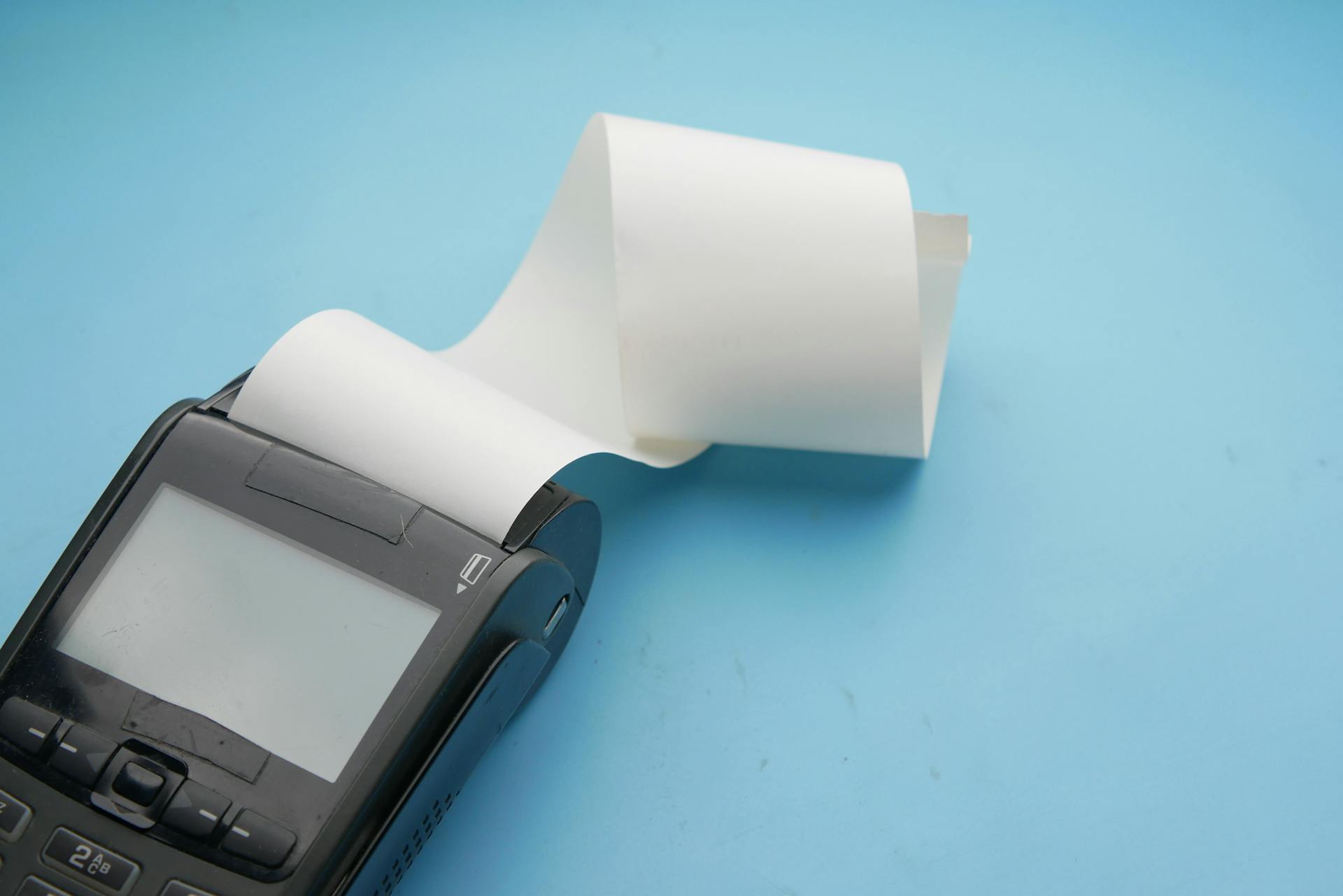
A point of sale can be a cash register, a checkout counter, or even an online payment gateway. Some businesses use mobile devices as a POS, making it easy to process transactions on the go.
See what others are reading: Square Payment Device
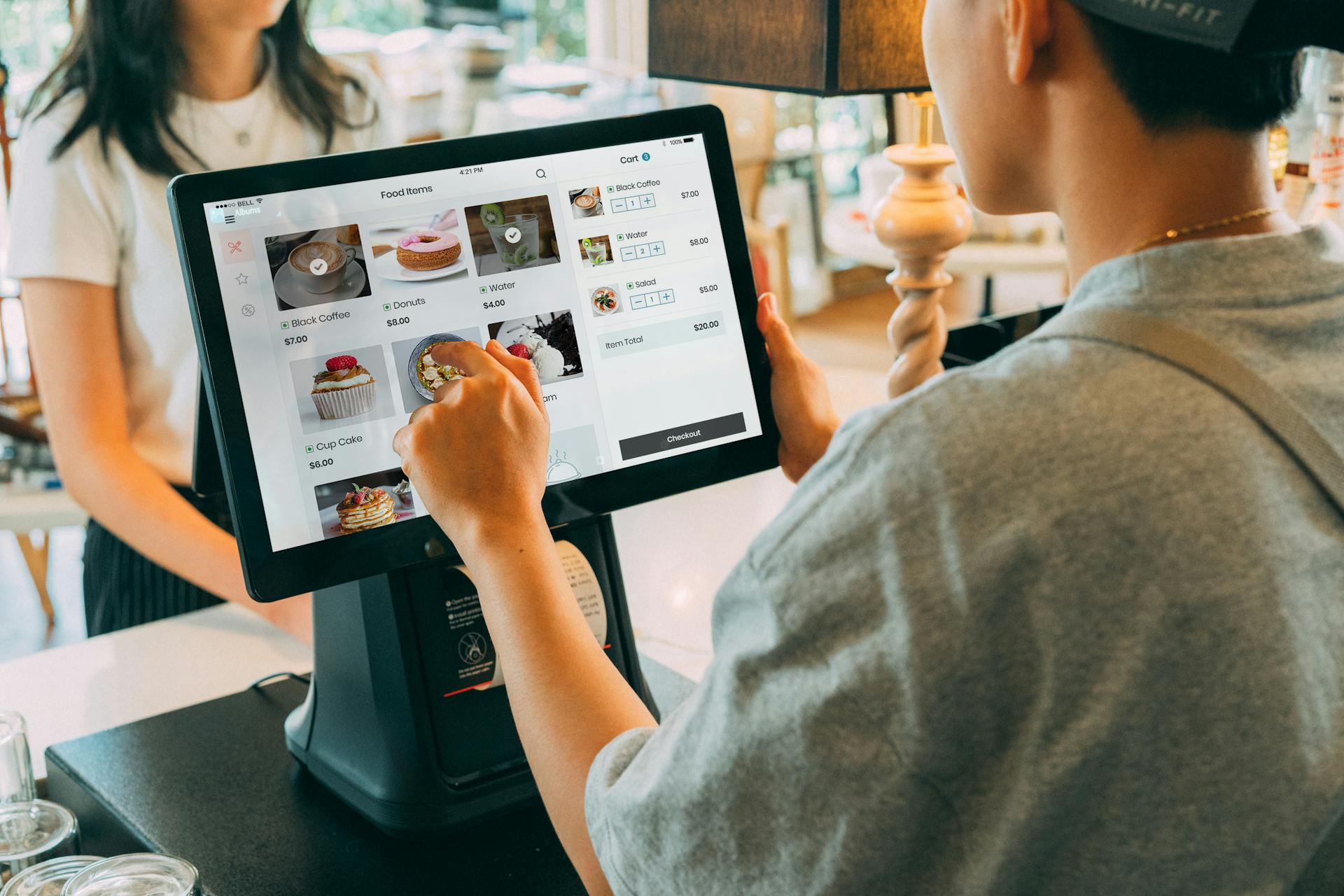
A POS system typically includes hardware and software components that work together to process transactions and manage inventory. This can include credit card machines, barcode scanners, and touchscreen displays.
In a retail setting, a POS is often the main hub of activity, where customers interact with sales associates and make purchases. It's also where employees manage inventory, process returns, and handle customer complaints.
The first POS systems emerged in the 1960s, with the introduction of electronic cash registers. These early systems revolutionized the way businesses processed transactions and managed their finances.
Benefits and Features
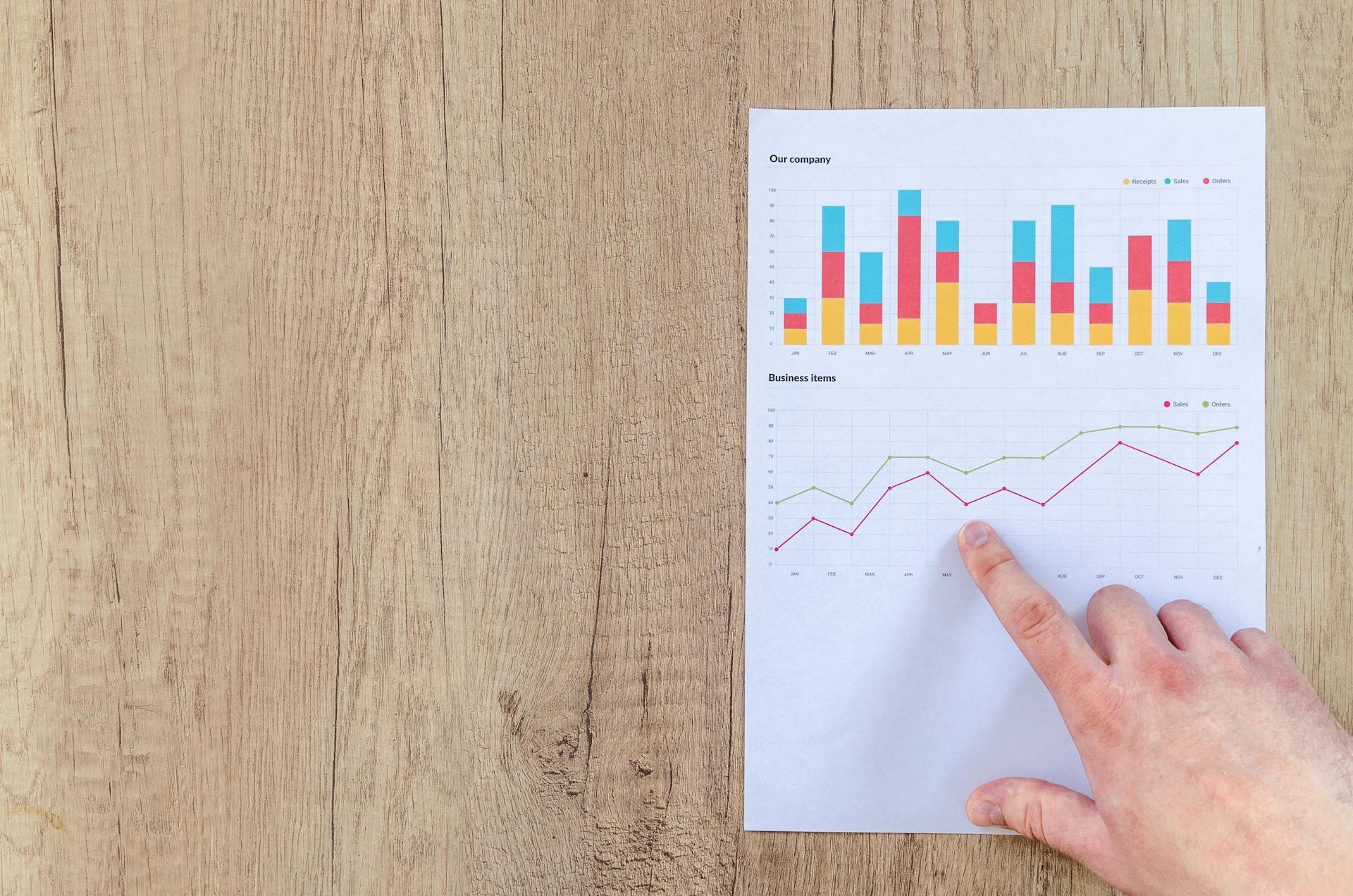
Electronic point of sale (POS) systems can streamline retail operations by automating processes and tracking important sales data, including pricing accuracy and inventory changes.
Retailers can track gross revenue and sales patterns, helping them catch price discrepancies or cash flow issues that could lead to profit loss or interrupt sales. Integrated technology to track data can also help retailers avoid customer service issues, such as out-of-stock sales.
A good POS system can reduce the time it takes to complete the checkout process by as much as 30%, improving customer satisfaction and reducing the likelihood of abandoned purchases. Multichannel customers, who shop both in-store and online, spend up to 3x more annually than single-channel shoppers.
Here are some key features to look for in a POS system:
- Data tracking and analysis
- Inventory management
- Mobile payment options
- User-friendly checkout system
Software Prior to 1990
Software Prior to 1990 was a vastly different landscape than what we're familiar with today.
Operating systems like CP/M and Apple DOS dominated the market, with CP/M holding around 80% of the market share.
The first GUI-based operating system, Apple's Macintosh, was released in 1984.
Software like VisiCalc revolutionized the way people worked with spreadsheets, making it an essential tool for businesses.
The first commercial version of the Unix operating system was released in 1971, and it was initially used by universities and research institutions.
The first version of the IBM PC, released in 1981, ran on MS-DOS and became a widely popular platform for business users.
Expand your knowledge: Membership Pos System
Benefits of Software
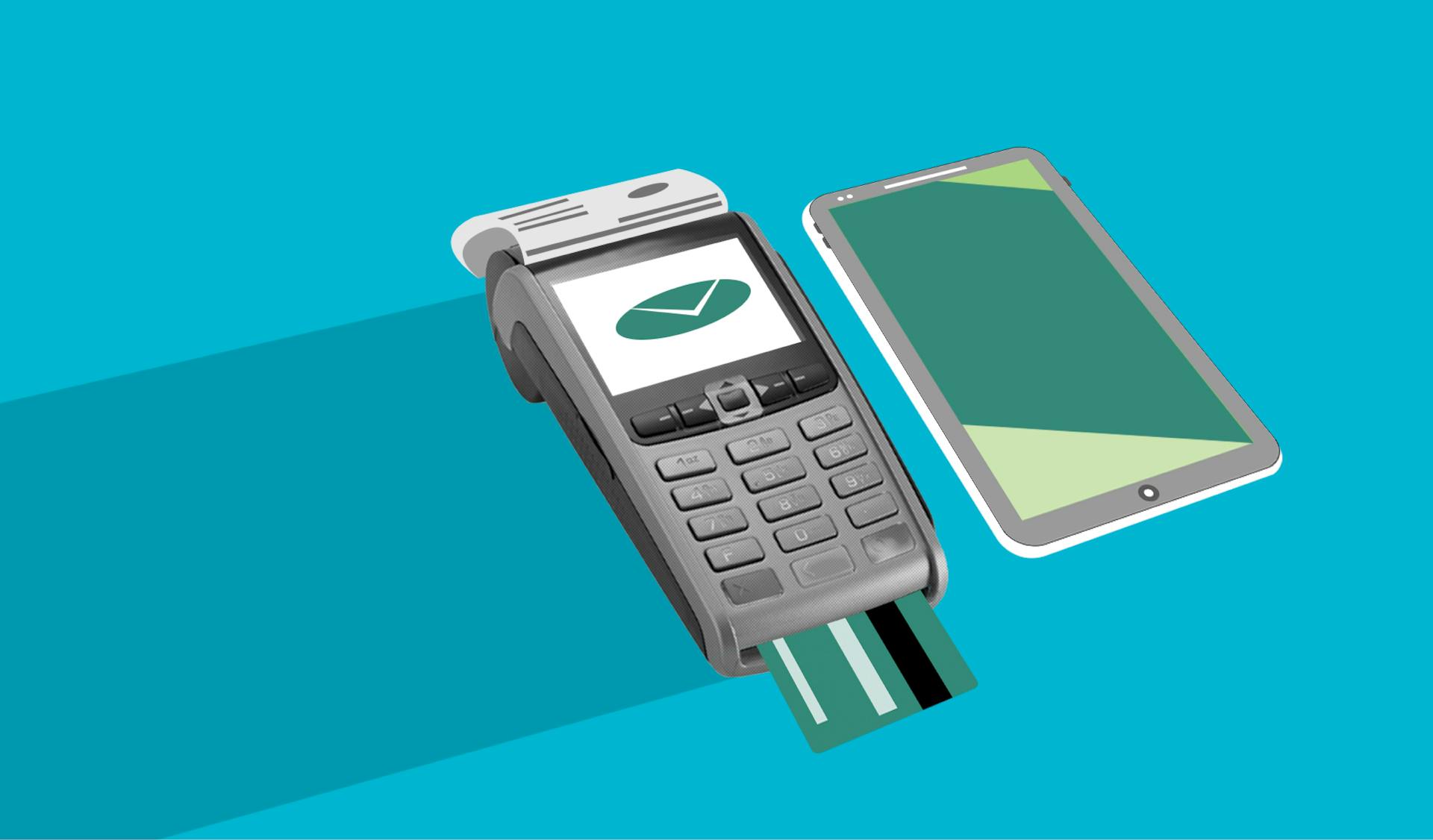
Using a point-of-sale (POS) software can automate the process of tracking sales data, making it easier for retailers to keep tabs on their inventory and sales patterns. This can help retailers catch price discrepancies or cash flow issues before they become major problems.
By installing a network of data-capture devices, such as card readers and barcode scanners, retailers can increase the functionality of their POS system. This can include tracking pricing accuracy, inventory changes, gross revenue, and sales patterns.
Retailers can use integrated technology to track data and make informed decisions about their business. For example, they can use sales analytics to understand customer behavior and sales trends on a store- and product-level.
Here are some benefits of using a POS system:
- Increased efficiency and productivity
- Improved customer satisfaction and reduced likelihood of abandoned purchases
- Ability to track pricing accuracy, inventory changes, gross revenue, and sales patterns
- Access to real-time financial information and business insights
By using a POS system, retailers can tailor their purchasing and marketing to consumer behavior, reducing the risk of out-of-stock sales and improving the overall customer experience.
Product Catalogs
A well-designed product catalog can make a big difference in how customers interact with your products. Improved product discovery can turn 25% more first-time browsers into buyers.
Displaying a product catalog on a POS terminal can enhance the customer experience by making it easy to search and find products. This can be achieved by pulling inventory details from a cloud-hosted stock database and displaying them in a user-friendly format.
Having a product catalog displayed on a POS terminal can improve product discoverability, which is especially important for businesses that want to showcase a wide range of products.
User Interface Design
A well-designed user interface is crucial for a smooth and efficient checkout process. In high-traffic operations like grocery outlets and cafes, a clean and fast-paced look can make a big difference in processing sales quickly.
The sales window is the most important part of the user interface, and it's essential to keep it distraction-free. This means minimizing popups and other interruptions to ensure the operator can focus on the transaction.
A POS system with a user-friendly interface can reduce the time it takes to complete the checkout process by as much as 30%. This can improve customer satisfaction and reduce the likelihood of abandoned purchases.
For businesses at prime locations, a fast checkout process is critical to keeping queues short and improving customer satisfaction. A well-designed user interface can help achieve this goal.
A clean and fast-paced look may come at the expense of sacrificing functions that are often wanted by end-users, such as discounts and access to commission earned screens. However, a POS system that is intuitive to use with well-labelled buttons and an easy-to-use interface can make up for these sacrifices.
Loyalty Programs
Having a loyalty program built into a POS system can drive sales and build loyalty among customers. This is because customers receive the correct rewards for each transaction, simplifying the process for both customers and staff members.
By having a loyalty program integrated into a POS system, retailers can ensure customers get the rewards they deserve. This can lead to increased customer satisfaction and retention.
A well-implemented loyalty program can also help retailers understand their customers' purchasing habits and preferences. This information can be used to tailor marketing efforts and improve the overall shopping experience.
Retailers can use a POS system to track customer purchases, rewards, and loyalty points in one place. This makes it easier to manage loyalty programs and provide a seamless experience for customers.
Discover more: Door Dash Pos System
Security and Compliance
Security is a top concern for any business, especially when processing credit cards and other electronic payments. Most POS systems need to ensure that data is secure.
Beyond account information, sensitive data includes email addresses, phone numbers, and physical addresses. Make sure your POS system guards this information.
You'll need to comply with Canadian privacy laws, Canada's anti-spam legislation (CASL), and the European Union's General Data Protection Regulation (GDPR). This may also apply to other regulations depending on your location and your customers' locations.
Using encryption is a must for securing sensitive data. Whitelisting applications and automating security updates are also crucial for maintaining a secure POS system.
For more insights, see: Pos System Canada
Industry and Use Cases
Points of sale systems are used in a variety of industries, each with their own tailored POS solutions. Retailers, for instance, use POS systems to manage sales in department stores, boutiques, electronics retailers, specialty stores, supermarkets, and convenience stores.
Some retailers specialize in specific products, such as jewelers, bookstores, or sporting goods. This allows them to cater to their target audience and provide a more personalized shopping experience.
Here's a breakdown of the different types of retailers that use POS systems:
- General Merchandise: Department stores, boutiques, and electronics retailers.
- Specialty Stores: Jewelers, bookstores, sporting goods.
- Supermarkets and Convenience Stores
Retail Industry
The retail industry is a broad and diverse sector that encompasses a wide range of businesses. Department stores, boutiques, and electronics retailers are just a few examples of the types of general merchandise retailers that use point of sale systems.
General merchandise retailers often have a wide range of products to manage, making a tailored POS solution essential for streamlining sales and inventory processes.
Specialty stores, such as jewelers, bookstores, and sporting goods retailers, also rely on POS systems to efficiently manage their unique product offerings.
Here are some examples of retail businesses that use point of sale systems:
- Department stores
- Boutiques
- Electronics retailers
- Jewelers
- Bookstores
- Sporting goods retailers
- Supermarkets
- Convenience stores
Industry Use Cases
Point of sale systems are used in a variety of industries, providing tailored POS solutions. Retailers, including general merchandise stores, specialty stores, supermarkets, and convenience stores, use POS systems to manage their sales and inventory.
Some retailers use POS systems to offer loyalty features, secure credit card payments, and gift-card systems, which can increase POS throughput by up to 35%. For example, Lamps Plus switched to Manhattan Active Point of Sale and enjoyed a 35% increase in POS throughput after the upgrade.
Worth a look: How to Increase Insurance Sales
Food service providers, such as restaurants, bars, and cafes, use POS systems to manage quick service, full service, and bar service. These systems often include features like quick order entry, table and course management, and preauthorized bar tabs.
Hotels and resorts use POS systems to manage their front desks, room service, and retailers. These systems can provide detailed insights into store performance, products, and customer behavior.
The entertainment and leisure industry also uses POS systems, including salons and spas, gyms and fitness studios, and theaters and concerts. These systems can offer features like quick access to frequently used items, discounts, or categories to speed up checkout.
Here are some examples of industries and their corresponding POS solutions:
Payment and Checkout
In modern stores, checkout lines usually pass by impulse buy items to grab the attention of otherwise idle customers. This is a common practice in retail to encourage customers to make additional purchases.
Self-checkout technology has made significant progress, and many retailers now offer self-checkout as an option. In some cases, traditional cashier-operated checkout lines have been completely replaced by self-checkout kiosks. These kiosks are typically kept together in a 'corral' area adjacent to the regular registers.
A certified cash register system must provide for the incommutability, secure storage, and archiving of data. This is essential for businesses that need to comply with VAT regulations and provide certificates to the tax authorities.
Here are some common payment types accepted by most POS systems:
- Major credit cards
- Contactless payments
- Keyed-in payments
- Cash
- Square Gift Cards
Note: The percentages of each type of payment in Canada are as follows: contactless cards (69% at grocery stores, 53% at gas stations), chip cards and tap-to-pay cards, and debit and credit card payments.
A fresh viewpoint: Point of Credit Cards
Customer Information
Knowing your customers is crucial for a successful business. Having access to detailed insights into customer purchase habits, preferences, and interests empowers retailers to make better decisions.
Industry leaders who engage in effective brand storytelling and keep their customers engaged effectively see a 1.7x higher customer lifetime value. This highlights the importance of understanding your customers.
A POS system can help you collect email addresses to build your email marketing list. This can be a powerful tool for reaching out to customers and encouraging repeat business.
By understanding where your customers live, you can tailor your marketing efforts to specific regions. This can help you reach a wider audience and increase sales.
Customer data from your POS system can also help you manage loyalty programs and store receipts to streamline the return process. This can help you build a loyal customer base and reduce the hassle of returns.
Gift Cards & Promotions
Gift cards are a great way to incentivize repeat business and reward loyal customers. You can sell Square Gift Cards and accept them as payment, making it easy to add a new revenue stream to your business.
The customer experience is key, and offering discounts and promotions can make a big difference. With features like automatic discounts for specific items, categories, quantities, daily specials, or limited-time offers, you can create a seamless checkout process.
Customers expect to be able to use various payment types, including major credit cards, contactless payments, and cash. You can also offer keyed-in payments and Square Gift Cards for added convenience.
Having a system that can integrate with third-party promotion engines can help you automatically apply promotions and re-calculate discounts as customers alter their orders. This ensures that the checkout process is always smooth and efficient.
For your interest: Paypal Expands into Point-of-sale Payments with 5 Cashback Apple Pay
Returns and Exchanges
Returns and Exchanges are a crucial part of the customer experience, and market leaders are achieving significant improvements in this area. They achieve 22% lower return rates and 1.3x higher satisfaction stores compared to other retailers.
Cross-channel returns can greatly improve the customer experience, and some retailers are offering this policy to their customers. Manhattan Active Point of Sale provides a frictionless return and exchange experience for customers.
The process of completing a return can be streamlined with the right technology, and Manhattan Active Point of Sale cuts the time it takes to complete a return by up to 80%. This reduction in time can help reduce queues and free staff to focus on other tasks.
By simplifying the return process, retailers can lower operational costs and improve the overall customer experience.
Take Any Payment
You can accept payments in person, online, or over the phone, and access your revenue instantly.¹
Major credit cards, contactless payments, keyed-in payments, cash, and Square Gift Cards are all accepted payment types.²
Keep making sales even when you lose service or Wi-Fi connection - your POS system will store offline payments and receipts for 24 hours.²
You can transfer funds to an external bank account for free the next business day or instantly for a fee.³
Here are the different payment types accepted by most POS systems:
In Canada, the most common payment methods are contactless cards, debit cards, and credit cards. According to the Canadian Payment Methods and Trends Report 2024, the percentages of each type of payment in Canada are:
- Contactless cards: 69% at grocery stores, 53% at gas stations
- Debit cards: 44%
- Credit cards: 36%
Cloud-Based Solutions
Cloud-Based Solutions are a game-changer for retailers. They empower store owners to operate without investing in sophisticated hardware, requiring only a device with access to the cloud.
This lowers the barrier to entry for running a store, increasing retailer resilience and agility. Store owners don't need in-house technical skills to install, manage, or configure their POS platform.
Cloud-native software can be updated automatically by the developer, giving retailers access to the latest features on a quarterly update schedule. This means no more downtime or intervention required.
Having off-site backups and professionally managed security for customer and order data also gives retailers peace of mind.
Using cloud-based solutions can cut last-mile costs by up to 31%, while having real-time visibility across channels can help brands access 1.5x higher inventory turns.
Here are some key benefits of cloud-based POS systems:
- Lower barrier to entry for running a store
- Increased retailer resilience and agility
- Automatic software updates
- Off-site backups and professionally managed security
- Reduced last-mile costs
- Increased inventory turns
Cloud-based solutions are a cost-effective and efficient way for retailers to operate their stores, and they're essential for small businesses that want to invest in their future.
Implementation and Support
Implementing a POS system requires a proven process to ensure a smooth transition. Our experienced team recommends following these steps: complete a needs assessment, select a vendor matching the organization's requirements, configure any hardware and software, deliver employee training, migrate data from any existing POS, launch the POS, and ensure regular updates, maintenance, and ongoing customer support.
You'll want to choose a POS system that offers reliable customer support, including support in the languages and time zones you need. Check online reviews to see how current customers rate the support, and look for a company that responds quickly to issues.
Consider the following when evaluating a POS system's support: look for a company that offers support in multiple languages and time zones, and check online reviews to see how current customers rate the support.
Enterprise Grade Services
Enterprise-grade services are a must for any business looking to provide uninterrupted service to its customers. With a guaranteed 99% uptime, you can rest assured that your POS system will be available round-the-clock, even during network outages.

Resiliency during network outages is crucial, and market-leading POS systems can operate well even when connectivity is unstable. This means you can continue to process transactions and provide service to your customers without interruption.
Global payment and tax tools are also essential for businesses that operate internationally. These tools allow you to accept payments from customers in different countries and maintain compliance with each country's tax laws.
Here are some key features of enterprise-grade services:
- Resiliency during network outages
- 99% uptime
- Global payment and tax tools
These features can help you provide a seamless experience for your customers, even in the face of technical challenges. By choosing an enterprise-grade POS system, you can ensure that your business remains competitive and continues to grow.
Implementing a
Implementing a POS system requires a smooth process to ensure it runs seamlessly. Our experienced team recommends following a proven process to achieve this.
First, complete a needs assessment to determine the right POS system for your organization. This involves identifying your specific requirements and needs.
Next, select a vendor that matches your organization's requirements. This is crucial to ensure the POS system meets your needs and integrates well with your existing systems.
Configure any hardware and software as part of the implementation process. This includes setting up printers, cash drawers, and other peripherals.
Deliver employee training to ensure your staff is comfortable using the POS system. This includes training on features, functionality, and troubleshooting.
Migrate data from any existing POS system to the new one. This ensures a smooth transition and minimizes downtime.
Launch the POS system and ensure regular updates, maintenance, and ongoing customer support. This is essential to keep your POS system running smoothly and efficiently.
Here's a summary of the implementation process:
Some POS systems also offer integrated training, which allows users to access tips as they navigate the payment process. This feature can be extremely helpful in a fast-paced retail or restaurant environment.
Customer Support
Customer support is crucial for any business, especially when it comes to POS systems. You want to make sure the company you choose offers support in the languages and time zones you need.
Online reviews can give you an idea of how current customers rate the support. Check if the company responds quickly and if there are long downtimes. This will help you avoid any potential issues down the line.
In fact, some POS systems offer integrated training, which allows users to access tips as they navigate the payment process. This feature can be extremely helpful in a fast-paced retail or restaurant environment.
To give you a better idea, here are some key things to look for in a POS system's customer support:
By considering these factors, you can ensure that you get the support you need to run your business smoothly.
Future Trends
As we look to the future of point of sale systems, it's clear that technology will play a major role in shaping the retail experience.
Retailers are already using Internet of Things systems to deliver targeted offers and track customer behavior, and it's likely more POS platforms will follow suit.
The integration of AI and machine learning will elevate the customer experience by providing more personalized interactions.
These advancements will enable businesses to better understand their customers' needs and preferences, leading to more effective marketing and sales strategies.
Featured Images: pexels.com