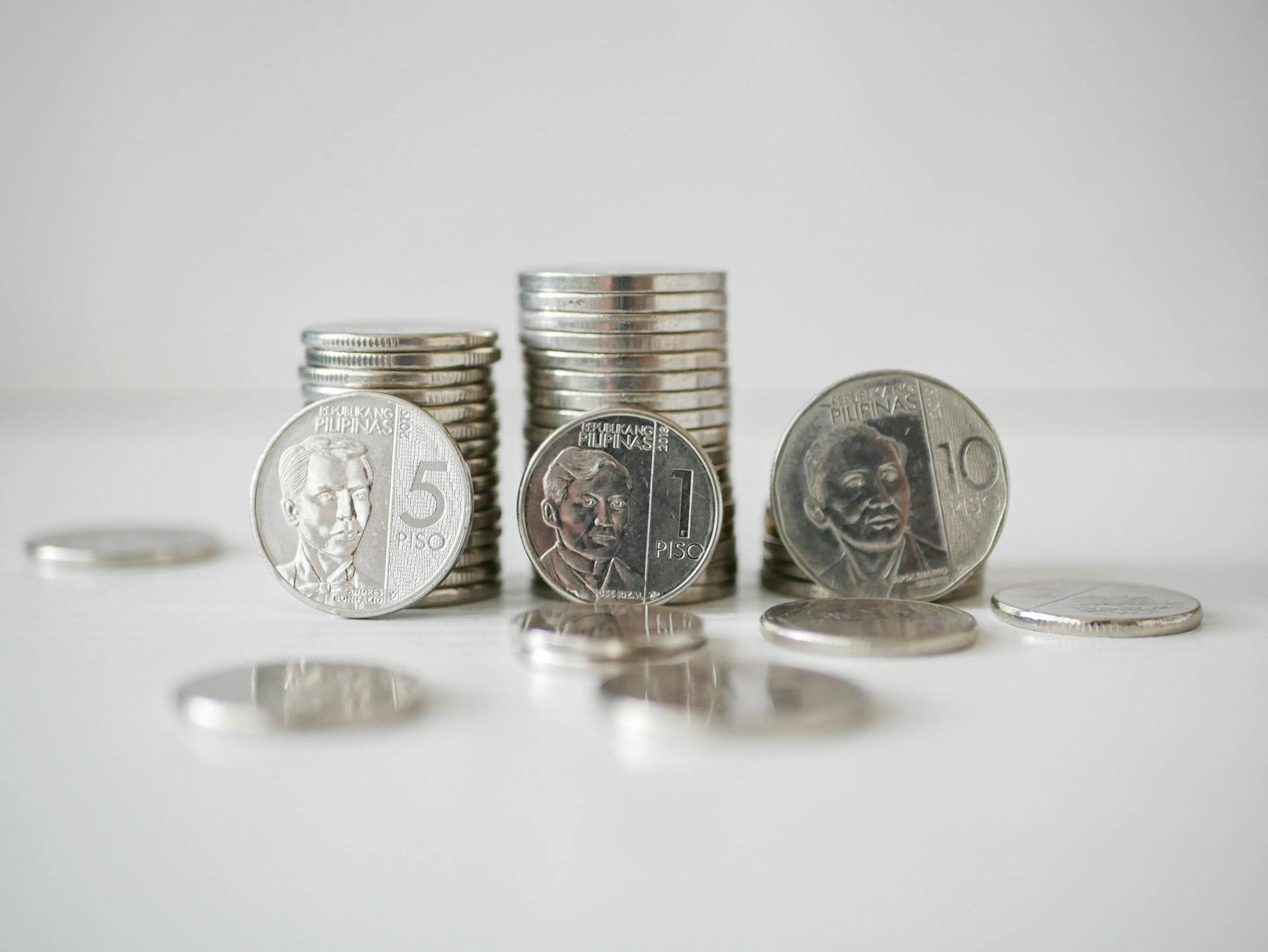
The Philippine peso is the official currency of the Philippines, and it's represented by the symbol ₱. It's a widely accepted currency, but it's essential to know how to use it correctly.
The peso is divided into 100 centavos, and you might see this unit used in some transactions, especially in informal markets. However, the centavo is not commonly used in everyday transactions.
You'll often see the peso symbol on signs, menus, and other public displays, making it easy to recognize. It's a useful symbol to know, especially when traveling to the Philippines or doing business with the country.
What is the peso symbol?
The peso symbol, represented by ₱, is the official symbol for the Philippine peso, originating from the Spanish word for "weight".
This unique symbol is only used by the Philippines among countries that use the term "peso" for their currency.
The peso symbol is an essential part of the country's currency, and it's used extensively in financial transactions, both locally and internationally.
It's worth noting that the peso symbol is quite distinct from other currency symbols, making it easily recognizable.
To use the peso symbol correctly, always place it before the amount, as in ₱1,234.56.
Here are some guidelines for using the peso symbol:
- Standard Format: ₱1,234.56 (with the currency symbol preceding the amount, a period as the decimal separator, and commas for thousands separators)
- Symbol Placement: Standard: ₱50
- Decimal Separator: Standard: period as decimal (₱4.99)
- Thousands Separator: Standard: comma (₱1,234.56)
- Spacing: Standard: No space between symbol and amount (₱50)
- Official Currency Codes: Use "PHP" for the Philippine peso and "MXN" for the Mexican peso, avoiding other abbreviations.
Inserting Peso Symbol
Inserting the Peso Symbol is a breeze on a Mac. Hold down the Ctrl, Command, and Spacebar keys to reveal the Character Viewer.
You can find the Philippine peso symbol in your Mac’s Emoji & Symbols library. Select Currency Symbols on the left-hand sidebar.
Double-click the Philippine peso symbol or drag the ₱ into your document.
On a mobile device, the easiest way to insert the peso symbol is by using copy and paste. Highlight the ₱ in this article and tap Copy.
You can also type the Philippine peso symbol on an iPhone by adding Filipino to your list of available keyboards. Once selected, go to the app where you would like to type the peso sign.
You might enjoy: History of Philippine Money
To type the Philippine peso sign on an Android device, first switch to a Filipino keyboard. Find Languages in the Systems part of your Settings.
The standard format for the peso symbol is ₱1,234.56, with the currency symbol preceding the amount, a period as the decimal separator, and commas for thousands separators.
Here's a summary of the standard format for the peso symbol:
- Standard Format: ₱1,234.56
- Symbol Placement: ₱50
- Decimal Separator: . (period)
- Thousands Separator: , (comma)
- Spacing: No space between symbol and amount (₱50)
- Official Currency Codes: Use "PHP" for the Philippine peso
Typing Peso Symbol
Typing the peso symbol can be a bit tricky, but don't worry, I've got you covered. You can find the Philippine peso symbol in your Mac's Emoji & Symbols library by holding down the Ctrl, Command, and Spacebar keys to reveal the Character Viewer.
The symbol is also available on mobile devices, where you can copy and paste it from this article or use the Filipino keyboard to type it. To add the Filipino keyboard to your iPhone, go to Settings, General, and Keyboards, then select Add New Keyboard and choose Filipino.
If you're using an Android device, switch to a Filipino keyboard by finding Languages in the Systems part of your Settings, then tap Virtual keyboard and Gboard, and select the option for Filipino.
Peso Symbol Usage Guidelines
The peso symbol, ₱, is the official symbol for the Philippine peso, which originates from Spanish, meaning "weight".
In international transactions, clarity is crucial, so always use the currency code for added clarity, e.g., ₱1,234.56 (PHP) for the Philippine peso. This helps avoid confusion with other currencies.
The standard format for the peso symbol is ₱1,234.56, with the currency symbol preceding the amount, a period as the decimal separator, and commas for thousands separators.
Always place the symbol before the amount, with no space in between, like this: ₱50.
The standard decimal separator for the peso is a period, as seen in ₱4.99.
Commas are used as thousands separators, like in ₱1,234.56.
Official currency codes to use are "PHP" for the Philippine peso and "MXN" for the Mexican peso; avoid using other abbreviations.
Here's a summary of the standard format and placement guidelines:
- Standard Format: ₱1,234.56
- Symbol Placement: ₱50
- Decimal Separator: ₱4.99
- Thousands Separator: ₱1,234.56
- Spacing: ₱50
- Official Currency Codes: PHP, MXN
Typing Peso Symbol with Keyboard Shortcuts and Alt Codes
Typing the peso symbol with keyboard shortcuts and alt codes can be a bit tricky, but don't worry, I've got you covered.
On Windows, you're out of luck if you're looking for a direct shortcut for the Philippine peso symbol. Most keyboards don't have one, so you'll have to resort to copying the symbol from character maps or using HTML encoding.
On Macs, there's no standard keyboard shortcut for the peso symbol either. However, you can use the Character Viewer to insert it, or simply copy it from online sources.
On many Linux systems, things might be different. Depending on your distribution and configuration, you might be able to use Ctrl + Shift + u, followed by typing the Unicode and pressing Enter. It's worth a try if you're feeling adventurous!
For those who prefer to code, you can use the numeric entity ₱ to represent the Philippine peso symbol in HTML.
Readers also liked: Us Dollar to Philippine Peso History
History
The Philippine peso sign has a fascinating history. It was introduced by Executive Order No. 66 of the United States colonial government on August 3, 1903.
The sign, a capitalized Roman letter P with two parallel lines, was chosen by Charles Edward Magoon, acting chief of the Bureau of Insular Affairs, and approved by Governor William H. Taft. This was done to differentiate the Philippine peso from the $ sign for US dollars and Spanish pesetas.
The international three-letter currency code for the Philippine peso is PHP. This code is used globally to identify the currency.
The peso sign was designed to be distinct from other currency symbols. It's interesting to note how a simple design choice can have a lasting impact on a country's currency.
Featured Images: pexels.com