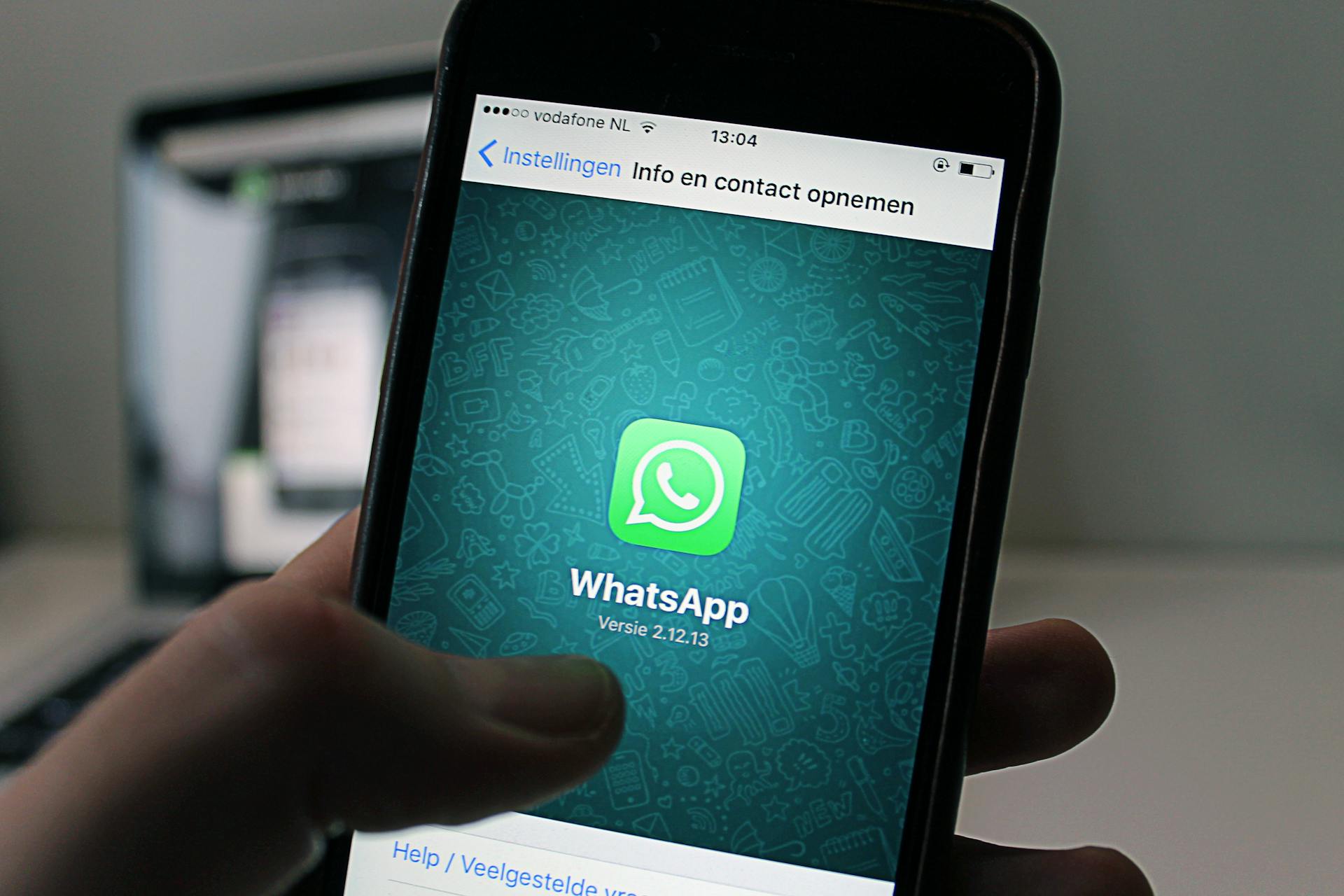
WhatsApp's end-to-end encryption is a key feature that makes it a private messaging app. This means that only the sender and recipient can read the messages, and not even WhatsApp can access them.
But, WhatsApp does collect metadata, such as the time and date of messages, and the phone numbers of users. This information is stored on Facebook's servers.
WhatsApp's encryption is based on the Signal Protocol, a secure messaging protocol developed by Open Whisper Systems. This protocol ensures that messages are encrypted from the moment they're sent until they're received.
However, there have been instances where WhatsApp has been forced to share user data with law enforcement or governments in certain countries.
WhatsApp Security
WhatsApp can be hacked, but the hack won't be technical – it'll be through old-fashioned methods like social engineering.
Users are tricked into handing over WhatsApp activation codes to take over their number, or they're sent malware-infected web links to click on.
If you're connected to WhatsApp Web, bad actors may access your account from there.
You should be cautious and not click any links from unknown numbers, as they could be connected to malware.
It's safe to chat with strangers on WhatsApp, but don't give them personal information or intimate photos.
Your photos can be leaked, even with end-to-end encryption, if someone screenshots them or accesses them through malware.
Anonymous WhatsApp polls aren't completely private, as group admins can see who voted and WhatsApp collects metadata.
Malware links are a major security concern on WhatsApp – don't click them if you don't know the person well.
Number hijacking is another threat, where scammers register your phone number on another phone and try to get you to hand over the activation code.
Here are some common security concerns on WhatsApp:
- Malware links: Avoid clicking links from unknown numbers
- Number hijacking: Be careful with activation codes and don't hand them over to scammers
Private Messaging
Private messaging on WhatsApp is a decent choice, but it's essential to understand its limitations. WhatsApp protects your messages using end-to-end encryption, making it unreadable to anyone, including WhatsApp itself, if intercepted.
However, WhatsApp collects metadata, like who you talk to, when, and how often, which can still reveal patterns about your behavior. This metadata collection is extensive, unlike Signal, which collects minimal metadata.
To control who can see your personal information and add you to group chats, you can adjust your WhatsApp settings. Specifically, you can change your preferences for "Last seen and online", "Profile photo", "About", "Links", "Status", and "Groups" to "My contacts."
Disappearing Messages
You can set a expiry date on messages on WhatsApp, making them disappear after 24 hours, 7 days, or 90 days, regardless of whether they've been read or not.
This feature is useful, but keep in mind that it doesn't stop the recipient from saving your message by taking a screenshot or snapping a photo with another device.
You can work around this by sending a one-time photo and attaching your message to it, which prevents the recipient from screenshotting it.
The message will still disappear once the photo is closed, but it's worth noting that someone could still use another device to record or photograph their screen.
A fresh viewpoint: Gcash Device Not Secure.
App Lock
App Lock is a feature that adds an extra layer of security to your private messaging experience. It prevents someone from opening WhatsApp on your phone without passing a biometric check, such as fingerprint or facial recognition.
You can set up App Lock on your phone to ensure that only you can access WhatsApp. This adds an extra layer of protection against unauthorized access.
If you're using the web version of WhatsApp, you'll need to enter a password to access the app after setting up App Lock. This adds an extra step to the login process, but it's a crucial security measure.
For more insights, see: Lock Venmo Account
Are Messages Private?
WhatsApp messages are encrypted during transit, meaning only you and the recipient can read them. However, WhatsApp collects metadata such as sender details and timestamps, which can raise privacy concerns.
WhatsApp does not store your messages on its servers once they are delivered, unless you back up your chats to the cloud. In that case, they are not encrypted while stored.
On a similar theme: Robinhood App Not Working
There are some risks to consider when sending private photos on WhatsApp. Even with end-to-end encryption, the recipient's phone security is still a concern. If their phone is unlocked or left unattended, anyone can view the photos, and the recipient can take a screenshot or forward them to others without your permission.
To control who can see your personal information and add you to group chats, you can adjust the privacy settings in WhatsApp. Set your preferences for "Last seen and online", "Profile photo", "About", "Links", "Status", and "Groups" to "My contacts".
Here are some features that affect the privacy of WhatsApp messages:
- End-to-End Encryption: Yes
- Metadata Collection: Extensive
- Data Sharing with Parent Company: Yes
This means that while your message content is protected, the data collected by WhatsApp can still be shared with Meta companies, including Facebook and Instagram.
Security Features
WhatsApp's security features are robust, but it's essential to understand how they work to keep your conversations private. End-to-end encryption is WhatsApp's hallmark feature, ensuring only you and the recipient can read your messages.
This encryption is sound and robust enough to ward off eavesdropping and similar basic attacks. WhatsApp uses the Signal encryption protocol, which combines multiple cryptographic techniques, including public-key encryption and double ratchet encryption. The latter changes every time you send a new message, making it virtually impossible for an attacker to decrypt more than a few messages.
To further secure your account, enable two-step verification, which requires a PIN alongside your password. This prevents unauthorized access even if your phone is compromised. You can find this feature under Settings > Account > Two-Step Verification.
Two-step verification adds an extra layer of security by requiring a PIN alongside your password. This prevents unauthorized access even if your phone is compromised. You can set it up by navigating to Settings > Account > Two-Step Verification.
Device verification is another security feature that helps ensure only your verified devices can access your WhatsApp account. WhatsApp stores a unique security token on your device, which gets updated with every message. This mechanism ensures that a copy of the token can't be reused elsewhere.
If your device is infected with malware, a hacker might still be able to steal the authentication key that lets you use WhatsApp without entering your login credentials every time. However, due to security token bootstrapping, stolen keys alone typically aren't enough to send messages or interact with WhatsApp servers from another device.
Related reading: Security Token Offering
To keep your WhatsApp chats safe from hackers, enable encryption for chat backups. By default, WhatsApp will back up your chats to Google Drive and iCloud without any encryption. This means that if an attacker somehow gains access to your cloud storage account, they could also theoretically get their hands on your WhatsApp data.
Here's a summary of WhatsApp's security features:
By understanding and utilizing these security features, you can ensure your conversations on WhatsApp remain private and secure.
Data Collection and Sharing
WhatsApp collects a wide range of data from its users, including phone numbers, IP addresses, contacts, app usage patterns, and location information.
This data is used to improve Meta services and show users targeted advertisements.
Here are some specific types of data WhatsApp collects:
- Phone number and basic data about yourself like a name, status, and profile picture when signing up for a WhatsApp account.
- Location information, including geolocation data and approximate location based on internet connection and phone number's region code.
- Transaction data like recipient, shipping details, and amount if using WhatsApp Payments.
- Details about usage activity like Last Seen, online activity, device model, signal strength, and time zone.
WhatsApp does not collect or store contact lists, but it does keep a record if it detects a contact already has a WhatsApp account.
This data is shared with other Meta companies, including Facebook and Instagram, for service improvement and targeted advertising.
Common Concerns
Despite WhatsApp's use of end-to-end encryption, no app is immune to threats. Security issues on WhatsApp include malware links and number hijacking.
Malware links can be as harmful as handing over complete access to your phone, so be cautious when clicking links from unknown senders. If you don't know the person very well, don't click any links they send you.
Number hijacking is a real concern, where a scammer registers your phone number on another phone and tries to persuade you to hand over an activation code. This can happen even if you don't have a password on WhatsApp.
Here are some common security issues faced by WhatsApp users:
- Malware links
- Number hijacking
It's essential to be aware of these concerns and take steps to protect yourself. By learning the tactics of would-be attackers and employing some countermeasures, you can stay safe on WhatsApp.
Alternative Options
If you're concerned about the privacy of your conversations on WhatsApp, you have alternative options to consider.
Signal, a messaging app, is known for its strong focus on user privacy and security, offering end-to-end encryption by default.
You can also use Telegram, which has a strong focus on user security and offers secret chats with end-to-end encryption.
These alternatives can provide a more private and secure way to communicate with friends and family.
Signal vs Signal
Signal is a great alternative to WhatsApp, especially when it comes to privacy and security. Signal encrypts both the contents and metadata of messages, giving you an extra layer of protection.
Signal collects less information about you, only requiring your phone number, whereas WhatsApp collects a lot more, including your contacts, IP address, location, and serves targeted ads.
Signal is owned by a non-profit organization, the Signal Technology Foundation, which makes it more trustworthy than WhatsApp, which is owned by Meta (formerly Facebook).
Telegram
Telegram is a popular alternative to WhatsApp that offers a more open approach to its code. Its client-side code is open source, which is a big plus for developers and users who value transparency.
One thing to keep in mind is that Telegram collects less user data than WhatsApp, which is a major advantage for those concerned about their online privacy.
However, Telegram's end-to-end encryption is only available in Secret Chats, which can be a bit of a limitation.
If this caught your attention, see: Baldur's Gate 3 Bank Vault Code
Featured Images: pexels.com