
Paying your Discover credit card on time is crucial to avoid late fees and negative credit reporting.
To start, you can pay your Discover credit card bill online through the Discover website or mobile app.
You can also pay by phone by calling the Discover customer service number at 1-800-DISCOVER (1-800-347-2683).
Make sure to have your account information ready to ensure a smooth payment process.
Key Facts
To pay your Discover credit card, you can head to their website at https://www.discover.com/credit-cards/ from your desktop computer or mobile device.
You can pay your credit card bill online or through a mobile app, and it's one of the easiest and most convenient ways to manage your credit.
To pay online, you need to register your account, which allows you to set up recurring payments and mobile alerts.
You should mail your payment at least 7-10 business days before it's due, and make sure to address your envelope to Discover's Financial Services department.
To pay by mail, detach your monthly statement coupon, fill out a check with your payment amount, and send it to Discover's address.
Here are some key facts to keep in mind:
- Paying at least the "minimum amount due" by the due date can help you avoid late fees and penalty interest rates.
- You can set reminders or alerts with your credit card issuer for account activity, such as payment due date reminders.
- Typically, you can use online banking services to make your credit card payment electronically.
Making a Payment
You can make a Discover credit card payment by mail, phone, or online. To pay by mail, detach the payment coupon from your monthly account statement and fill out a check or money order with your minimum monthly payment.
To ensure timely delivery, mail your payment 7-10 business days before it's due to Discover's Financial Services department at P.O. Box 6103, Carol Stream, IL 60187-6103.
Alternatively, you can pay online by logging into your account on the Discover website or through the mobile app. You can also set up automatic payments to avoid missed charges and fees.
Automatic payments can be set up to deduct a recurring amount every month from your bank account.
Readers also liked: Should I Set up Automatic Payments for Credit Card
By Phone
Making a payment by phone is a convenient option. You can call the Discover card payment phone number on the back of your card to make a payment.
To make a payment, listen for the "Make a payment" option and select that. You can then make the payment using the tones on your phone, without having to speak with a human.
To provide the necessary information, you'll need to give the last four digits of your Social Security number. Say, "Make a payment" to confirm.
Next, say the amount you want to pay. You'll then be asked to confirm that you want to use the bank account on file, if you've set that up. If you want to use a different account, you can choose to do so and provide the bank routing and account numbers.
Here are the steps to make a payment by phone:
- Provide the last four digits of your Social Security number.
- Say, "Make a payment."
- Say the amount you want to pay.
- Confirm that you want to use the bank account on file (if you've set that up).
- Choose to use another bank account. Provide the bank routing and account numbers if you use this step, and follow any other prompts.
If you want to double-check that your payment went through, you can ask to speak with an agent or associate. They'll take your information and process your payment.
Make a Payment
You can make a payment on your Discover card in several ways. You can pay electronically by setting up automatic payments through your bank account or debit card, which can be a convenient option, but be aware that you risk overdrawing your account if you don't have enough funds.
Broaden your view: Should I Pay Bills with Credit Card or Bank Account
To pay electronically, you can visit the Discover website and create an account or log into an existing one. You can also use the mobile app to make managing your payments as convenient and simple as possible.
If you prefer to pay by mail, you'll need to detach the payment coupon from your monthly account statement and fill out a check or money order with your minimum monthly payment. Make sure to address the envelope to Discover's Financial Services department at P.O. Box 6103, Carol Stream, IL 60187-6103, and mail it 7-10 business days before the due date.
You can also pay by phone by calling the Discover card payment phone number on the back of your card. Listen for the "Make a payment" option and select that, then follow the prompts to make the payment using the tones on your phone.
Here are some key details to keep in mind when making a payment:
- Automatic payments can help you avoid late or missed payments.
- Be aware that automatic payments may make you less aware of your spending habits.
- Make sure to check your credit card statement regularly to catch any incorrect information or fraudulent charges.
- Pay your bill on the same day each month to avoid missed charges and fees.
Payment Methods
To pay your Discover credit card, you can choose from two convenient online payment methods. Mobile bill pay is available through the credit card issuer's mobile app, which only requires your payment account information to get started.
You can also pay your bill online by signing into your credit card account using the credit card issuer's website. Once you've provided your bank account details, you can proceed with making your credit card payment online.
Mobile bill pay and online bill pay are the two primary methods for paying your Discover credit card bill online, and the one you choose will depend on your personal preference for convenience.
Curious to learn more? Check out: Credit Cards Bill Pay
Find the Option
To find the option to make a payment, look for a "Make a Payment" link, which is located in the top menu on the Payments tab.
The "Make a Payment" link is usually found after logging in, so make sure you're signed in to access it.
Once you click on the "Make a Payment" link, you'll be redirected to a page where you can make your payment.
Methods of Transaction
You can pay your credit card bill online in two different ways, depending on what's most convenient for you. Mobile bill pay is one option, where you can use your credit card issuer's mobile app to make a payment.
You'll need the information for your payment account, which is usually a bank account. Some people prefer this method because it's quick and easy to use.
Online bill pay is another option, where you sign into your credit card account using your card issuer's website. Once you provide your bank account details, you can start making your credit card payment online.
There are two ways to pay your credit card bill online:
- Mobile bill pay: You can use your credit card issuer's mobile app to make a payment.
- Online bill pay: You sign into your credit card account using your card issuer's website and provide your bank account details.
On the Same Day Every Month
Paying your Discover credit card bill on the same day every month can help you avoid missed charges and fees. By law, your credit card bill must be due on the same date each month, thanks to the CARD Act of 2009.
You might like: Is It Bad to Make Multiple Credit Card Payments
This predictability makes it easier to budget for your credit card bill payment. You can set things up so that your credit card company deducts a recurring amount every month from your bank account.
Automatic payments can help you avoid late or missed payments. If you pay late, you may incur costly late fees, and your credit score could be impacted.
To avoid interest charges, pay each month's statement balance in full and on time. This habit can save you from worrying about late fees.
Here are some options for paying your bill each month:
- Make manual payments
- Set up automatic payments
- Make one-time payments
- Use Automated Clearing House (ACH) payments to transfer money from one account to another
Managing Your Account
To manage your Discover credit card account, consider making monthly payments on time to keep your credit in good standing. This will help you avoid late fees and maintain a healthy credit score.
You can use the Discover app to make payments on your smartphone. The app is available for download on Discover's website, and you can follow the directions to upload it to your phone.
Once you've registered your card and account, making a payment through the app is straightforward. Simply follow the directions on the app to make a payment, which will be similar to your choices at your online account.
A unique perspective: Does Paying off Credit Cards Increase Credit Score
Create an Account
Creating an online account is a straightforward process that will give you access to your credit card information and allow you to make payments easily.
To start, you'll need to register your account with your credit card issuer. This will require some basic information, such as your credit card number, expiration date, date of birth, and social security number.
You'll also need to create a username and password to sign into your account in the future. It's a good idea to keep this information in a safe place, like a password manager or a secure note-taking app.
Once you've made your online account, you'll be able to check your balance, review transactions, pay bills, and more, depending on your credit card company.
Readers also liked: Is Discover It a Credit Card
Managing Multiple
Managing Multiple Credit Cards can be a challenge, but it's easier than you think. You can request the same due date for each account, so you don't have to keep track of different payment dates.
To make this happen, contact your credit card issuer or make the request through your account profile online. This will simplify your payment routine and help you avoid missed payments.
Having multiple credit cards can also make it harder to keep track of your payments, but there's a simple solution: consider consolidating your payments to a single due date.
Tips and Warnings
If you make a late payment, it's worth asking the credit management department for courtesy forgiveness to avoid affecting your credit score.
To make a Discover card payment online, visit discovercard.com and log in with your username and password. If you don’t have an account, create one by clicking the “Register Account” option.
Paying more than the minimum payment will minimize interest charges, and at the very least, pay the “minimum amount due” to avoid late fees and penalty interest rates.
To ensure your payment goes smoothly, take processing times into account, submitting it by 5:00pm EST for same-day credit.
Check this out: Pay off High Interest Credit Cards
Here are some tips to avoid issues with your payment:
- Always make the minimum payment to avoid incurring additional fees.
- Check your bank balance before finalizing your payment to avoid return check fees.
- Schedule a payment for later if you don’t currently have enough money.
- Set up billing notifications to avoid forgetting your due dates.
- Call Discover directly if you have any questions.
By following these tips and warnings, you can ensure that your Discover credit card payments are processed smoothly and efficiently.
Understanding Your Bill
You can view your credit card statement online to see your statement balance, minimum payment, and current balance.
Your statement balance, also called your new balance, is the amount of money you spent during the previous billing cycle.
You can pay off your statement balance in full by making a payment that covers the entire amount. This will also pay off your statement, effectively zeroing out your balance.
You can make payments using Automated Clearing House (ACH) payments, which allow you to transfer money from one account to another.
To set up ACH payments, you'll typically need to provide your credit card account information and banking information, like your routing and account number.
Worth a look: How to Pay off Credit Cards with No Money
Discover Bill by Mail
Paying your Discover card bill by mail is a viable option, but you'll need to follow the procedure outlined by Discover.
You can't pay your Discover card bill by mail by simply sending a check or money order in the mail, but you can send a payment via the postal service.
To make a Discover payment by mail, you'll need to send a check or money order with your account information on it.
You can find the mailing address for Discover on your statement or on their website.
Make sure to include your account number and payment amount on the check or money order to ensure your payment is applied correctly.
Here are the steps to follow:
Your Bill
Your bill is a crucial part of managing your credit card debt. It's essential to understand what you're paying and why.
Your statement balance is the amount of money you spent during the previous billing cycle. This is also called your new balance.
The minimum payment is the least amount you need to pay to keep your account in good standing. If you make the minimum payment, the remainder of your balance will carry over into the next month, and you'll still need to pay what's left.
Additional reading: Discover Card Small Balance Credit
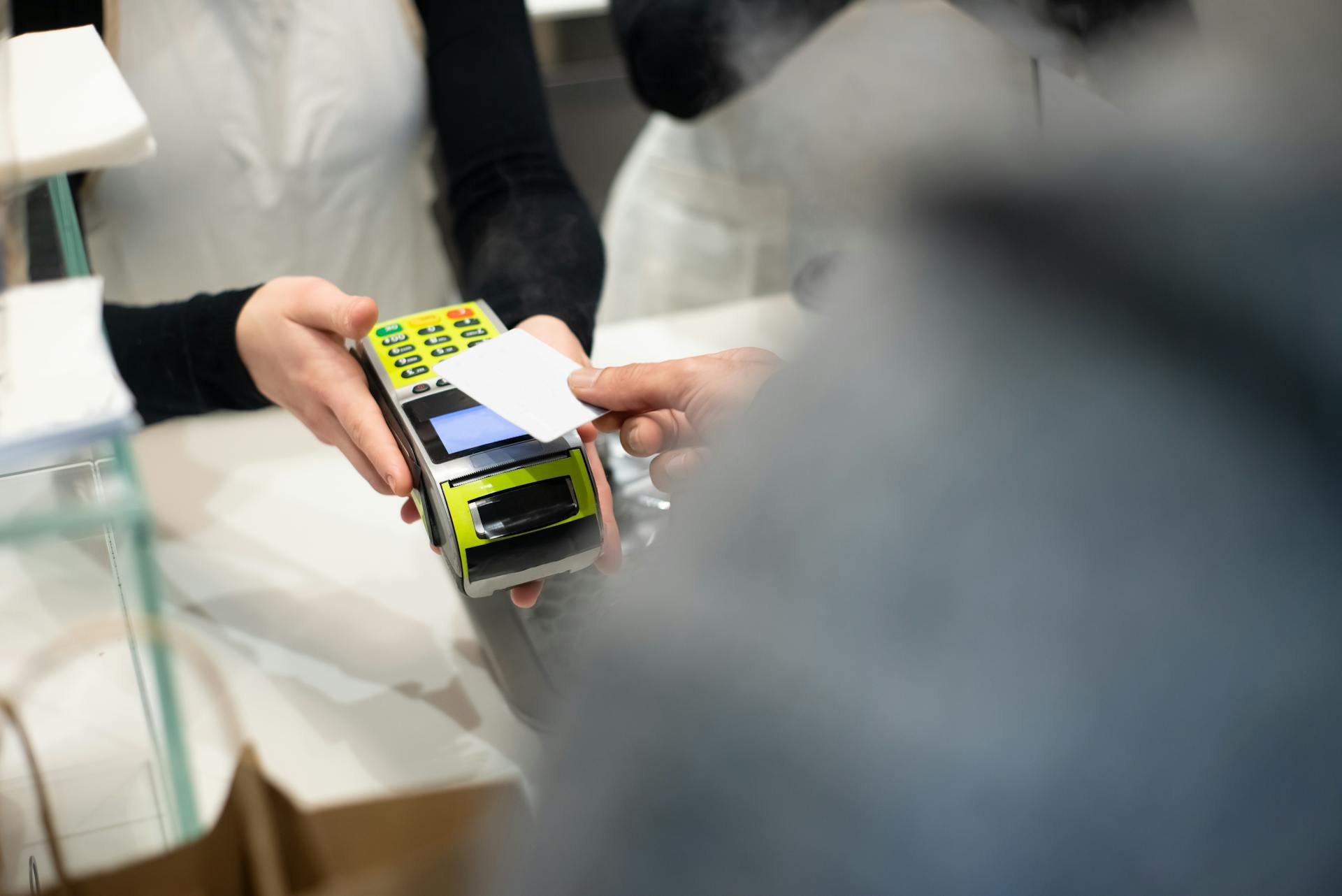
Paying the minimum payment can be tempting if you're on a tight budget, but be aware that any balance you have left will continue to accrue interest, potentially leading to credit card debt.
Your current balance is the amount of money you have spent to date, including your statement balance plus any purchases posted on your account after the end of your billing cycle.
To pay your bill, you can make a payment online, by mail, or through automatic payments. You can also set up ACH payments, which let you transfer money from one account to another.
Here's a summary of how to pay your bill online:
1. Visit the Discover website and create an account.
2. Log in to the Discover Account Center.
3. Click the "Make a Payment" link.
4. Enter the amount you want to pay.
5. Submit your payment info for processing.
Remember to pay your bill on the same day each month to avoid missed charges and fees.
Featured Images: pexels.com


