EMV chip and pin card technology is designed to provide a more secure way to make transactions. This is because the chip embedded in the card stores sensitive information.
The chip is essentially a small computer that performs calculations to verify the card's authenticity and the cardholder's identity. This is in contrast to traditional magnetic stripe cards.
A pin is required to complete the transaction, which adds an extra layer of security. This is because the pin is never stored on the card or shared with the merchant.
The EMV chip and pin card technology uses a secure protocol to communicate with the merchant's terminal, making it difficult for hackers to intercept the information.
Expand your knowledge: Terminated Merchant File
How EMV Chip and Pin Cards Work
EMV chip and PIN cards have a small metallic chip on the front that holds your payment data, making them significantly more difficult for a thief to use your card for the purpose of fraud.
This chip is designed to reduce fraud by providing a unique code for each purchase you make. The chip interacts with the card reader to confirm the card's validity and generate a one-time code, making it harder to clone or compromise.
The chip-and-PIN system also eliminates the need for employees to verify that the signature matches the one shown on the card, a process that can slow down transactions and annoy customers.
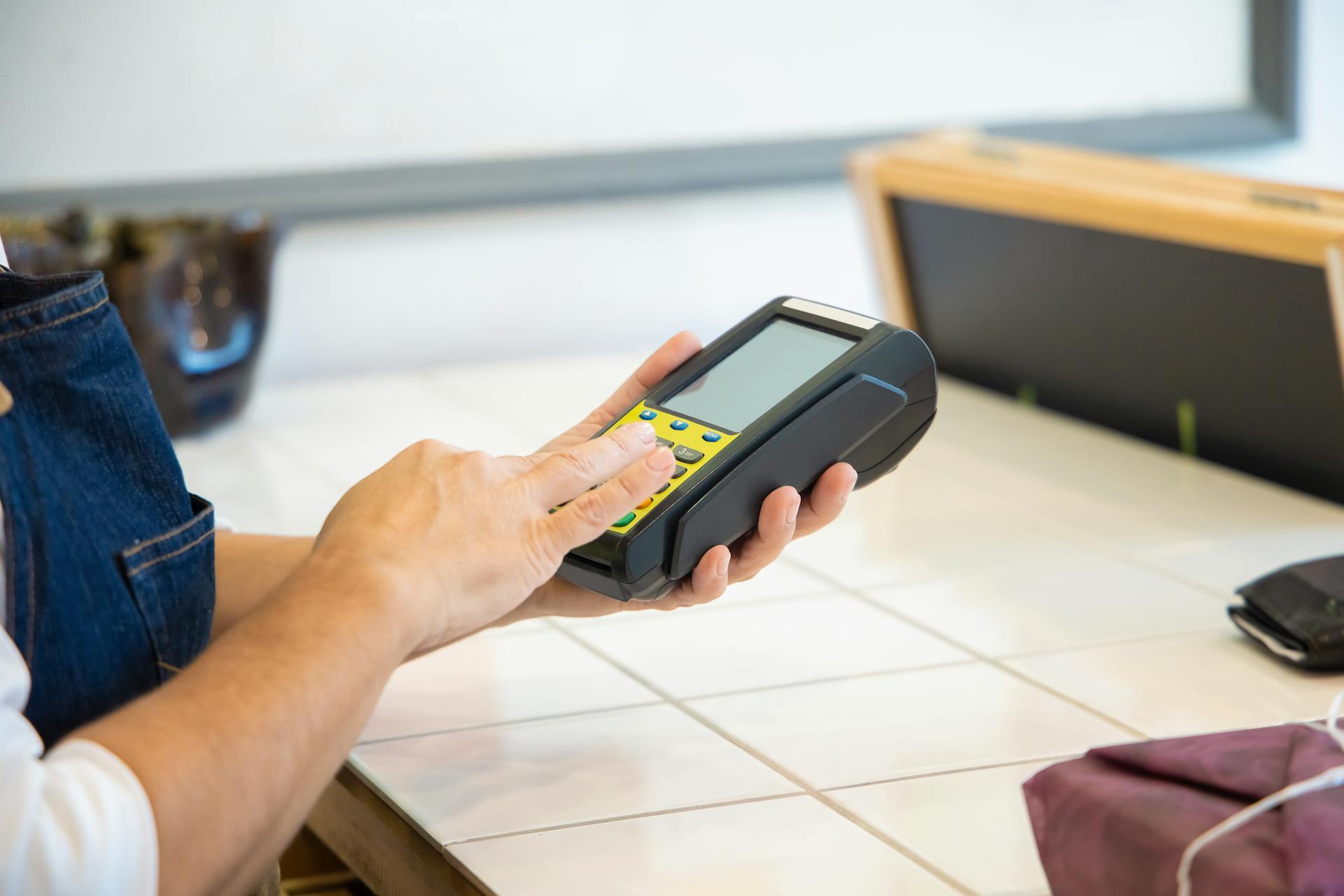
Instead, the POS terminal prompts you to enter your PIN, which is then used to authorize and complete the transaction.
The use of a PIN also bypasses the need for merchants to retain large amounts of paper records, which could easily become lost or faded over time.
Here are the key benefits of EMV chip and PIN cards:
- Generate a new transaction code each time they are used, making it unusable for additional transactions.
- Have a unique code for each purchase, making it significantly more difficult for a thief to use your card for the purpose of fraud.
- Store encrypted information, making them harder to clone or compromise.
Security and Safety
Chip and PIN technology is a significant step up in credit card security, making transactions safer than those with magnetic stripes. This is due to the unique, encrypted code generated each time you initiate a transaction.
The Fair Credit Billing Act (FCBA) sets a limit of $50 in total liability for fraudulent credit card transactions made with your card, and liability is set at $0 for fraudulent transactions made with your card number.
Credit cards with zero-fraud liability policies ensure you won't pay a dime for purchases you didn't make, as long as you dispute these charges within 60 days of the incident.
On a similar theme: Credit Scores Are Made of
Best with Security
Chip and PIN technology is a significant improvement over magnetic stripe credit cards, making it a safer option for transactions.
Chip and PIN credit cards are designed to keep your credit card number concealed, making any stolen data useless to thieves.
The Fair Credit Billing Act sets a limit of $50 in total liability for fraudulent credit card transactions, and some credit cards have zero-fraud liability policies that ensure you won't pay a dime for unauthorized purchases.
If someone uses your credit card or card number for fraudulent purchases, you can simply call your card issuer to report the incident, and the fraudulent transactions will be wiped from your account.
You'll also receive a new physical credit card and account number to use, making it easy to get back to normal.
Worth a look: Fair and Accurate Credit Transactions Act
Card Cloning
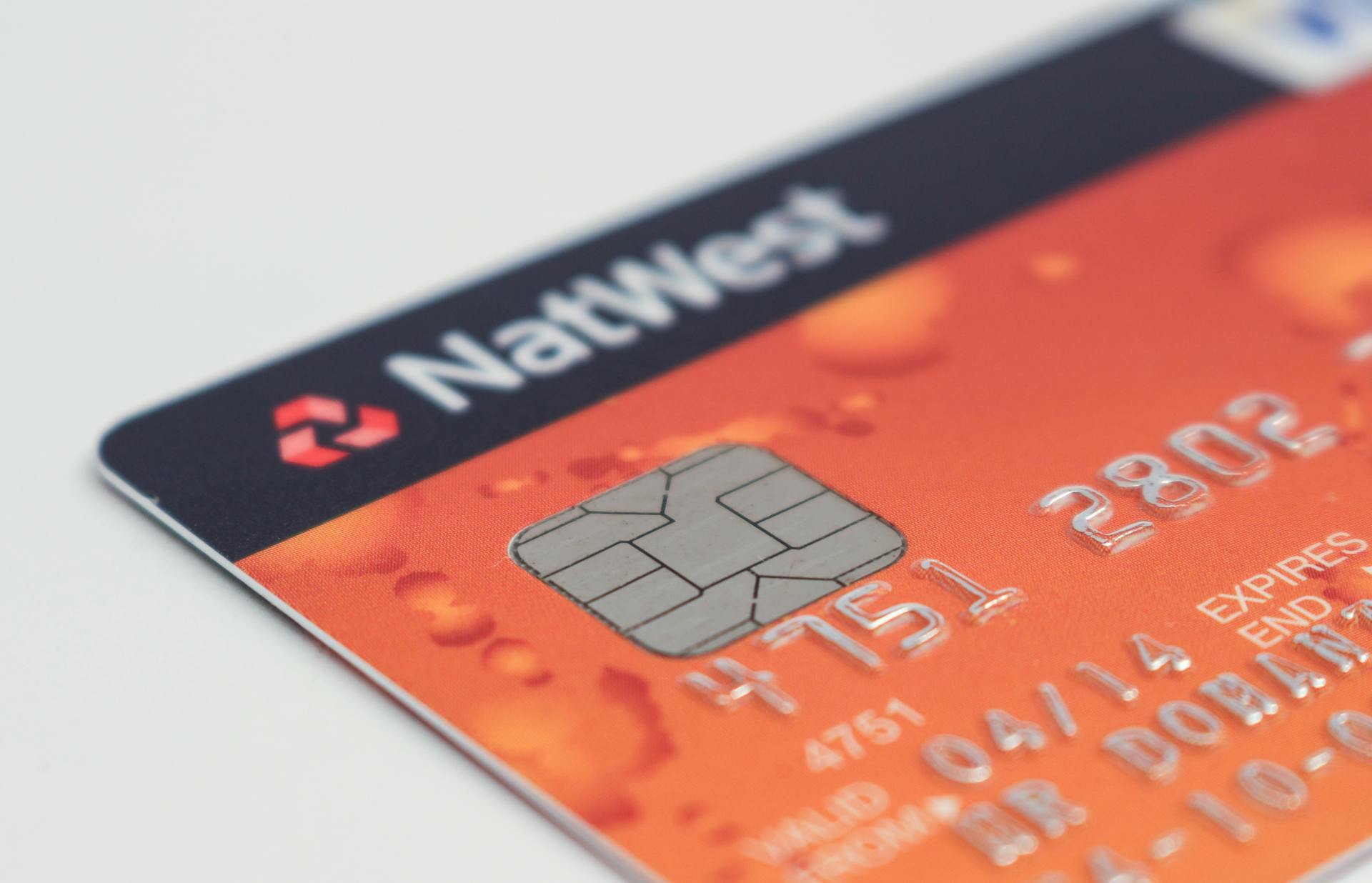
Card cloning occurs when fraudsters extract the data stored on the chip and transfer it onto a counterfeit card with a magnetic stripe.
This process typically involves using a "shimmer" device installed on a card reader to illegally capture the EMV chip data when a legitimate card is inserted.
The stolen EMV data, including the iCVV (integrated circuit card verification value), is then transferred onto the magnetic stripe of a counterfeit card.
Using the cloned magnetic stripe card at merchants that do not verify if the iCVV on the chip matches the CVV (card verification value) on the magnetic stripe can lead to fraudulent transactions.
Stronger verification standards that check for mismatched chip and magnetic stripe data can help mitigate this fraud.
While EMV chips cannot be cloned, the use of magnetic stripes as a fallback allows for this bypass technique to be exploited.
This is because some issuers fail to validate the chip data properly, making it easier for fraudsters to get away with card cloning.
Curious to learn more? Check out: Do Magnetic Wallets Ruin Credit Cards
Remove

You'll need a 4-digit PIN to complete EMV chip transactions. For credit cards, call 888-886-0083 to get your PIN.
To verify your account, you'll need to provide your card number, primary account holder's Date Of Birth, ZIP Code, and 3-digit CVV code found on the back of the card.
You can't get your PIN from a debit card by calling from any phone number, you must be calling from the home phone number they have on file for you.
You might enjoy: Bank Transfer Swift Code
Understanding and Using EMV Cards
EMV cards are equipped with a small computer chip that enhances security by creating a unique transaction code for every purchase. This is a fundamental difference from traditional magnetic stripe cards.
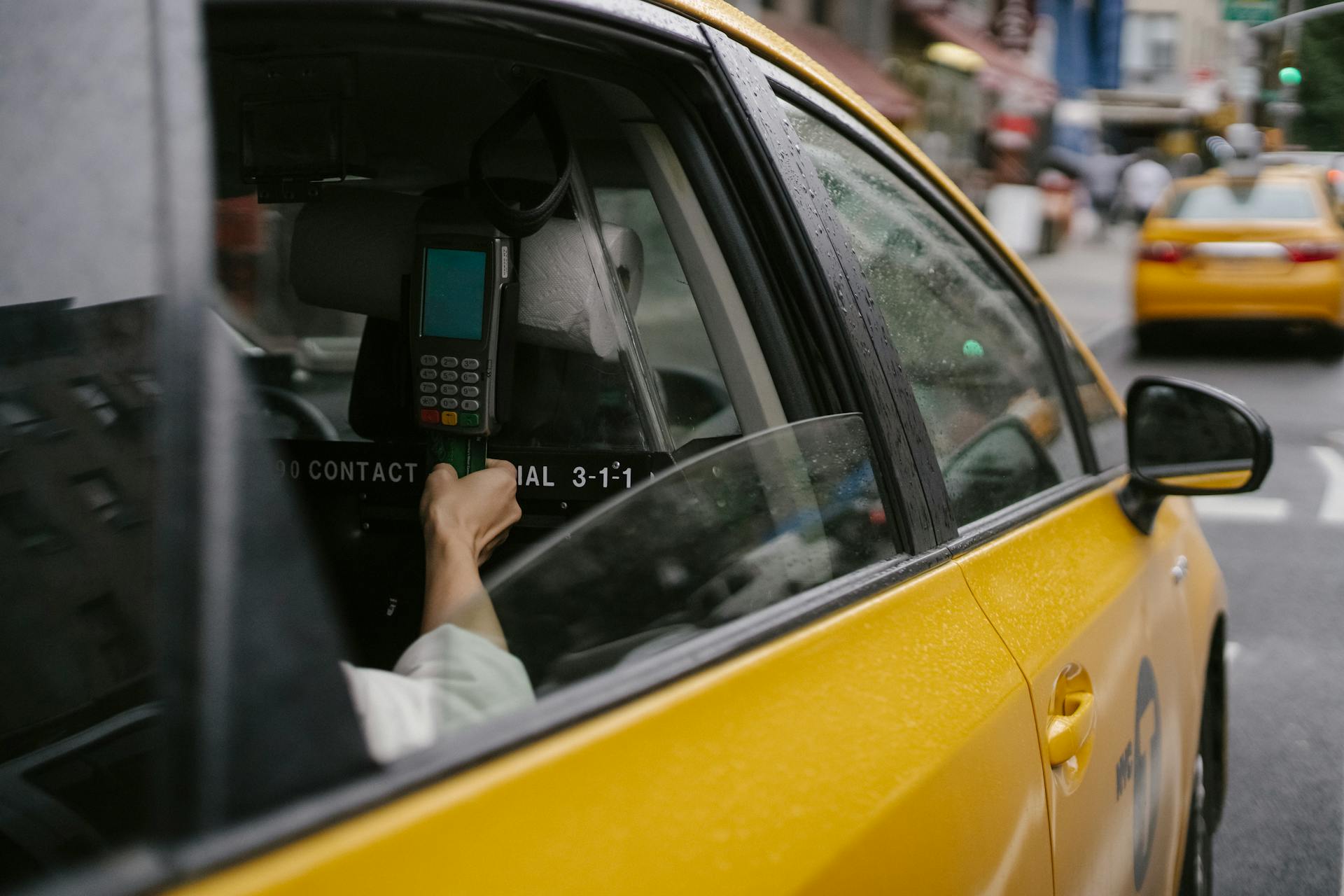
To use an EMV card, simply insert the card into the reader, chip side facing up and chip end going in first. The card remains in the terminal for the duration of the transaction, ensuring that the transaction is secure by generating a unique code for each transaction.
Worth a look: Does Capital One Savor One Have Foreign Transaction Fees
Most EMV card readers work by extracting data from the embedded chip within the payment card, offering enhanced security through encrypted data transmission. This process is fundamentally distinct from traditional magnetic stripe cards.
Here's a simple step-by-step guide to using an EMV card:
- Insert the card into the reader, chip side facing up and chip end going in first.
- The card remains in the terminal for the duration of the transaction.
- Once the transaction is approved, the card can be removed from the terminal.
Note that some EMV cards, known as chip-and-PIN cards, require the cardholder to authorize the transaction by entering their personal identification number (PIN).
What Is a Card?
A card is a type of payment device that allows you to make transactions. It's a small, portable piece of plastic or metal that stores your financial information.
Chip-and-PIN cards, in particular, require you to enter a personal identification number (PIN) to authorize a transaction. This adds an extra layer of security compared to previous generations of credit cards.
These cards are less susceptible to fraud, making them a more secure option for making purchases.
Cannot Skip Entry
It's not uncommon for EMV card readers to get stuck requiring PIN entry even for credit card transactions where a signature should be allowed instead. This can be frustrating for customers and merchants alike.
In some cases, the terminal may be set to default to PIN entry for all transactions, rather than allowing the option to skip PIN entry for credit card transactions.
According to Example 5, "Unable to Skip PIN Entry", this can be a problem that occurs with some terminals.
To avoid this issue, it's essential to configure the terminal settings correctly to allow for signature entry when necessary.
By doing so, merchants can provide a smoother and more convenient experience for their customers.
If this caught your attention, see: Emv Chip Terminal
Technology and Adoption
EMV chip and pin cards have become the new standard for secure transactions, and it's not hard to see why. As of 2021, approximately two-thirds of all issued payment cards are equipped with EMV chips, highlighting their dominance in the payment industry.
The widespread adoption of EMV technology is a testament to its effectiveness in securing transactions. Over 86% of card-present transactions now leverage EMV technology, making it the go-to choice for businesses worldwide.
The benefits of EMV technology are numerous, but one of the most significant advantages is its enhanced security features. Each transaction generates a unique code, making it much more difficult for fraudsters to duplicate card information.
Curious to learn more? Check out: Tsmc to Use Its N3p
How Card Readers Work
EMV card readers extract data from an embedded chip within the payment card, offering enhanced security through encrypted data transmission. This process is fundamentally distinct from traditional magnetic stripe cards.
To make a transaction, you need to insert the card into the reader with the chip side facing up and the chip end going in first. The card remains in the terminal for the duration of the transaction.
The chip technology generates a unique code for each transaction, ensuring that the transaction is secure. This is a major improvement over traditional card readers.
Here's a step-by-step guide on how card readers work:
- Insertion: The customer inserts the card into the reader, chip side facing up and chip end going in first.
- Processing: The card remains in the terminal for the duration of the transaction.
- Completion: Once the transaction is approved, the card can be removed from the terminal.
Dipping enhances the security of in-person card transactions by leveraging the encrypted data stored on the chip.
Global Tech Adoption
EMV technology has become the global standard for credit and debit card payments, with two-thirds of all issued payment cards equipped with EMV chips as of 2021.
This technology is used in over 86% of card-present transactions, showcasing its dominance in the payment industry.
The widespread adoption of EMV has led to a significant shift in liability for fraudulent transactions, with the merchant now responsible if they don't support chip technology.
However, this shift does not apply to card-not-present (CNP) transactions, which remain vulnerable to fraud.
As a result, merchants and processors have turned to tokenization to reduce the risk of CNP fraud, replacing card numbers with meaningless tokens.
Consider reading: Credit Check Fraud Alert
Technology's Impact on CNP Transactions
EMV technology has had a significant impact on card-not-present (CNP) transactions, shifting the liability for fraudulent transactions from the issuer to the merchant if they don't support chip technology.
The rise of tokenization has become more prevalent for CNP transactions, replacing card numbers with tokens to reduce breach risks.
Fraudsters have shifted their focus to the more vulnerable CNP channel as EMV made card-present fraud more difficult, increasing CNP fraud rates in countries that adopted EMV early.
Some issuers offer dynamic authentication like one-time passwords or biometrics for CNP transactions, adding an extra layer of security by requiring unique credentials for each transaction.
Explore further: Report Fraud Alert to Credit Bureaus
Here are some key statistics on the impact of EMV on CNP transactions:
Payment Options and Alternatives
EMV chip and pin cards offer various payment options and alternatives, making transactions more convenient and secure.
Contactless payments, a popular alternative, allow for transactions of up to £30 without entering a PIN.
EMV chip cards can also be used for online transactions, providing an added layer of security.
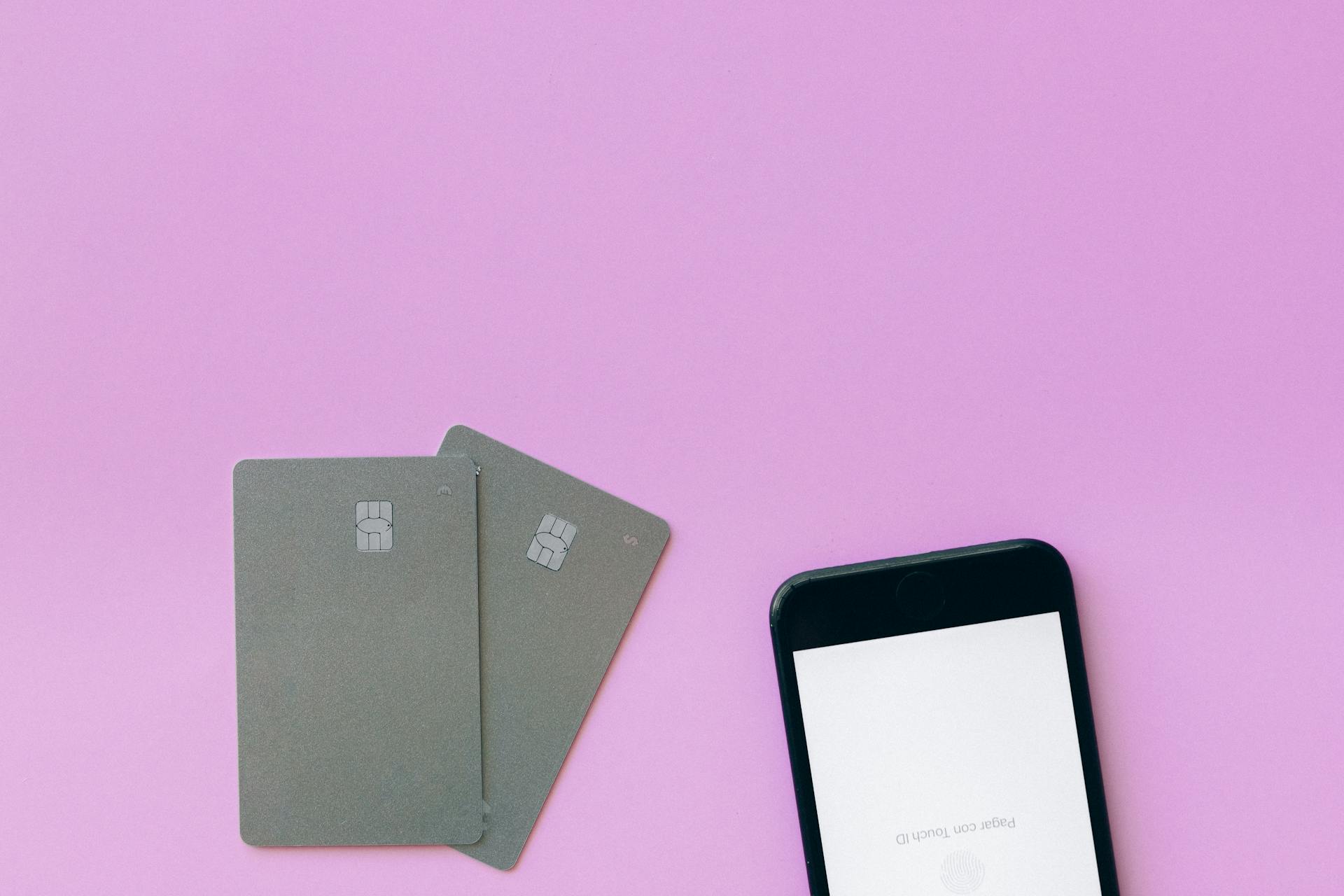
Some merchants may also accept mobile payments, such as Apple Pay or Google Pay, which use the EMV chip for secure transactions.
Related reading: Discover Secure Card Do They Check Credit
Current Credit Card Balance Inquiry
If you want to check your current credit card balance, you can do so by logging into your online account or by calling your card issuer directly.
You can also check your balance by using the mobile app of your credit card issuer, if they have one.
Most credit card issuers offer online account management tools, so you can view your balance and make payments from the comfort of your own home.
If you're having trouble accessing your account or need help with your balance, it's a good idea to contact your card issuer for assistance.
Some credit card issuers may also offer customer service by phone or email, so be sure to check your account information for contact details.
A different take: Bluebird American Express Balance
How Contactless Payments Work
Contactless payments are a convenient way to make transactions, and they work by using a special chip in your card or mobile device to transmit payment data wirelessly.
You'll know if your card is contactless-enabled by looking for a symbol of four concentric lines, similar to a wireless symbol. This symbol indicates that your card can be used for contactless transactions.
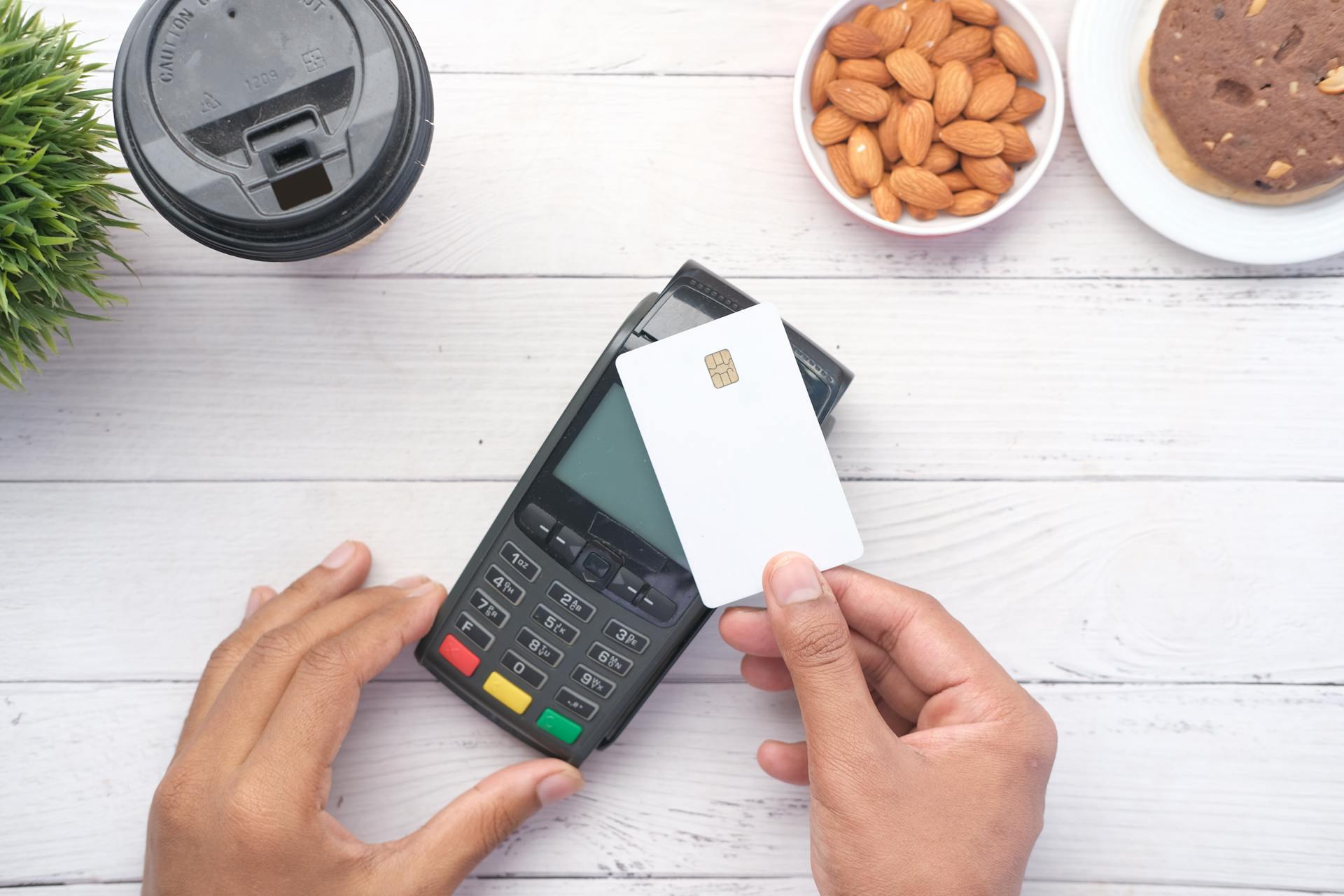
To make a contactless payment, simply tap your card or mobile device on a sales terminal or wave it nearby. No signature or PIN is required, except possibly on your first use.
If you're using a contactless-enabled card, you can also use it at sales terminals that aren't equipped for contactless payments, just insert it in the terminal like you normally would.
NFC technology enables contactless payments by wirelessly transmitting payment data between devices in close proximity.
Check this out: Citicard App
Debit Card as Credit
Debit cards can be run "as credit" instead of using a PIN, but this can lead to higher processing costs for merchants. This is because the transaction is routed through the card brand's network and charged the debit interchange rates, which are often higher than the fees charged by PIN debit networks.
Consider reading: What Does Charged off Account Mean on Credit Report
Running debit cards "as credit" means the cardholder signs for the transaction, but this option is not always the most cost-effective choice. In fact, processing PIN debit cards is typically more economical than handling signature debit cards, offering a financial advantage that can enhance a merchant's bottom line.
A PIN pad is a must-have for debit transactions, as it allows customers to securely enter their PINs, enabling smooth debit transactions. This feature is particularly beneficial for merchants, as it can lead to cost savings and optimize processing costs.
Related reading: IT Cost Transparency
Apple Pay Differences
Apple Pay only works with newer versions of the iPhone, iPad, and Apple Watch, and the merchant must have an NFC reader to accept payments.
One of the key differences between Apple Pay and EMV chip cards is that EMV cards still have a magnetic stripe on the back, which can be used for less secure transactions with older terminals.
Apple Pay uses tokenization to keep sensitive financial data secure, replacing personal account numbers with randomly generated IDs that are used for one-time transactions.
This extra security feature isn't necessarily standard with EMV cards, as it depends on the merchant services provider used to accept electronic payments.
In the online world, EMV technology becomes obsolete, making chip and PIN cards about as secure as normal swipe and sign plastic.
For more insights, see: Can Debit Cards Be Used as Credit Cards
Conclusion and Next Steps
As we wrap up our exploration of EMV chip and pin cards, it's clear that these cards are a significant improvement over traditional magnetic stripe cards.
The EMV chip provides an additional layer of security, making it much harder for hackers to intercept and steal card data.
With the EMV chip, transactions are authenticated in real-time, reducing the risk of counterfeit cards and unauthorized transactions.
This increased security has led to a significant reduction in card skimming and other forms of card-related crime.
By the end of 2020, over 70% of credit card transactions in the US were made using EMV chip technology.
As more businesses and countries adopt EMV chip and pin technology, we can expect to see even more secure and convenient transactions in the future.
For another approach, see: Does Social Security Notify Credit Bureaus of Death
Frequently Asked Questions
What cards have EMV chips?
EMV chips are commonly found on cards issued by major brands like Visa, Mastercard, American Express, Discover, JCB, and China UnionPay
Featured Images: pexels.com