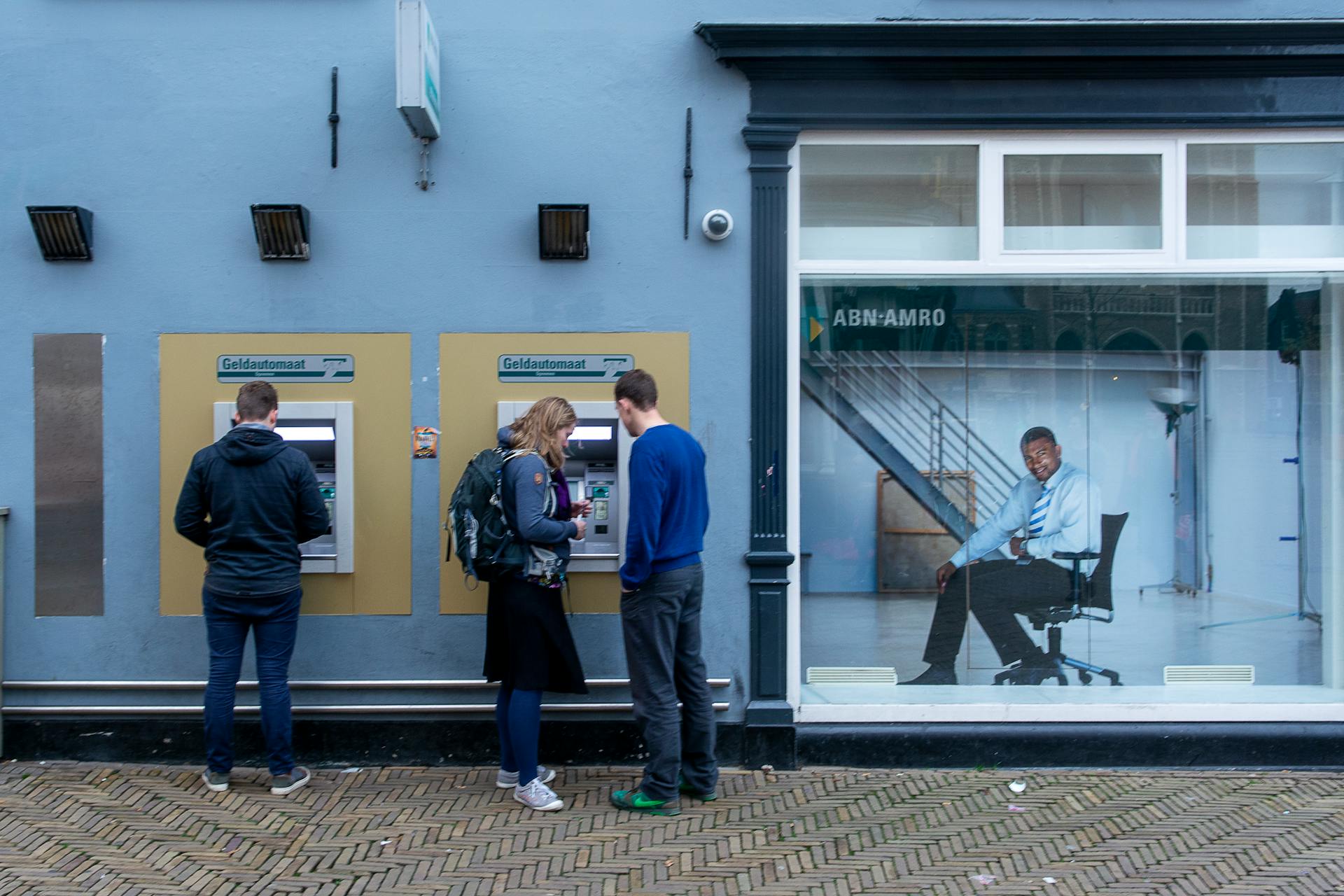
Online banking is a convenient way to manage your finances, but it's not without its risks. Phishing scams, for instance, can trick you into revealing sensitive information.
Malware is another threat, capable of stealing your login credentials and financial data.
Phishing emails often appear to be from reputable sources, making them difficult to spot. They may ask you to verify your account information or provide a password.
Malware can also be spread through infected software downloads or by clicking on suspicious links.
Why Old Processes Failed
Old processes failed because using passwords as access credentials proved to be effective as long as the risks of compromise remained low.
Financial institutions relied on user identification (IDs) and secret passwords to authenticate electronic banking customers for years. This method was effective until online banking emerged.
Online banking introduced new security vulnerabilities, including hackers and thieves accessing sensitive personal information through Internet connections. These risks included phishing, pharming, spyware, malware, worms, nimdas, viruses, buffer overflows, and spam.
The Internet's speed and convenience came at the cost of increased security risks, prompting financial institutions to search for alternatives.
Curious to learn more? Check out: Risks of Internet Banking
Regulatory Response
The Regulatory Response was a long time coming, but it's essential in addressing the dangers of online banking. In 2001, the Federal Financial Institution Examination Council (FFIEC) issued guidance on Authentication in an Electronic Banking Environment, but it lacked formal mandates and didn't prompt most financial institutions to act.
The guidance explained various threats and how banking customer access credentials could be compromised, but it didn't require action. As a result, it didn't have the desired impact on financial institutions.
In December 2004, the FDIC published a study on Internet ID theft, which concluded that passwords alone were no longer an adequate authentication strategy when assets and personal information were at risk. This study highlighted the need for stronger security measures.
The FFIEC issued further guidance in October 2005, requiring financial institutions to perform risk assessments of their electronic banking products and services. This guidance replaced the 2001 guidance and gave institutions a deadline of year-end 2006 to comply.
However, a common misinterpretation of the guidance is that the banking agencies require multifactor authentication for high-risk transactions. In reality, the guidance requires stronger authentication to mitigate high risk, which can be achieved through multifactor authentication or other controls.
Financial institutions should implement multifactor authentication, layered security, or other controls when risk assessments indicate that single-factor authentication is inadequate. The agencies consider single-factor authentication to be inadequate in high-risk transactions involving access to customer information or the movement of funds.
Stronger Controls
Stronger controls are essential to protect your online banking information. Banks have traditionally acknowledged the risks inherent in large dollar transactions and have implemented stronger authentication measures, such as multifactor authentication, for these higher-risk customers.
For example, the 2005 guidance instructed financial institutions to conduct and document the results of an Internet banking risk assessment, which identified high-risk transactions, such as bill pay and wire transfers, that require strengthened Internet authentication standards.
To stay secure, create strong passwords that are unique to each account and avoid using the same password for multiple websites and accounts. Consider using a password manager to generate unique passwords.
Stronger controls also involve activating security alerts for various activities, such as transactions that exceed a set limit, to receive notifications via text message and email.
Here are some key features of stronger controls:
Regularly incorporating these stronger controls can go a long way in preventing mobile banking app compromise and reducing the likelihood of experiencing other types of scams.
Authentication Challenges
Authentication challenges are a significant concern for online banking. In fact, the FFIEC's Information Technology Examination Handbook emphasizes the importance of managing authentication risks as part of a comprehensive risk management program.
Strong authentication practices are only part of the solution, and banks should regularly evaluate threats and vulnerabilities to their systems. This is crucial because technology changes daily, and banks must stay vigilant to maintain a proper defense.
Mobile banking apps are particularly vulnerable to cyberattacks, with 50% of banking malware targeting Android users due to the operating system's open-source nature. This highlights the need for robust security measures to protect user data.
Some banks offer the option to "trust" devices, which can simplify the login process but may not provide adequate security. In fact, Lloyds and TSB ask users if they want to "trust" their device, but banks should still monitor accounts for unusual activity and make regular security checks.
To stay safe, it's essential to be cautious when using public Wi-Fi, as hackers can intercept data on unsecured connections. In fact, the 2021 Nokia Threat Intelligence Report found that hackers can easily dispense malicious software onto devices or steal login credentials using public Wi-Fi.
Regularly updating devices and banking apps is also crucial, as updates often include patches for security vulnerabilities that cybercriminals exploit.
Common Threats
Every day, cybercriminals send 3.4 billion phishing emails, with banks being the most popular target. These emails or fake websites can trick you into entering your login credentials.

Phishing scams have become more sophisticated, with some using AI to craft convincing messages or mimic voices. This makes it even harder to spot a scam.
Malware and spyware also pose a serious threat, as they can record every keystroke to capture your usernames and passwords without your knowledge. This is a huge risk when using public Wi-Fi networks.
Hackers can intercept your data over unsecured connections or set up fake hotspots to trick you into connecting and expose your sensitive information.
You may encounter scary customer service when dealing with online banks, with some banks having poor customer support. You may even break the record for "time spent stuck on hold listening to crappy music."
Recommended read: When Was Online Banking Invented
Online Security Tips
Stay secure with online banking by being mindful of your digital safety. Each tip outlined above empowers you to defend your financial information against modern threats.
Activate security alerts for various activities, such as transactions exceeding a set limit, to receive timely notifications via text message and email. This can help you detect suspicious activity on your account.

Having outdated versions of Transport Layer Security (TLS) can leave your data vulnerable to cyberattacks. Make sure your bank's website is up-to-date with the latest security headers.
Avoid logging in to your bank account from a public computer or unsecured wireless network. Public computers can be compromised, and unsecured networks can be easily hacked.
Verify the URL of your bank's website before entering your credentials. Look for "https://" with an "s" at the end, which indicates the site is secure with an SSL certificate.
Protecting Yourself
Protecting yourself from online banking dangers is crucial. To stay safe, use a mobile banking app that offers security features such as security alerts, which can warn you about suspicious login attempts or transactions.
One way to protect your mobile banking app is to enable security alerts for various activities, such as transactions exceeding a certain limit. This can be done by setting up notifications for unusual activity.
Discover more: Online Banking Alert

Avoid logging in to your bank account from a public computer or unsecured wireless network. If you must use a public computer, never leave it unattended and always log out when you've finished.
You can also protect your mobile device by registering for Google 'Find My Device' or Apple 'Find My iPhone'. This will allow you to locate, lock, and even wipe your data remotely if your device is lost or stolen.
Consider using a VPN, such as Norton 360 Deluxe, which provides a wealth of security tools to keep you safe online.
**Security Features to Look for in Your Mobile Banking App**
Note: This table shows the security features offered by various banks, but it's essential to check with your bank to confirm their specific features.
Take a look at this: Online Banking Features
Device Security
Keeping your devices up to date is crucial for online banking security. Install updates for your operating system and banking apps as soon as they're available, as updates often include patches for security vulnerabilities that cybercriminals exploit.

Old software leaves you exposed to attacks, so make sure to keep all devices, apps, and browsers up to date. Updates contain security patches for new vulnerabilities, and it's essential not to carry on using an old device that's not getting updates.
Use antivirus software and keep your devices secure. A good security program and antivirus software can protect your computer or laptop from malware and other threats. Consider using a service like Norton 360 Deluxe, which provides a wealth of security tools such as a VPN, parental controls, and malware protection.
Here's a quick rundown of the banks' online banking security ratings:
Regularly update your device's software, and use a secure network to minimize the risk of hacking.
Data Breaches
Data breaches occur when cybercriminals exploit website or system vulnerabilities to gain access to sensitive information. A bank may experience a data breach if they don’t prioritize cybersecurity—and hackers can also use stolen data to compromise mobile banking apps.

To stay safe online, always look for a padlock symbol in or next to the address bar in your browser. This indicates that the website is encrypted, so no one else but that website can read any card details or passwords you enter.
However, a padlock symbol doesn't guarantee a site can be trusted. It only means the website is encrypted, which is a good start.
Regularly monitoring your accounts is also crucial. Review your account activity frequently and set up transaction alerts to notify you immediately if any suspicious or unauthorized activity occurs.
Keep Devices and Apps Updated
Keeping your devices and apps updated is one of the most crucial steps in maintaining your online security. Updates often include patches for security vulnerabilities that cybercriminals exploit, so using outdated software leaves you exposed to attacks.
In fact, developers strive to provide software updates for apps and operating systems year-round, and when security updates are available for your smartphone, laptop, tablet, or mobile banking apps, install them as soon as possible.

Updates contain security patches for new vulnerabilities, and it's essential not to carry on using an old device that's not getting updates. For instance, Windows 7 won't be getting any more updates after January 2020, and you will be at risk if you carry on using this for online banking after this date.
Here are some key things to remember:
- Install updates for your operating system and banking apps as soon as they're available.
- Keep all devices, apps, and browsers up to date.
- Updates contain security patches for new vulnerabilities.
By following these simple steps, you can significantly reduce the risk of your devices and apps being compromised by cybercriminals.
Login and Navigation
Login and Navigation is a crucial aspect of online banking, and banks can do better. We found that some banks don't log you out after five minutes of inactivity, which is a security risk.
Using a card reader or mobile banking app to log in every time is a good practice, but some banks don't allow it. Instead, they might send a one-time passcode via SMS, which is the least secure way to authenticate customers.
To safely log out, look for banks that offer one-click logout, rather than asking for confirmation. This may seem like a minor detail, but it's an important aspect of online banking security.
Login

To log in to your bank's account, you need to be on the official website, which should have "https://" with an "s" that indicates a secure connection with an SSL certificate.
Double-check the domain name to ensure it's spelled correctly.
Verify the URL before entering your login credentials to avoid phishing scams.
Some banks require you to use a card reader or mobile banking app to log in every time, which is a more secure option.
Banks that send a one-time passcode via SMS are considered the least secure way to authenticate customers, as criminals can intercept these texts.
Readers also liked: Which Bank Is Most Secure for Online Banking
Navigation and Logout
Logging out after a period of inactivity is crucial for security. Banks should log you out after five minutes of inactivity, but some banks failed to do so in our test.
Confirming logout decisions can be a hassle. We want banks to allow one-click logout, rather than asking for confirmation first.
Industry guidance may suggest asking for confirmation, but instant logout is safer.
Preventing Misdirected Payments with Confirmation of Payee
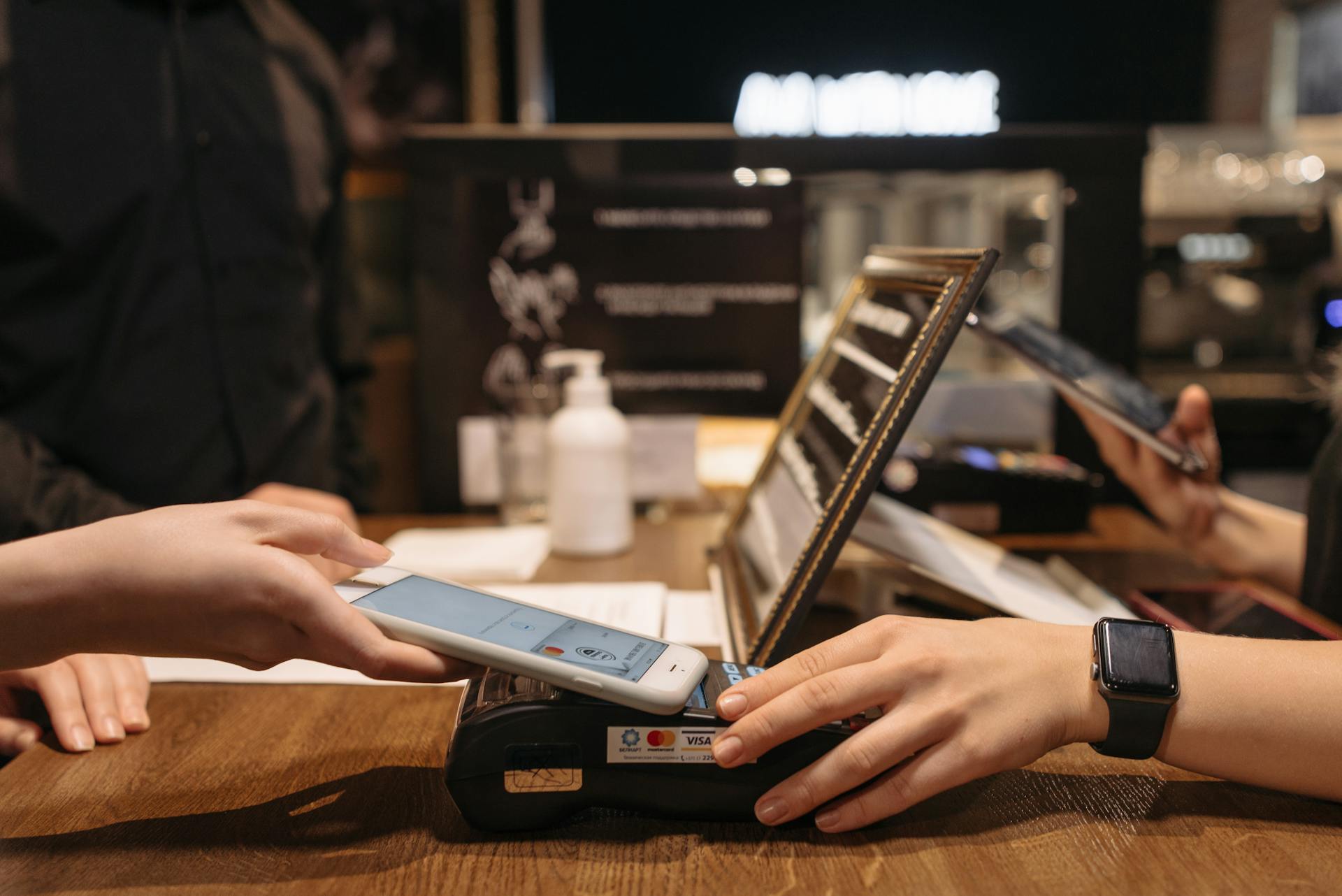
Confirmation of Payee (CoP) is a name-checking system that prevents payments being made to the wrong bank accounts, and combat fraud.
It checks the name of the payee against the account details provided and alerts you if they don't match. Not all banks offer it, but over 300 financial firms have adopted it, covering 99% of all transactions made through Faster Payments and CHAPS.
You're more likely to make a mistake than you think - 12% of people paid into the wrong account by accident in the past 12 months, according to a survey in September 2020.
If you do make a mistake, your bank or the receiving bank will follow the credit payment recovery process, and you'll be refunded within 20 working days if the recipient doesn't dispute your claim.
However, there are no guarantees you'll recover the misdirected money - if the recipient claims it's rightfully theirs, you should seek legal advice and may need to take court action against them.
CoP can also help protect you from bank transfer fraud, also known as authorised push payment (APP) fraud.
Intriguing read: Quickbooks Online Payments Bank to Bank
Protecting Against Bank Fraud
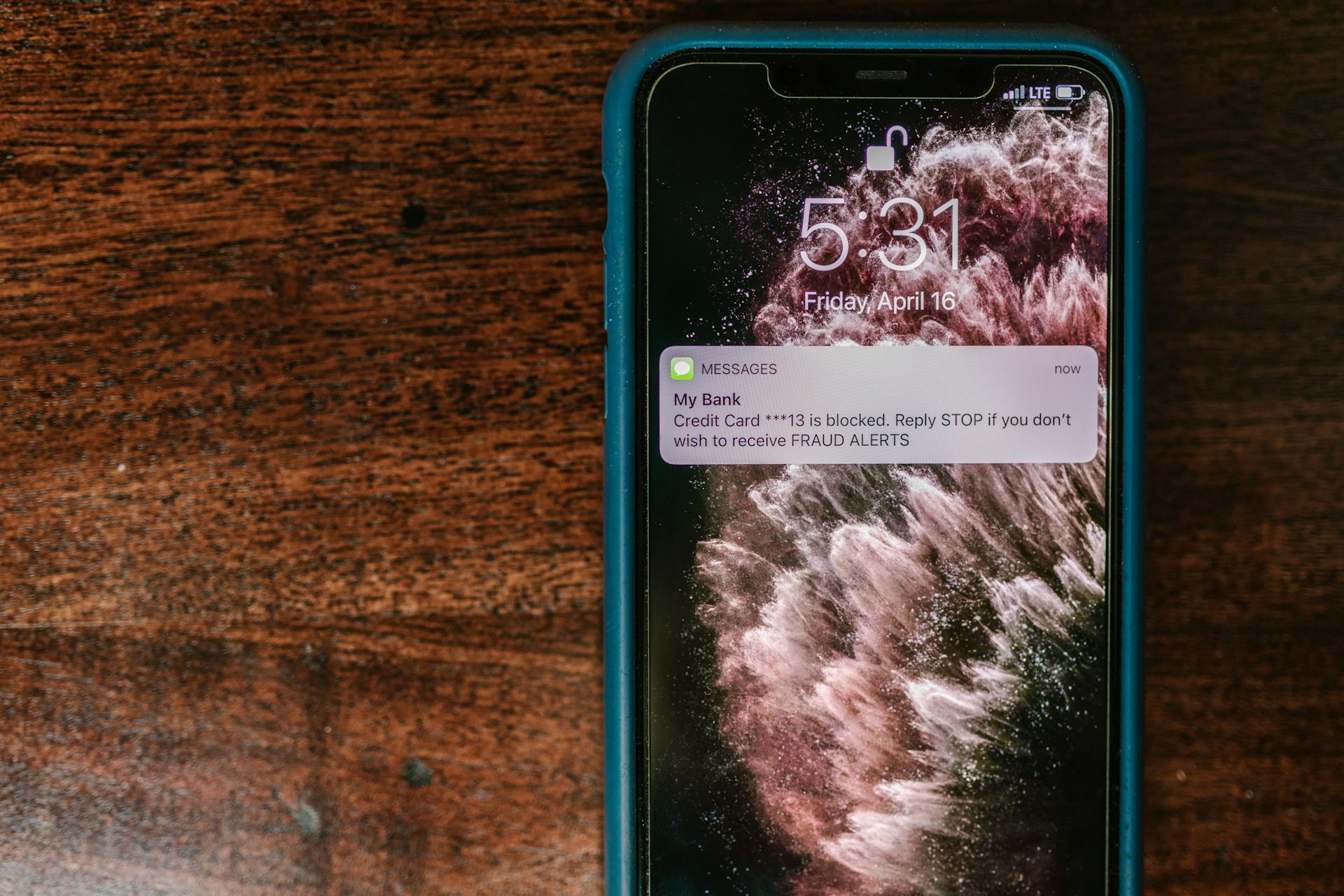
New Valley Bank & Trust uses advanced security measures to protect your online banking experience, including encryption protocols like Secure Socket Layer (SSL) and Transport Layer Security (TLS), which safeguard your data during transmission.
You can also opt into security alerts to enhance your online banking safety, so you're always informed about account activity. This way, you can stay on top of your finances and catch any suspicious activity immediately.
To stay safe, treat unsolicited phone calls, letters, emails, and texts with caution, as they may be attempts to scam you. Be extra vigilant when adding payment details, particularly for large transfers, and use a service like Norton 360 Deluxe to provide additional security tools.
Confirmation of Payee: How it Works
Confirmation of Payee is a name-checking system that prevents payments from being made to the wrong bank accounts, and combat fraud.
It checks the name of the payee against the account details provided and alerts you if they don't match. Not all banks offer it, but over 300 financial firms have adopted it, covering 99% of all transactions made through Faster Payments and CHAPS.
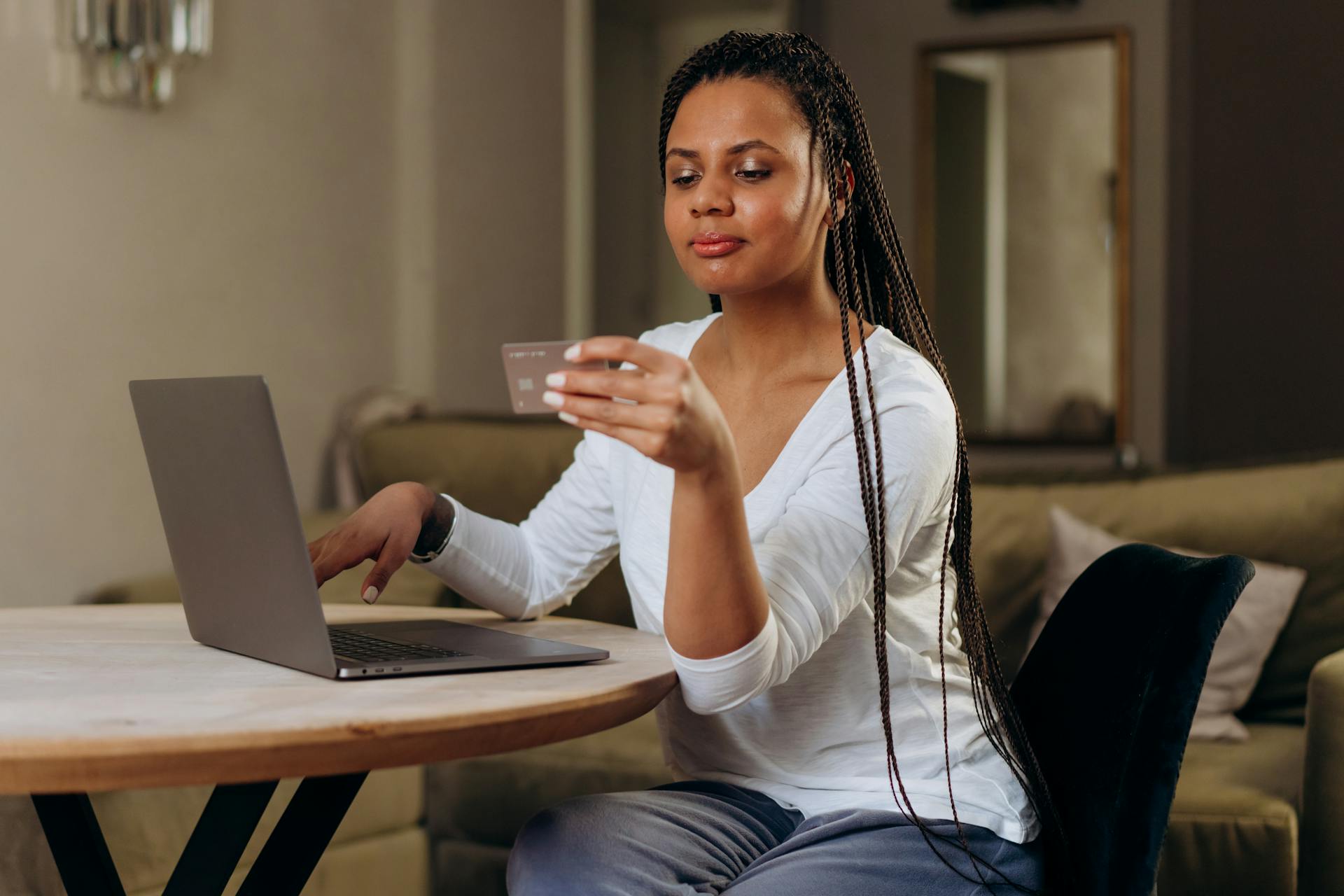
If CoP is in place, your bank checks if the full name matches the details held by the recipient's bank. If the name entered doesn't match - or only partially matches - the account details, you'll know something is wrong.
You can still choose to ignore these warnings and authorise the payment regardless, though banks make a point of stating that you do so at your own risk.
Protecting Yourself from Bank Fraud
New Valley Bank & Trust uses advanced security measures to protect your online banking experience, including encryption protocols like Secure Socket Layer (SSL) and Transport Layer Security (TLS), which safeguard your data during transmission.
You can opt into security alerts to enhance your online banking safety and stay informed about account activity. This empowers you to defend your financial information against modern threats.
Criminals are constantly inventing new ways to try to get their hands on your money, so it's essential to stay vigilant. Treat unsolicited phone calls, letters, emails, and texts with caution.
A service like Norton 360 Deluxe provides a wealth of security tools to help keep you safe online, including a VPN, parental controls, and malware protection.
Banks and building societies who offer Faster Payments must follow the credit payment recovery process if you make a mistake, contacting the receiving bank on your behalf within two days of reporting the mistake.
If Confirmation of Payee (CoP) fails to work, don't assume it will always work. In November 2020, Which? Money discovered that certain Starling customers had missed out on these checks for an entire month following a system update.
You can still choose to ignore CoP warnings and authorise the payment regardless, though banks make a point of stating that you do so at your own risk.
Curious to learn more? Check out: How Does Internet Banking Work
Steps to Take After Bank Fraud
If you think you've been a victim of bank fraud, check your account online regularly to spot any irregularities and contact your bank as soon as possible.

Contact Action Fraud on 0300 123 2040, or Police Scotland on 101, to report the incident. Your bank is legally required to refund unauthorized transactions and restore your account to its original state unless they can prove you've acted fraudulently or been grossly negligent.
Banks can't refuse to refund you based on a hunch – they must investigate properly. They don't always get this right, so be sure to keep track of your case.
If you're unhappy with the way your bank has dealt with your complaint, you can refer the matter to the Financial Ombudsman Service (FOS).
Browsing and Statements
To browse safely online, look for a padlock symbol in the address bar and ensure the web address starts with 'https'. This encrypts the website, making it harder for others to read your sensitive information.
Regularly checking your bank account and credit card statements is crucial to spotting suspicious transactions. Try to shield your Pin when using public machines or stick to in-branch machines, which are less likely to have been tampered with.
Banks should send instant notifications when account details are altered, alerting you to potential breaches. However, be cautious of messages that include phone numbers or web links, as scammers often replicate these to trick you into calling or entering your details on a fake website.
Scan Your Statements

Regularly check your bank account and credit card statements for suspicious transactions. This is a crucial step in detecting potential scams.
Scan your statements at least once a month to stay on top of your finances. You can also set up digital notifications to alert you to any unusual activity.
If you spot something unfamiliar, report it to your bank or card provider as soon as possible. Don't delay, as the sooner you act, the less damage a scammer can cause.
Try to shield your Pin when using an ATM, as some scammers may have installed cameras above the keypad to steal your information. In-branch machines are generally safer than those on the high street.
Early detection is key to preventing financial losses. By regularly monitoring your accounts, you can quickly report issues and limit the damage.
For more insights, see: Bank Statements Online
7. Browse Safely
Browsing safely is crucial when dealing with sensitive information online. Look for a padlock symbol in or next to the address bar in your browser, and ensure the web address changes from 'http' to 'https'.

This security measure doesn't guarantee a site can be trusted, but it does mean the website is encrypted, so no one else but that website can read any card details or passwords you enter. Some sites have an extended validation certificate, shown as a padlock alongside the company name.
This requires the company to undergo more rigorous checks, providing an added layer of security.
Steps to Take After Bank Fraud
If you're a victim of bank fraud, check your account online regularly to spot any irregularities.
Contact your bank as soon as possible to report the issue, and they'll be legally required to refund unauthorized transactions unless they can prove you acted fraudulently or were grossly negligent.
Your bank must investigate properly before refusing to refund you, but they don't always get this right.
Action Fraud on 0300 123 2040 or Police Scotland on 101 can also be contacted to report the incident.
You can refer the matter to the Financial Ombudsman Service if you're unhappy with how your bank handled your complaint.
Featured Images: pexels.com